|
|
Latest Articles

New Movies




Foreign


|

Torrent Description
Обучающие видео » Компьютерные видеоуроки и обучающие интерактивные DVD » Программирование (видеоуроки)
The Complete Unity Game Development Course [hr] Год выпуска: 2020 Производитель: Udemy Сайт производителя: Udemy.com Автор: Penny de Byl Продолжительность: 20:05:25 Тип раздаваемого материала: Видеоурок Язык: Английский Субтитры: Английские (ручные), Русские (автоперевод) Описание: Create Your Own First Person Shooter Zombie Game. [spoiler="Detailed description"] Getting started in game development doesn't have to be scary. All you need is the passion to learn and an inquisitive, experimental nature for combining code, animation, graphics, artificial intelligence, art and audio. Sounds like a lot? It is, but when you see how you as a solo developer can bring it all together there's a touch of magic in the air. Unity is the number one game development engine due to its ease of use and yet powerful abilities. It works on all platforms and can export to desktop, console and mobile devices. It's a great way for the beginner to jump straight into the world of game development and get their hands on the tools used by AAA game studios to produce games such as Hearthstone (Blizzard Entertainment), Cities: Skylines (Colossal Order) and Monument Valley 2 (ustwo Games) and best of all, for the beginner and hobbyist it is free! In this course, Penny demystifies Unity's interface and plethora of tools to bring art, code, design, and more together to produce a fully-fledged First Person Shooter game completely from scratch. Using her internationally acclaimed teaching style and knowledge from over 25 years working with games, graphics, and having written two award-winning books on games A.I., Penny will take you from complete noob to a confident user of Unity. Throughout, you will follow along with hands-on workshops designed to take you through every step of becoming familiar with all the functionality of the game engine. Throughout, you will work towards the creation of a First Person Shooter set in a post-apocalyptic world complete with zombies out for the player's brains! This course was created with Unity 2019.3.11f however is compatible with Unity 2019.4.2f1 (LTS) on either Mac or PC. [/spoiler] [spoiler="Course content"] [spoiler="Introduction"] [*]Introduction [*]Join the H3D Student Community [*]FAQs [/spoiler] [spoiler="Getting Started with Unity"] [*]Installation [*]Navigating the Interface Part 1 [*]Navigating the Interface Part 2 [*]Models and Meshes [*]Textures [*]Textures and UV Values [*]More About Materials [*]Shaders [*]Physics [*]Physics Materials [*]An Overview of Programming with Events [*]An Overview of Programming with Properties [/spoiler] [spoiler="Creating a First Person Character with Controller"] [*]Programming FPC Movement [*]Character Physics [*]A First Person Camera [*]Orientating and Restricting Movement [*]Cursor Locking [*]Adding Character Model [*]Transitioning Between Animations [*]Animation Triggers [*]Adding a Weapon [*]Completing the Player Animation [*]Sound Events in Animation [*]Randomising Sounds [*]Jumping and Landing Sounds [/spoiler] [spoiler="Picking Up Items"] [*]Creating Pickups [*]Detecting Collisions with Pickups [*]Keeping an Inventory [*]Firing a Weapon To Deplete Ammunition [*]Depleting and Topping Up Health [*]Ammunition Clip Management [*]Fixing Footstep and Jump Sounds [/spoiler] [spoiler="The Game Environment"] [*]Sculpting a Terrain [*]Texturing a Terrain [*]Trees [*]Adding Terrain Details [*]Skyboxes Part 1 [*]Skyboxes Part 2 [*]Fog [*]Adding Buildings and Props [*]Design Principles for Terrain Aesthetics [*]Game Map Layouts [*]Constructing the Game Level with FPC [/spoiler] [spoiler="Zombies!!"] [*]Creating Animated Zombies [*]Importing Zombies To Terrain [*]Navigation Meshes [*]Programming NavMesh Agents [*]Finite State Machines Part 1 [*]Finite State Machines Part 2 [*]Finite State Machines Part 3 [*]Spawning Part 1 [*]Spawning Part 2 [/spoiler] [spoiler="Doing Combat"] [*]Ragdolls Part 1 [*]Ragdolls Part 2 [*]Shooting at Zombies Part 1 [*]Shooting at Zombies Part 2 [*]Creating a Targeting Site for a Weapon [*]Burying the Undead [*]Sinking Ragdolls [*]Damaging The Player Part 1 [*]Damaging The Player Part 2 [*]Game Over Part 1 [*]Game Over Part 2 [*]Victory Dance [/spoiler] [spoiler="Heads Up Display"] [*]Getting Started with Unity_s UI [*]Creating a Health Bar [*]Ammunition Counts [*]Displaying Bullets Left in Gun [*]Building a Zombie Radar Part 1 [*]Building a Zombie Radar Part 2 [*]Adding Medkits and Ammo Boxes to the Radar [*]Building a Goal Pointing Compass [/spoiler] [spoiler="Final Touches"] [*]Lighting [*]Reflection Probes [*]Particle Systems Part 1 [*]Particle Systems Part 2 [*]Complex Fire Particle System [*]Zombie Blood Spatter [*]Screen Blood Spatter [*]Sound Effects [*]Zombie Sounds [*]Randomly Playing Sound Loops [*]Post Processing [*]Future Work with Unity Packages [*]Main Menu and Scene Switching [*]Continuous Background Music [*]Volume Controls [/spoiler] [spoiler="Extra Challenges"] [*]Zombie Game Title [*]Game Over [*]Victory Music [*]Three Strikes and You_re Out [*]Random Blood Splatter Sizing [*]Zombies More than One Shot Wonders [*]Checkpoint Compass [/spoiler] [spoiler="Last But Not Least"] [*]Building The Game [*]Some Final Words from Penny [*]Where to now [/spoiler] [/spoiler] [spoiler="Learn how to code, animate, and work with"] [*]The Unity Development Environment. [*]Unity's C# interface. [*]Terrain Sculpting Tools for creating game maps. [*]First Person Characters and Animations for Walking, Shooting, and Reloading. [*]Pickup Items for Medical Kits and Ammunition. [*]3D Models of Zombies to add Animations for Walking, Chasing and Attacking. [*]An inventory system to keep track of player health and ammunition supplies. [*]Navigation Meshes for programming the movement of zombies and path planning on a terrain. [*]Finite State Machines for defining enemy A.I. behaviours. [*]Constructing Ragdoll models for dynamic death animations. [*]A Heads Up Display to inform the player of their health level and ammunition level, complete with a radar for locating zombies and a compass to guide the player home. [*]Special Effects such as fire, blood splatter, and lighting techniques. [*]Building the game to a standalone product. [/spoiler] [spoiler="Who this course is for"] [*]Beginners interested in learning Unity and game development from scratch [*]Beginners already familiar with Unity who want to learn how to create a First Person Shooter [/spoiler] [spoiler="What you'll learn"] [*]The Unity Game Engine Software [*]Creating and animating a first person character for use in an FPS [*]Animating humanoid models and NPCs [*]Artificial Intelligence techniques for defining the behaviour of non-player characters [*]Using particle systems to simulate fire, fog and blood [*]Using physics to develop a shooting mechanic with rag doll animations [*]Unity's Canvas to develop an integrated heads up display with maps, radar and compass [*]How to create pickup items with colliders and triggers [*]Add position checkpoints to save player locations [*]Add dynamic visual and audio special effects [*]Unity's Terrain Sculpting System for developing game maps [*]How to use lighting to enhance a game environment [*]Post Processing Techniques to enhance the look of a game environment [*]How to build a standalone game from Unity [/spoiler] [spoiler="Requirements"] [*]Students must be confident with a procedural or object-oriented programming language such as C# [*]Students will require a Mac or PC with the free version of Unity installed [/spoiler] [hr] Файлы примеров: присутствуют Формат видео: MP4 Видео: H264, 1280x720, 16:9, 30 fps, 2816 kb/s Аудио: AAC, 44.1 kHz, 125 kb/s, Stereo [spoiler="Скриншоты"] 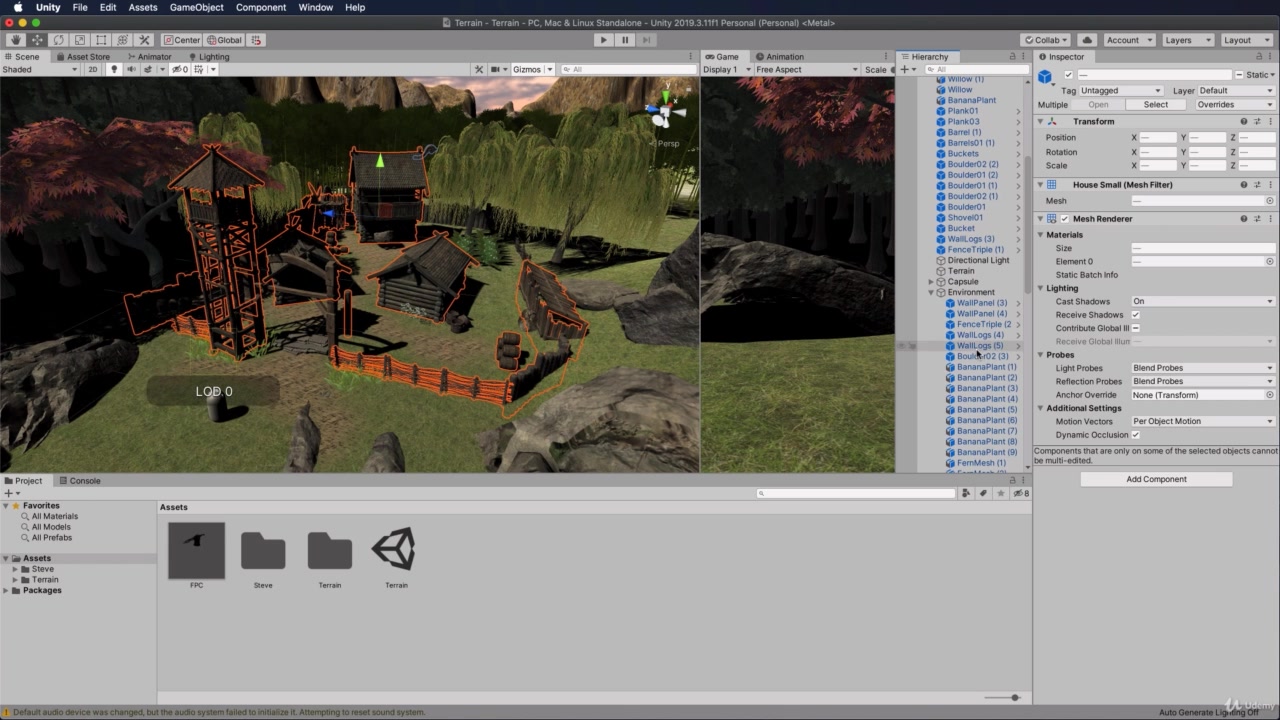  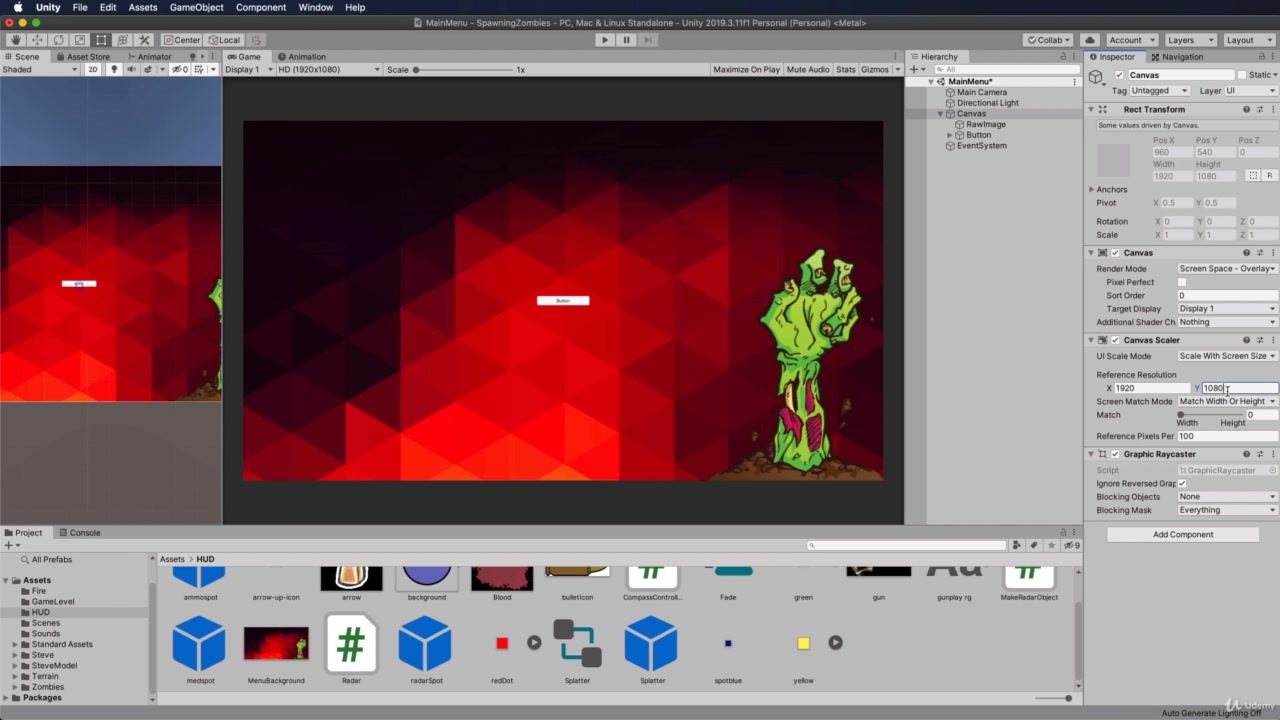 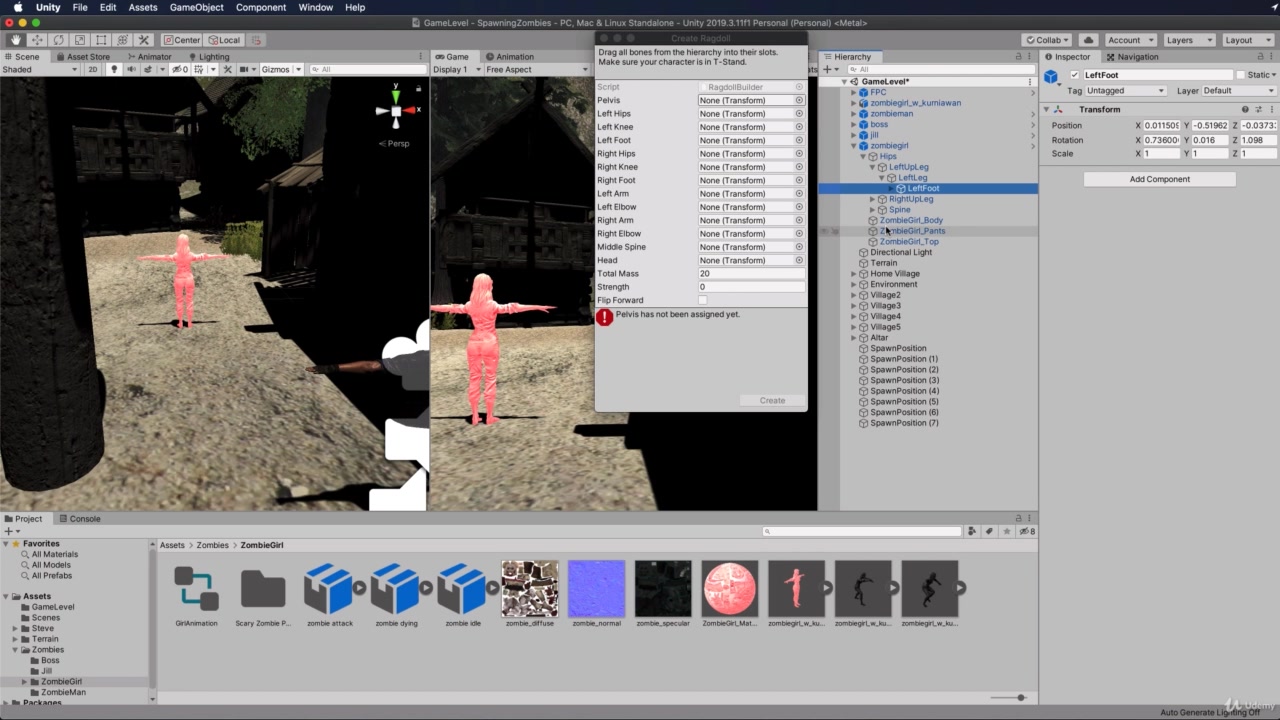 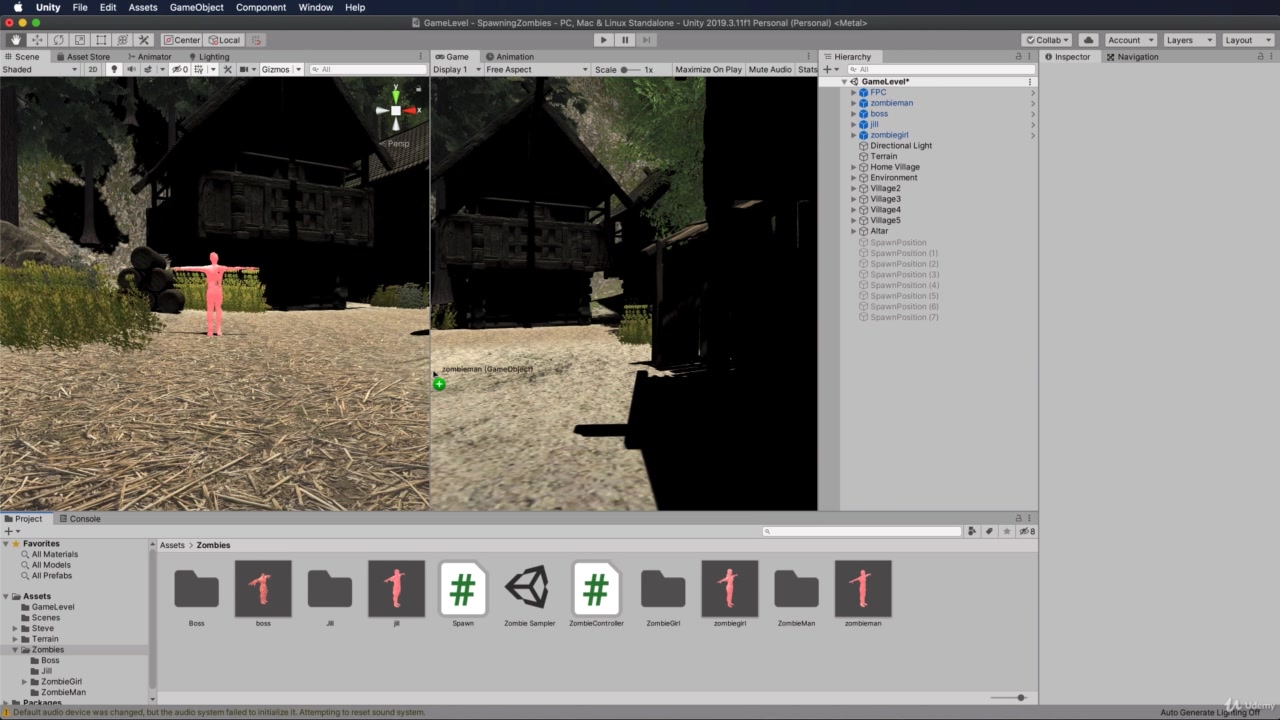 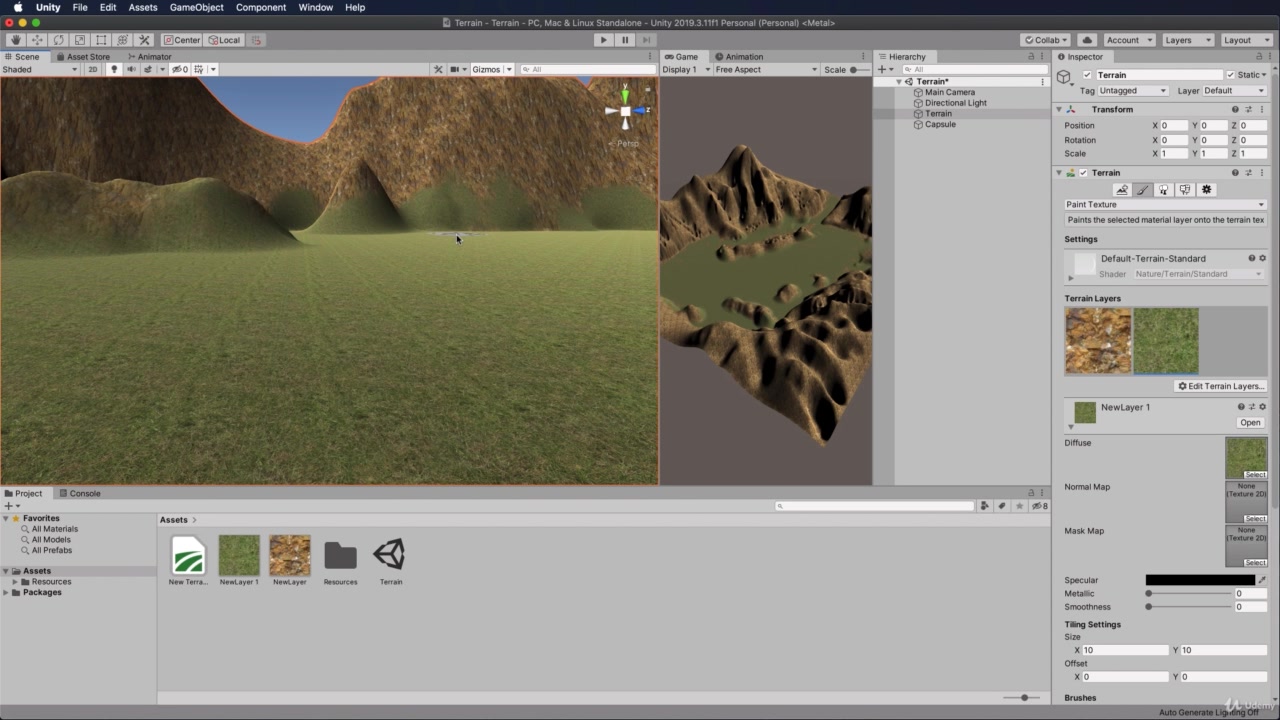 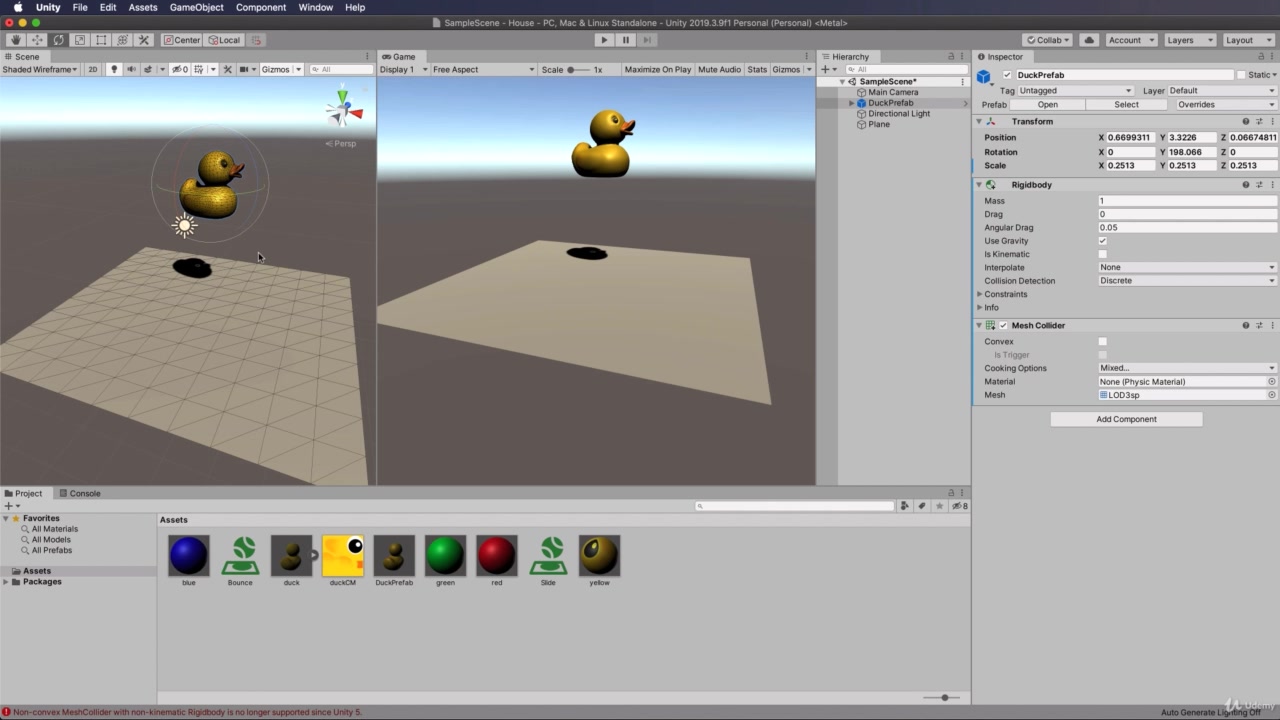 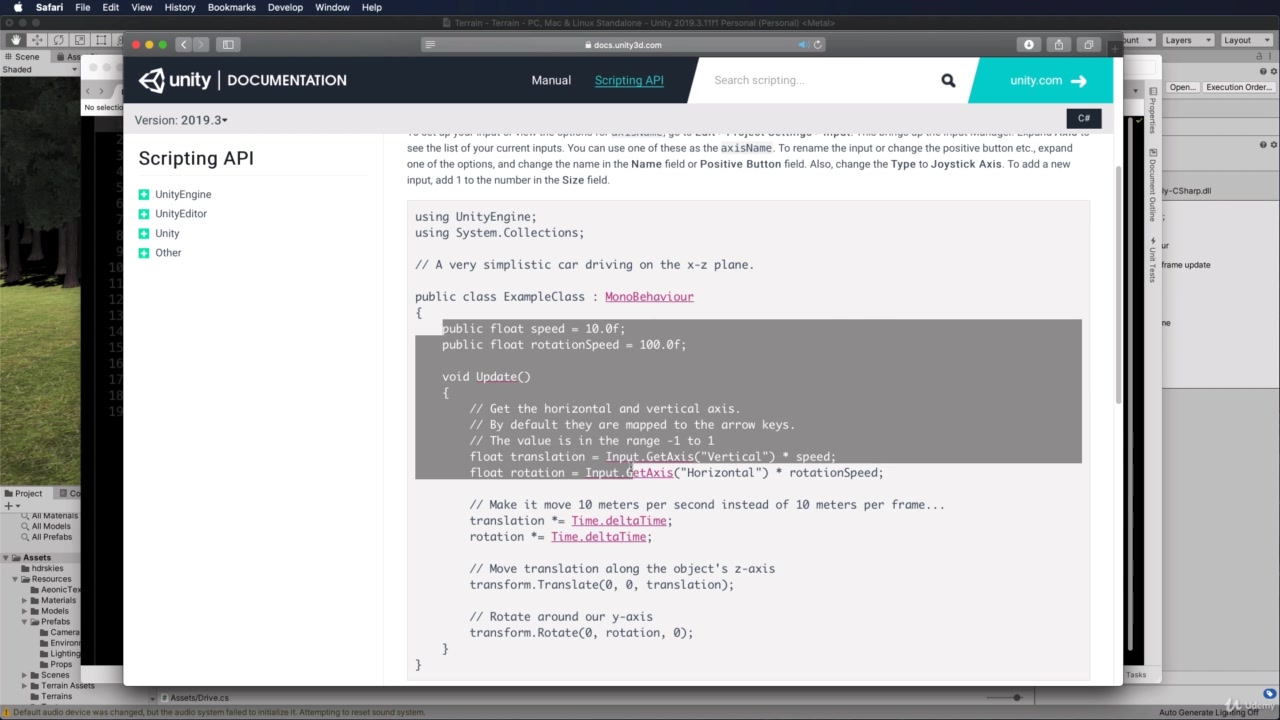 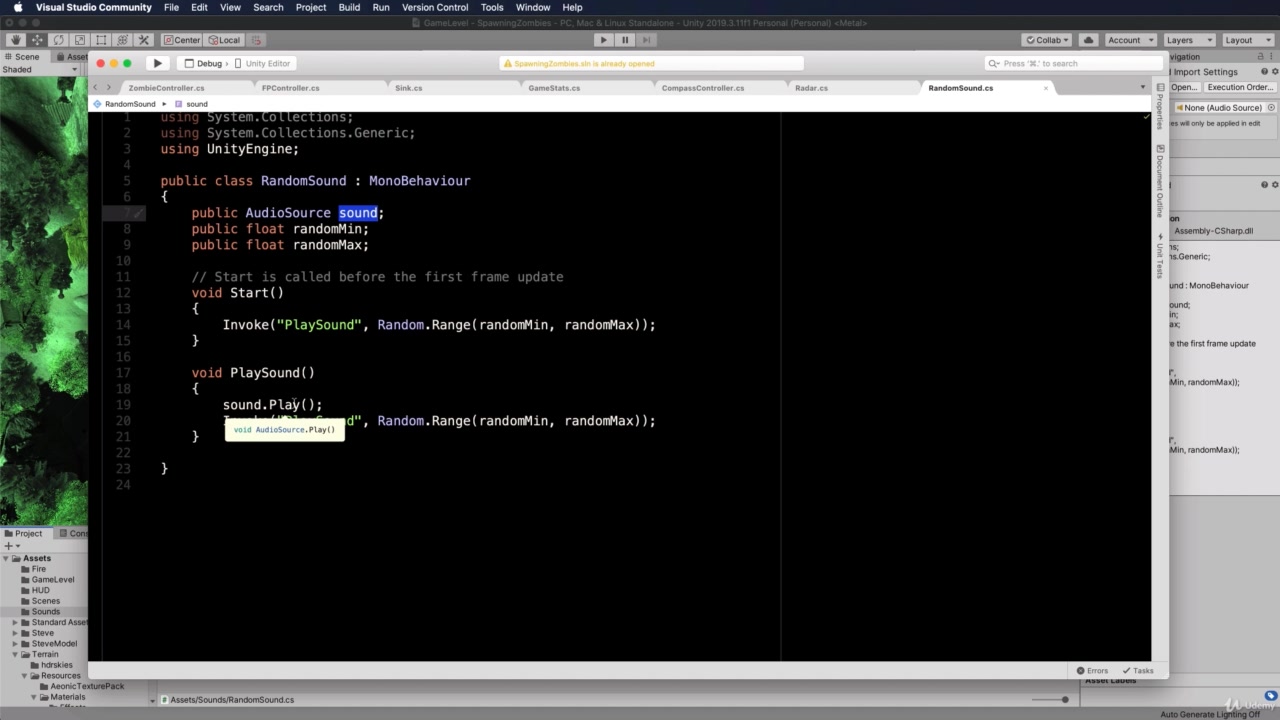 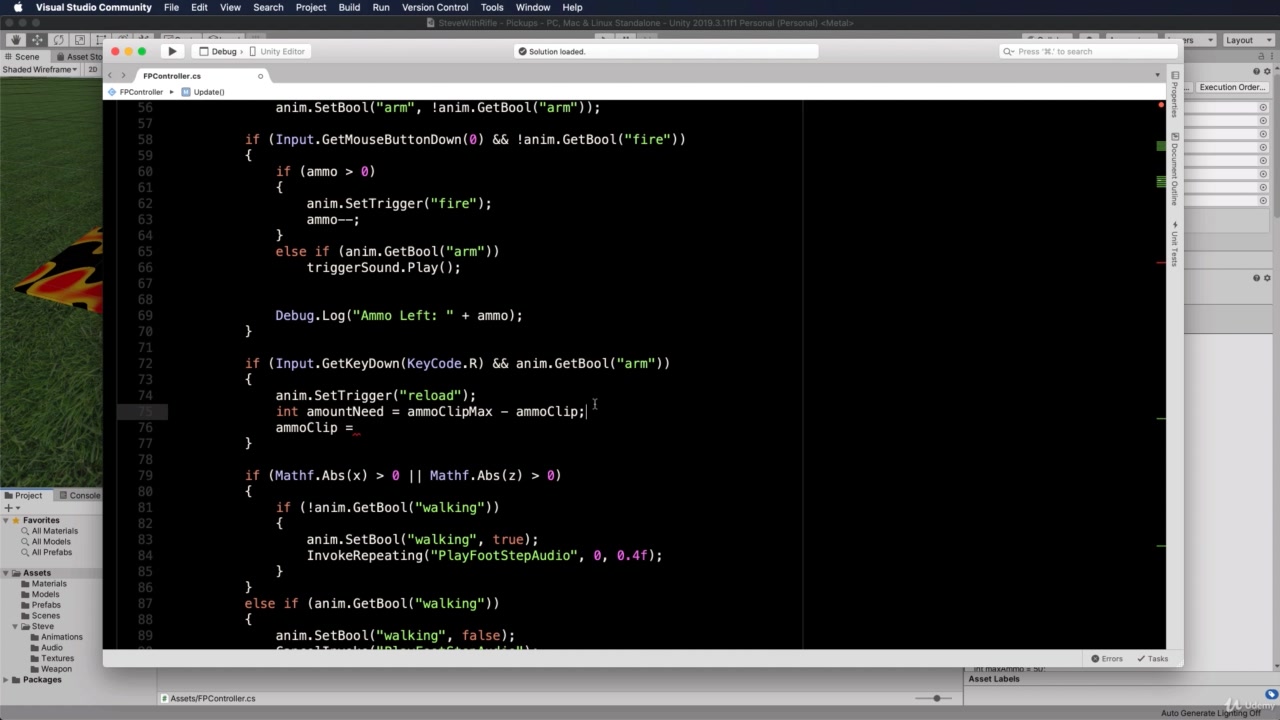 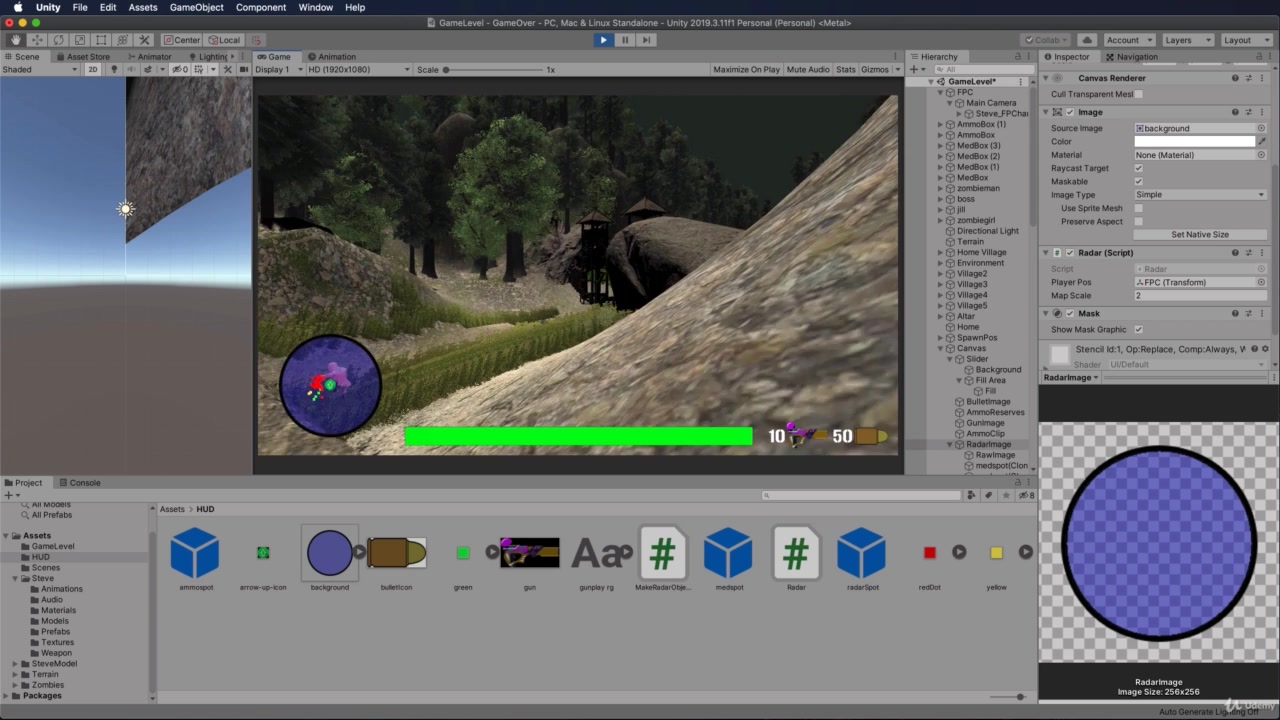 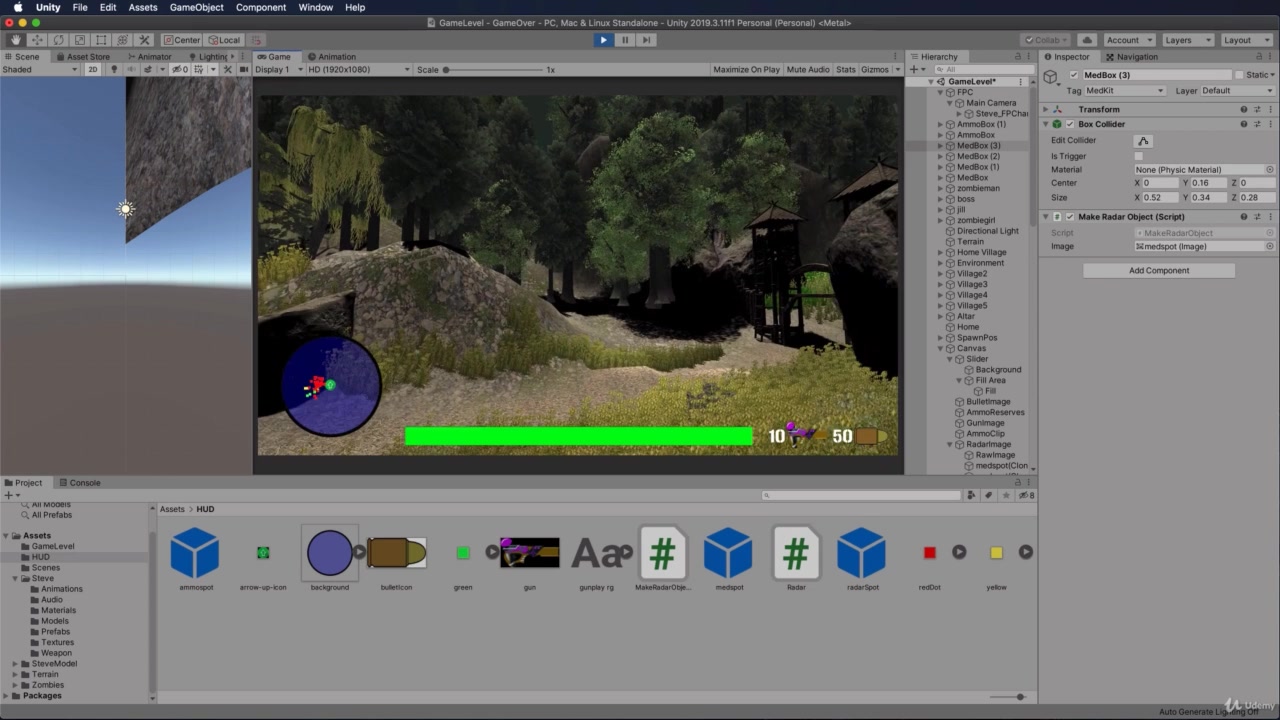 [/spoiler]
Related Torrents
|
|||||||||||||||||||||||||||||||||||||||||||||||||||||||||||||||||||||||||


Home - Browse Torrents
ExtraTorrent.st is in compliance with copyrights
2025 ExtraTorrent.st