|
|
Latest Articles

New Movies



Foreign


|

Torrent Description
Обучающие видео » Компьютерные видеоуроки и обучающие интерактивные DVD » Программирование (видеоуроки)
Learn E-Commerce Website in PHP & MySQL From Scratch! [hr] Год выпуска: 2016 Производитель: Udemy Сайт производителя: www.udemy.com Продолжительность: 17:37:00 Тип раздаваемого материала: Видеоурок Язык: Английский [hr] Описание: Учитесь Создать веб-сайт Интернет -магазин Store ( E- COMMERCE ) в PHP & MySQLi с нуля с Paypal интеграции . [hr] Learn to create E-Commerce Website from scratch in PHP & MySQLi, building an online shopping store in PHP & MySQLi had never been easier from scratch before this course. Building E-Commerce Website In PHP from Scratch: E-commerce is online shopping store for selling/buying products, we'll use simple PHP and MySQLi queries to create this large project, if you are really serious about creating an ecommerce website from absolutely 0 knowledge, then this course is for you. [spoiler="Содержание"] ├── 01 The Introduction Whats Inside │ ├── 001 Introduction to eCommerce Website in PHP.mp4 │ └── 001 Welcome Note Instructions.html ├── 02 Setting up the Development Environment │ ├── 001 Installing Important Tools.mp4 │ ├── 001 The Structure of the eCommerce Text Version.html │ ├── 002 Project Folders to be Created.html │ ├── 002 The Structure of the Ecommerce.mp4 │ └── 003 Creating the Project Folders.mp4 ├── 03 Creating the Layout adding Content │ ├── 001 Creating the Index Page for Layout.mp4 │ ├── 001 Website Layout Structure Text Version.html │ ├── 002 Creating the Website Layout.mp4 │ ├── 002 Important Update.html │ ├── 003 Creating the Website Layout.mp4 │ ├── 004 Creating the Navigation Bar.mp4 │ ├── 005 Adding the Search Box.mp4 │ ├── 006 Adding Static Categories Brands.mp4 │ ├── 007 Creating Tables for ProductsCategories and Brands.mp4 │ ├── 008 Adding Dynamic Categories Brands.mp4 │ ├── 009 Creating the Insert_Product Page.mp4 │ ├── 010 Creating the Insert_Product Page.mp4 │ ├── 011 Inserting the Products into Table.mp4 │ ├── 012 Inserting Products into the Table.mp4 │ ├── 013 Displaying Products on the Website.mp4 │ ├── 014 Creating the Shopping Cart Bar.mp4 │ ├── 015 Creating the Details Page for Single Product.mp4 │ ├── 016 Displaying Category Based Products.mp4 │ ├── 017 Displaying Brand Based Products.mp4 │ ├── 018 Creating All_Products Page.mp4 │ └── 019 Creating the Custom Search Engine.mp4 ├── 04 Creating the Shopping Cart │ ├── 001 Creating the Shopping Cart.mp4 │ ├── 001 Important Note.html │ ├── 002 Displaying Total_Items in the Cart.mp4 │ ├── 003 Displaying Total_Price in the Cart.mp4 │ ├── 004 Creating the Main Cart Page.mp4 │ ├── 005 Updating the Main Cart.mp4 │ ├── 006 Updating Quantity in the Cart.mp4 │ └── 007 Creating the checkout page.mp4 ├── 05 Customer Registration Login-logout │ ├── 001 Customer Registration Process.mp4 │ ├── 002 Customer Registration Process.mp4 │ ├── 003 Customer Registration Payment.php.mp4 │ ├── 004 Customer Login Logout.mp4 │ ├── 005 Customer Login Script.mp4 │ └── 006 Customer Sessions.mp4 ├── 06 Customer General User Interface │ ├── 001 Creating the customer Account.mp4 │ ├── 002 Creating the customer account.mp4 │ ├── 003 Customer account adding content.mp4 │ ├── 004 Customer Editing Account.mp4 │ ├── 005 Customer Editing Account.mp4 │ ├── 006 Updating Customer Account.mp4 │ ├── 007 Customer account - changing password.mp4 │ ├── 008 Customer Account - Updating Password.mp4 │ └── 009 Deleting Customer Account.mp4 ├── 07 Creating the Admin Panel │ ├── 001 Admin Panel - Creating the Layout.mp4 │ ├── 002 Admin Panel - Adding Links Insert New Product.mp4 │ ├── 003 Admin Panel - View Products.mp4 │ ├── 004 Admin Panel - Editing Products.mp4 │ ├── 005 Admin Panel - Updating Products.mp4 │ ├── 006 Admin Panel - Deleting Products.mp4 │ ├── 007 Admin Panel - Inserting New Category.mp4 │ ├── 008 Admin Panel - View Categories.mp4 │ ├── 009 Admin Panel - Edit Category.mp4 │ ├── 010 Admin Panel - Insert new Brand.mp4 │ ├── 011 Admin Panel - View Brands - Edit Delete brands.mp4 │ ├── 012 Admin Panel - View Customers.mp4 │ ├── 013 Admin Panel - Login System.mp4 │ ├── 014 Admin Panel - Login System.mp4 │ └── 015 Admin Panel - Logout System.mp4 ├── 08 Paypal Online Payment Integration │ ├── 001 Paypal Integration part 1.mp4 │ ├── 002 Paypal Integration part 2.mp4 │ ├── 003 Paypal Integration part 3.mp4 │ └── 004 Paypal Success Paypal Cancel Pages.mp4 ├── 09 Uploading the Project to Online Server │ ├── 001 Uploading the ecommerce to online server 1.mp4 │ ├── 002 Uploading the ecommerce to online server 2.mp4 │ └── 003 Uploading the ecommerce to online server 3.mp4 ├── 10 Receiving Payments and Storing Orders │ ├── 001 Processing Payments through Paypal.mp4 │ ├── 002 Receiving Payments through Paypal.mp4 │ └── 003 Inserting orders payments into tables.mp4 ├── 11 Displaying Orders Payments │ ├── 001 Small Fixes.mp4 │ ├── 002 Displaying orders in customer account.mp4 │ ├── 003 Displaying orders in customer account.mp4 │ ├── 004 Displaying orders in Admin Panel.mp4 │ ├── 005 Displaying Orders in Admin Panel.mp4 │ └── 006 Displaying Payments Updating orders in Admin Panel.mp4 └── 12 Sending Emails to the Customers ├── 001 Quick Bonus For You.pdf ├── 001 Sending emails to the customers.mp4 ├── 002 Sending emails to the customers.mp4 └── 003 Final Summary.mp4 [/spoiler] Файлы примеров: отсутствуют Формат видео: MP4 Видео : AVC, 1280x720 (16:9), 15.000 fps, ~280 Kbps avg, 0.020 bit/pixel Аудио: 44.1 KHz, AAC LC, 2 ch, ~58.7 Kbps [spoiler="Скриншоты"] 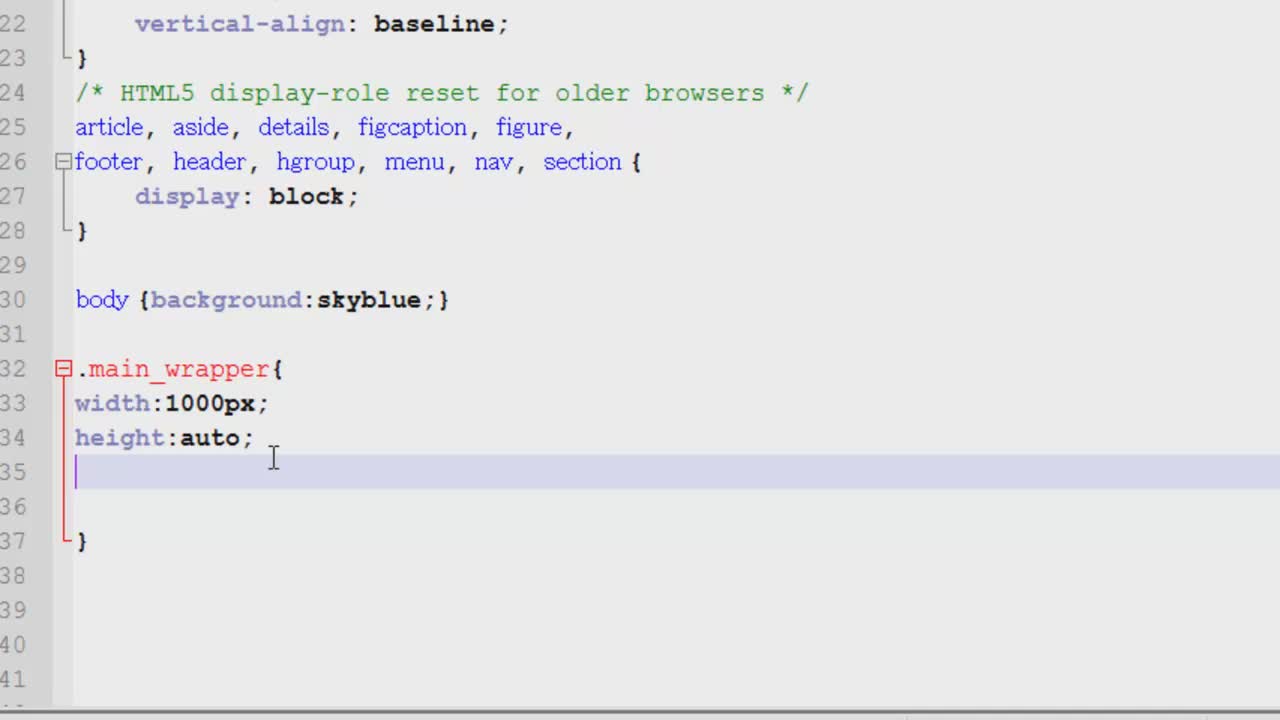 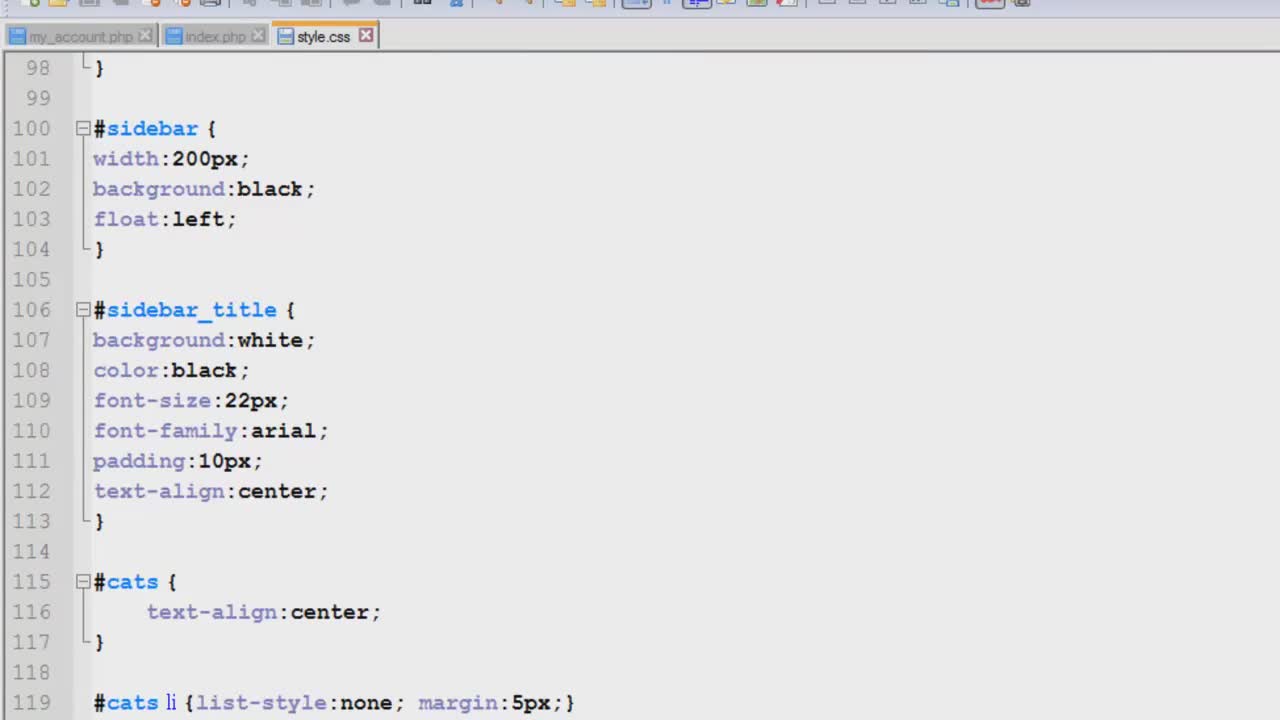 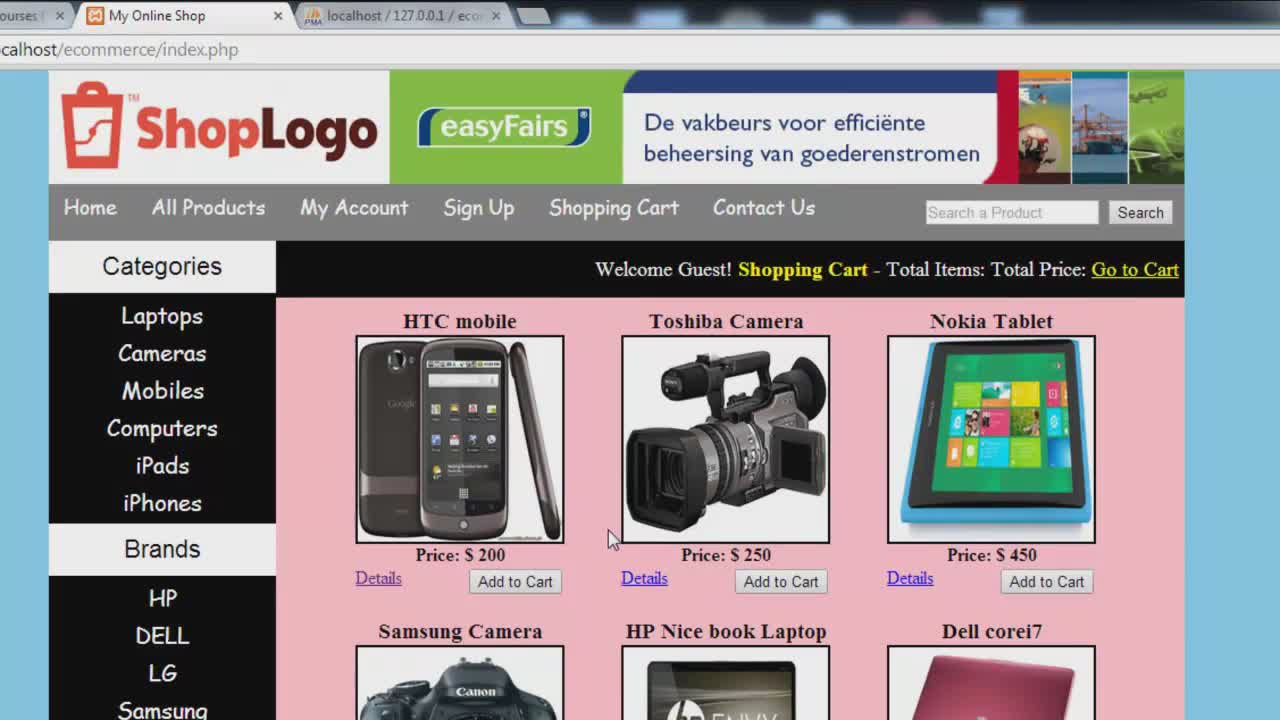 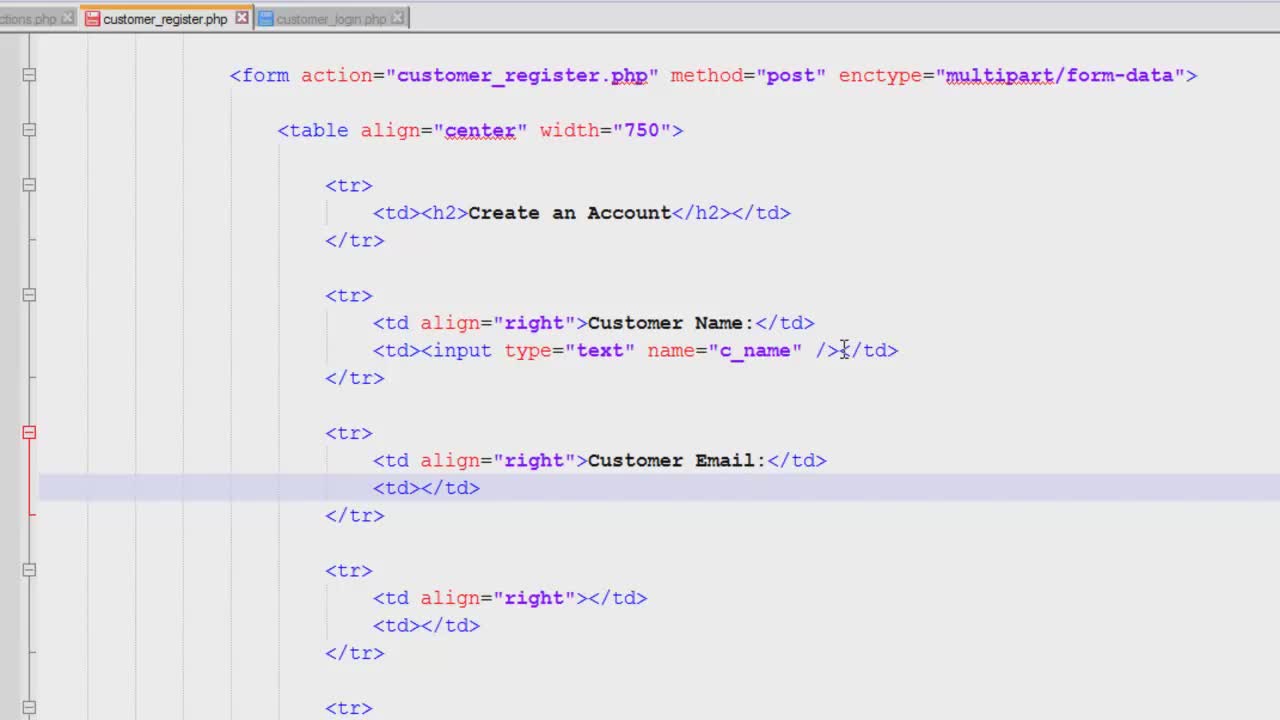 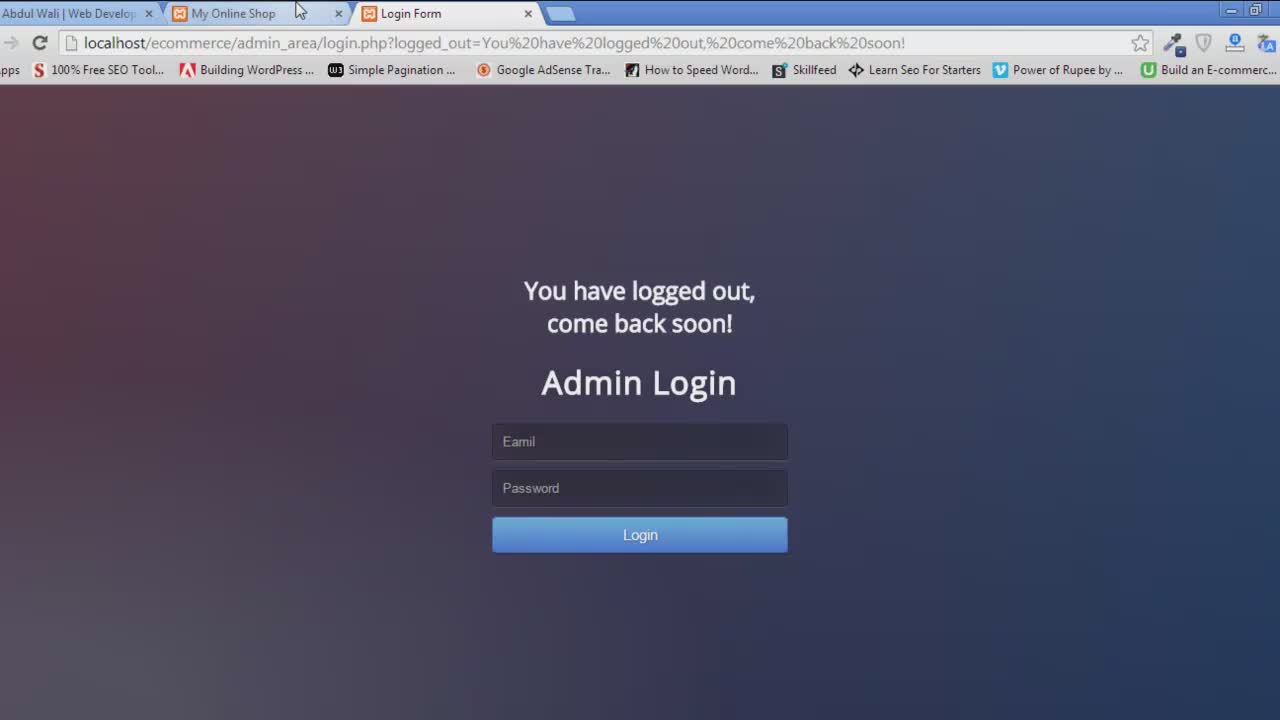 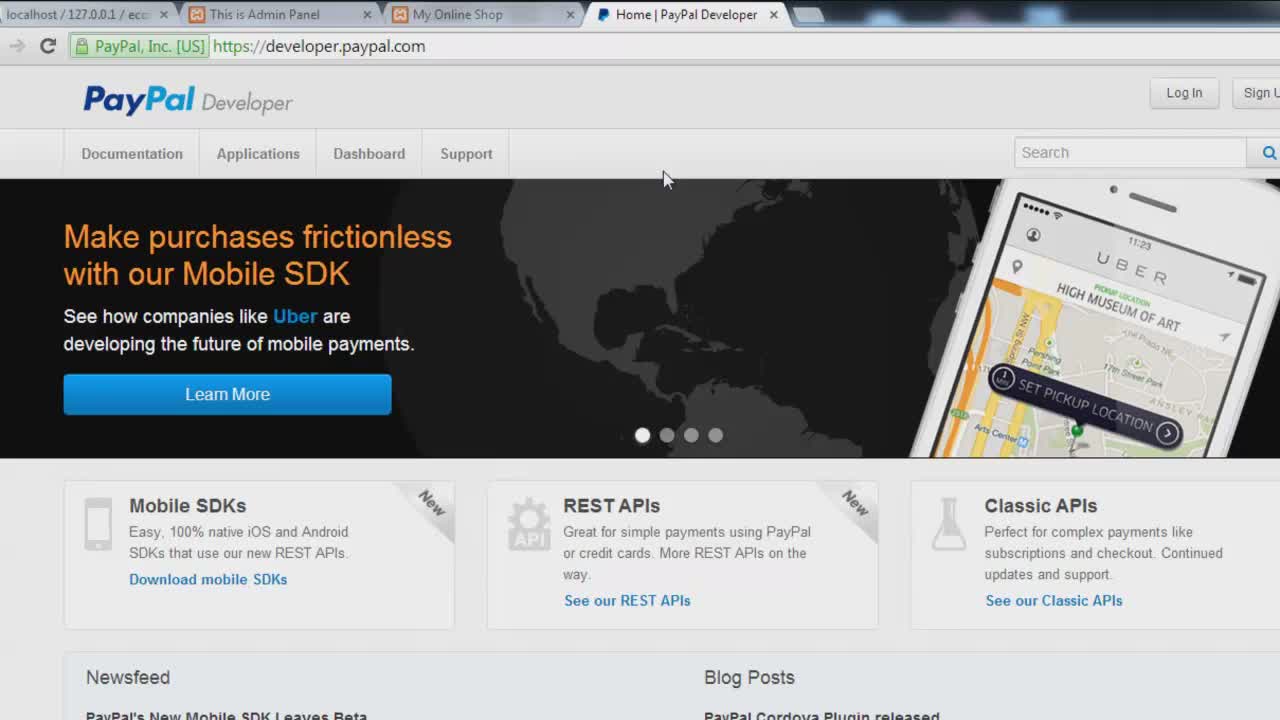 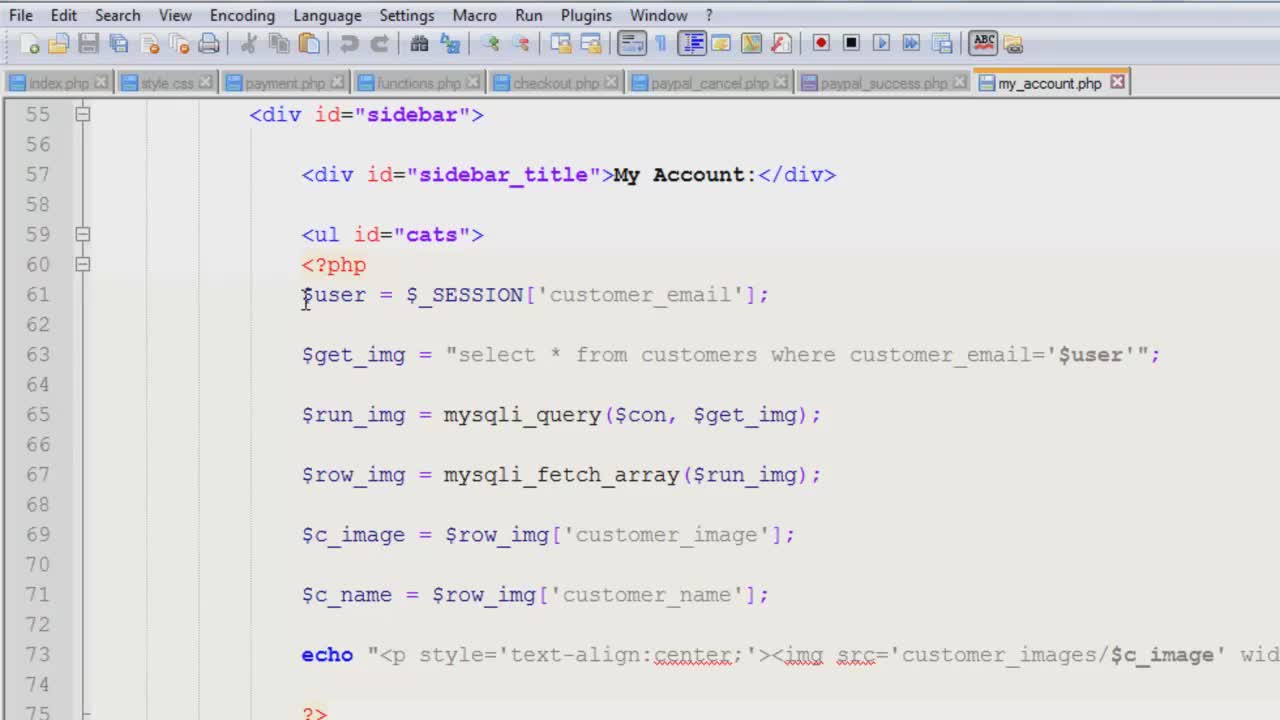 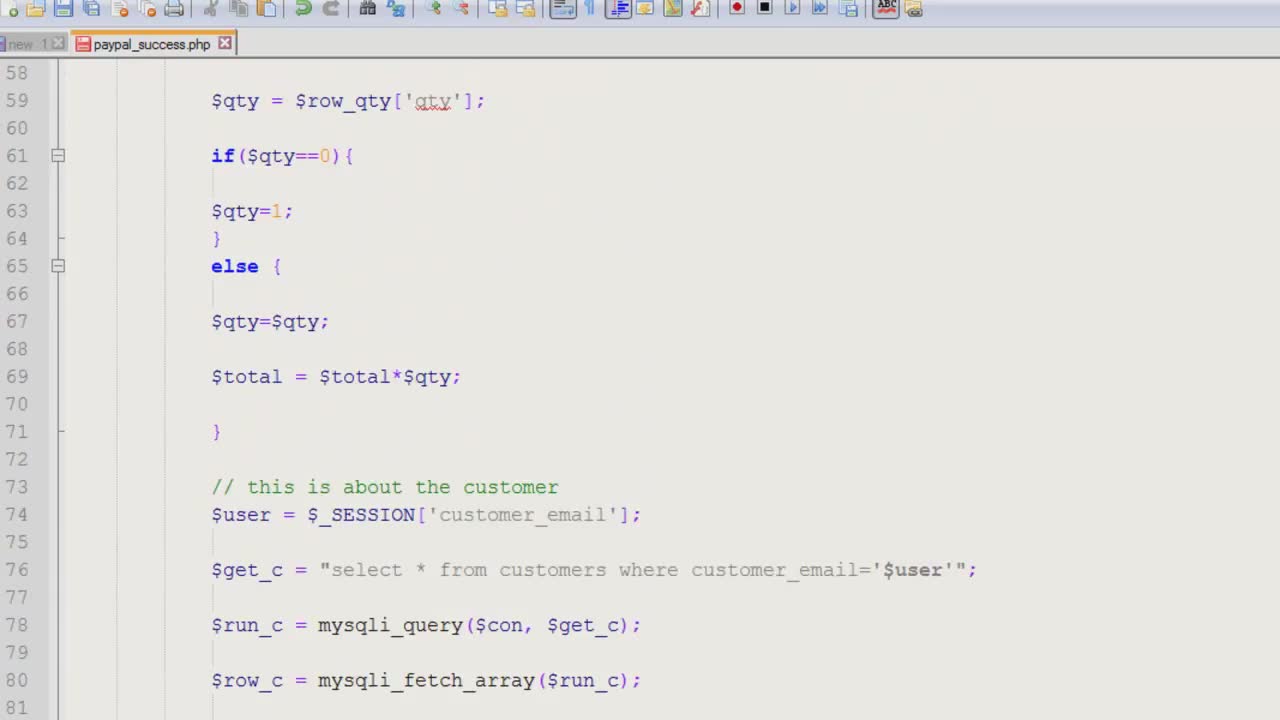 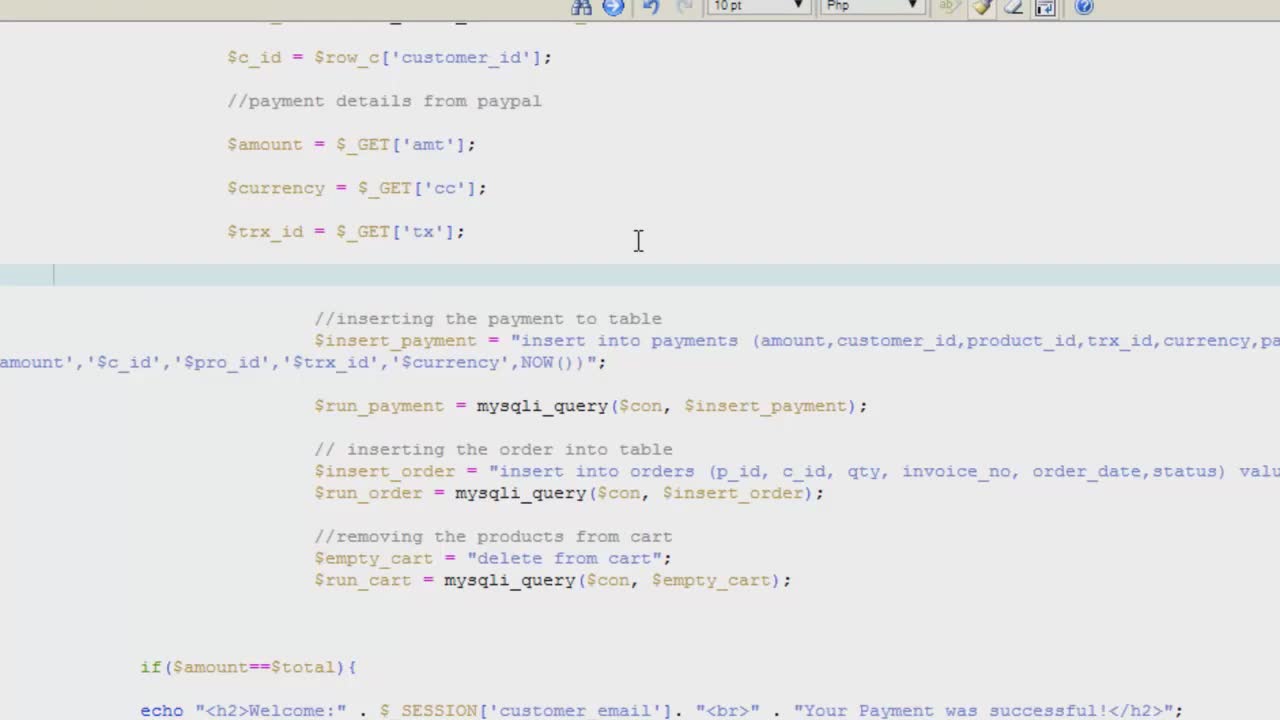 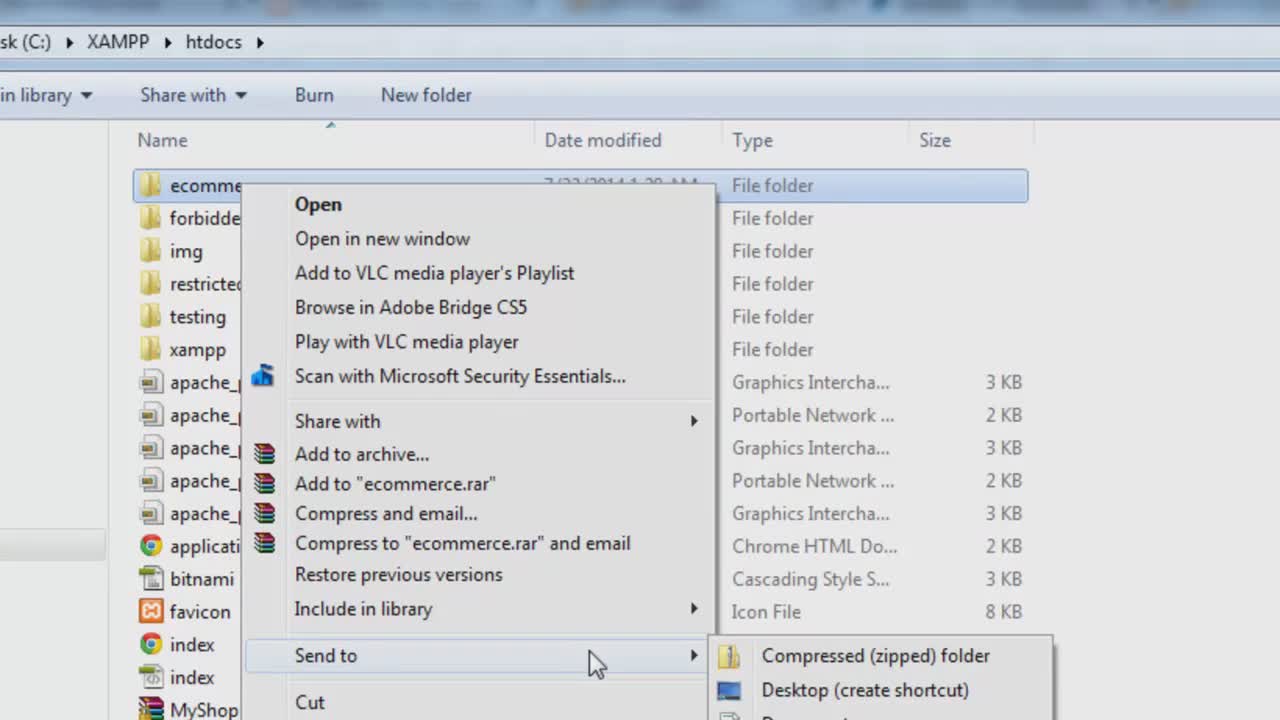 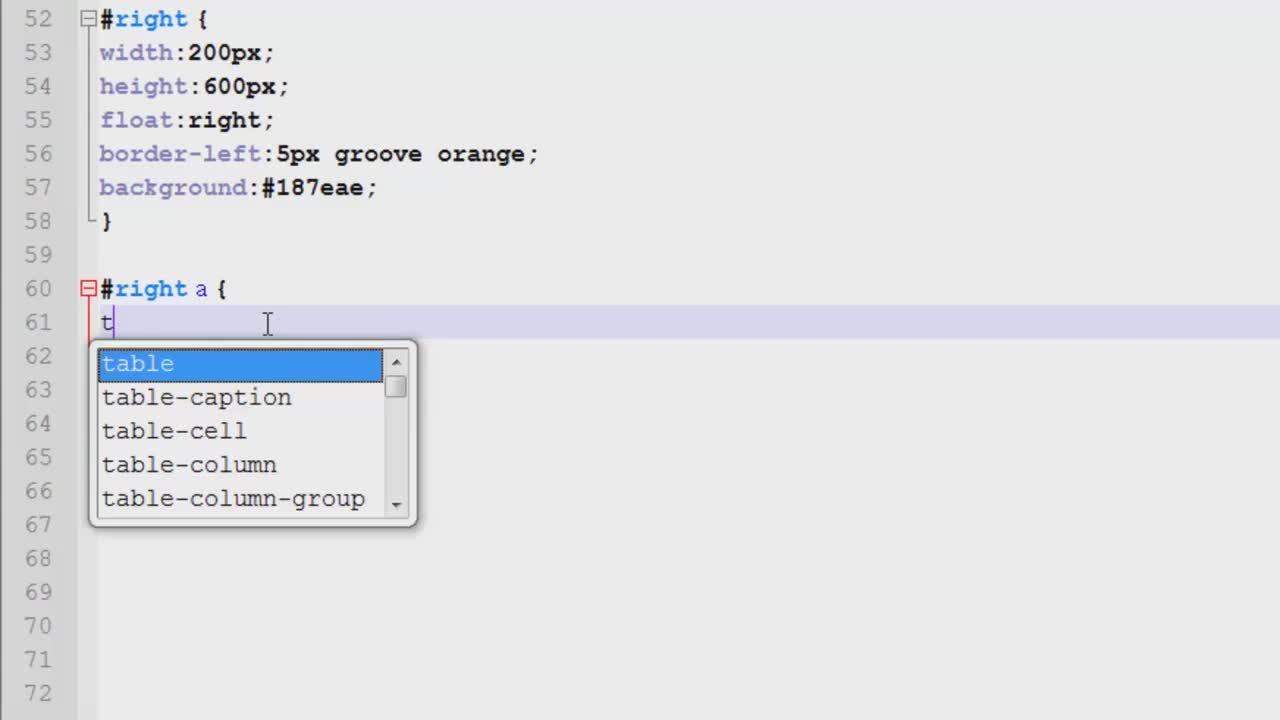 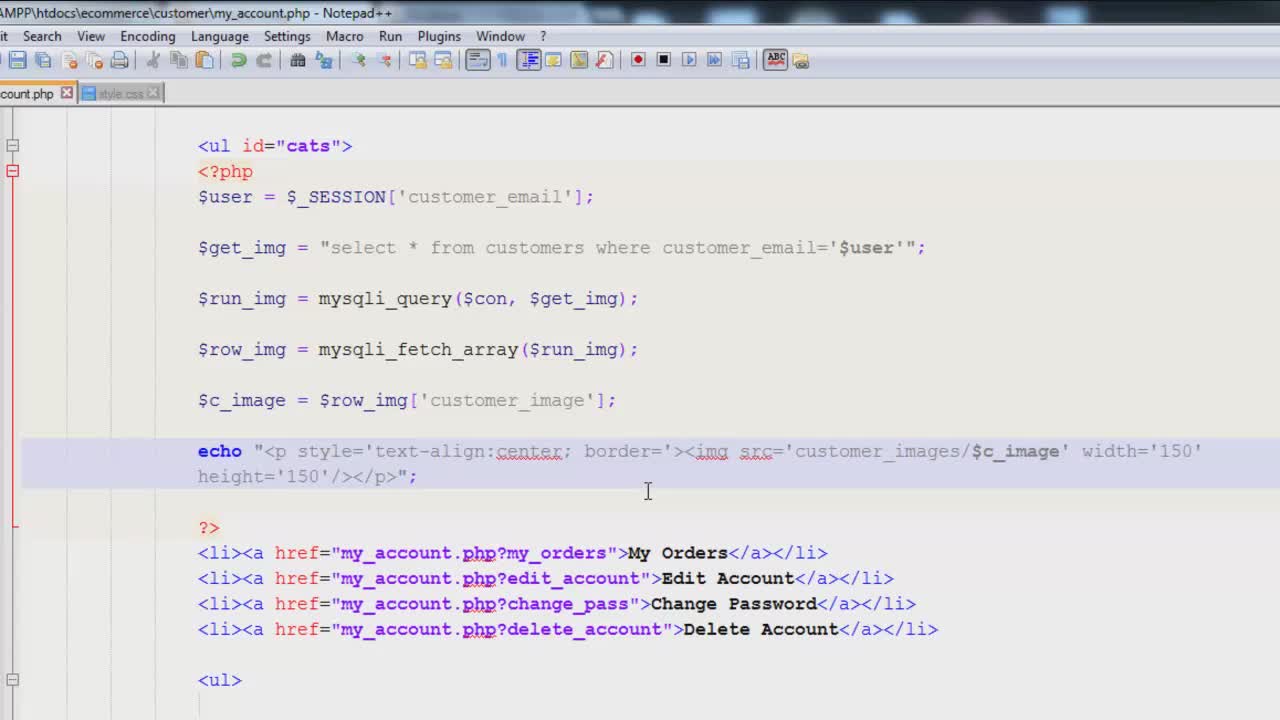  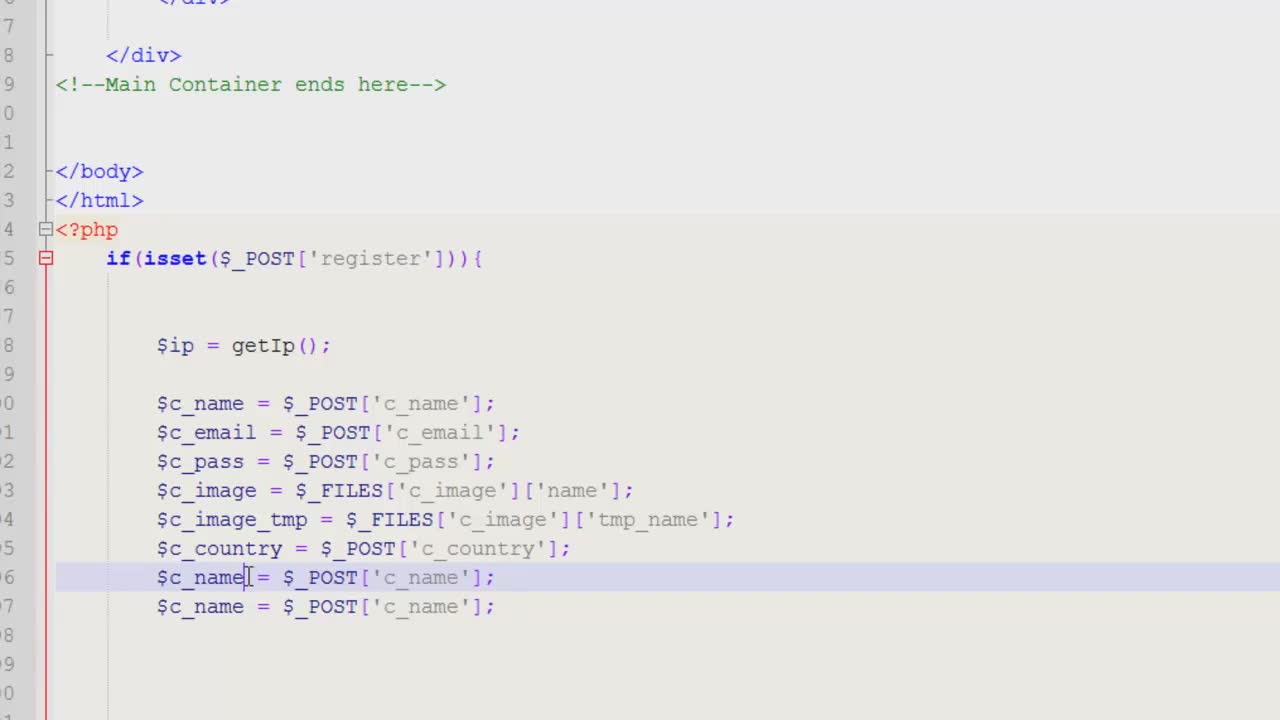 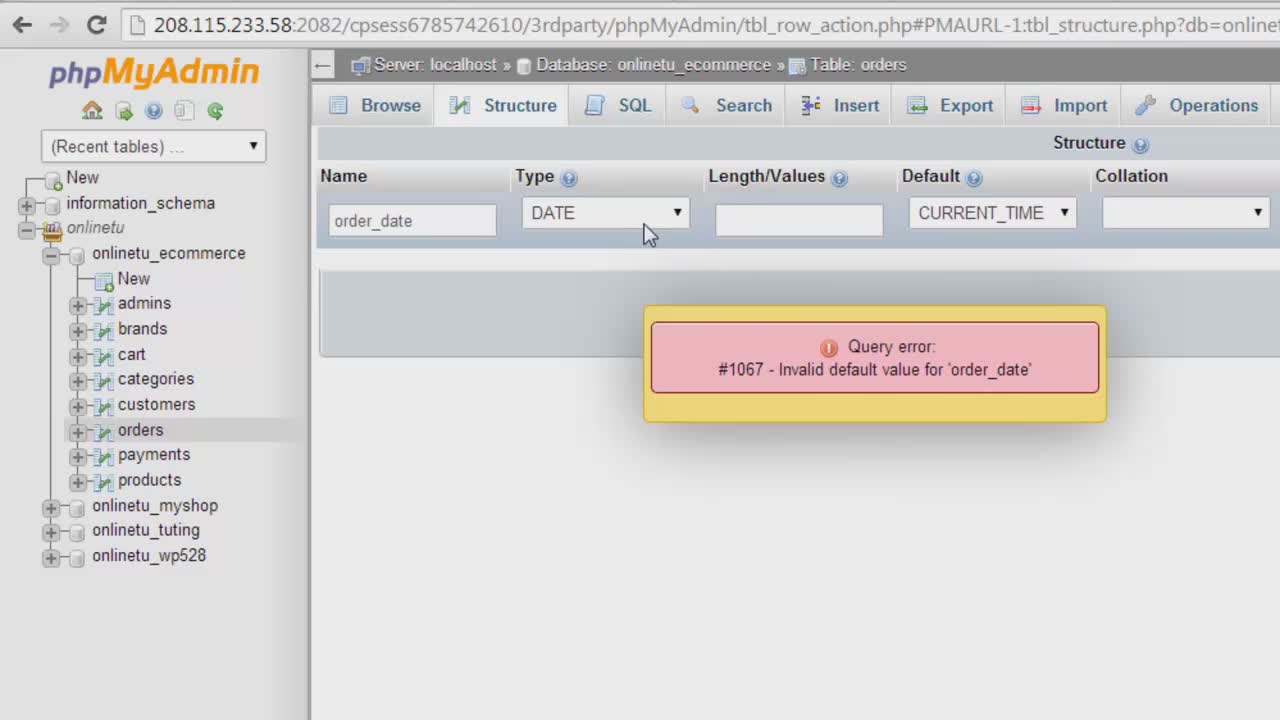  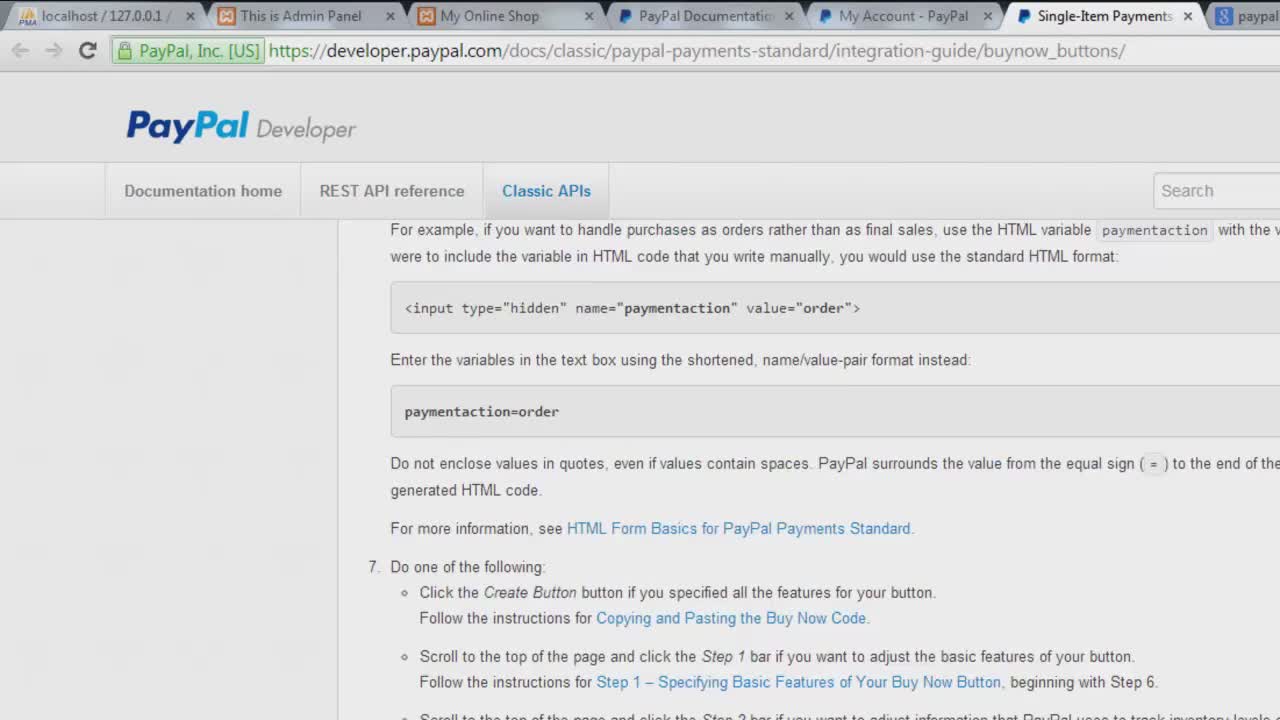 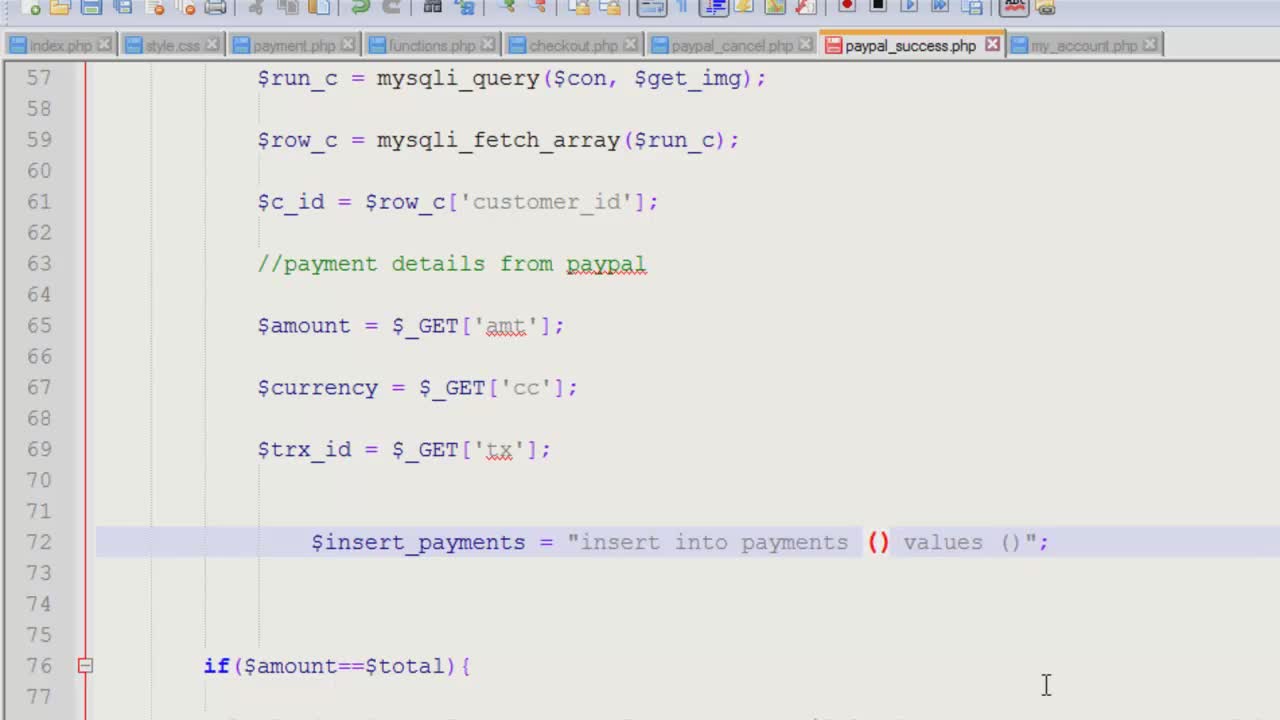 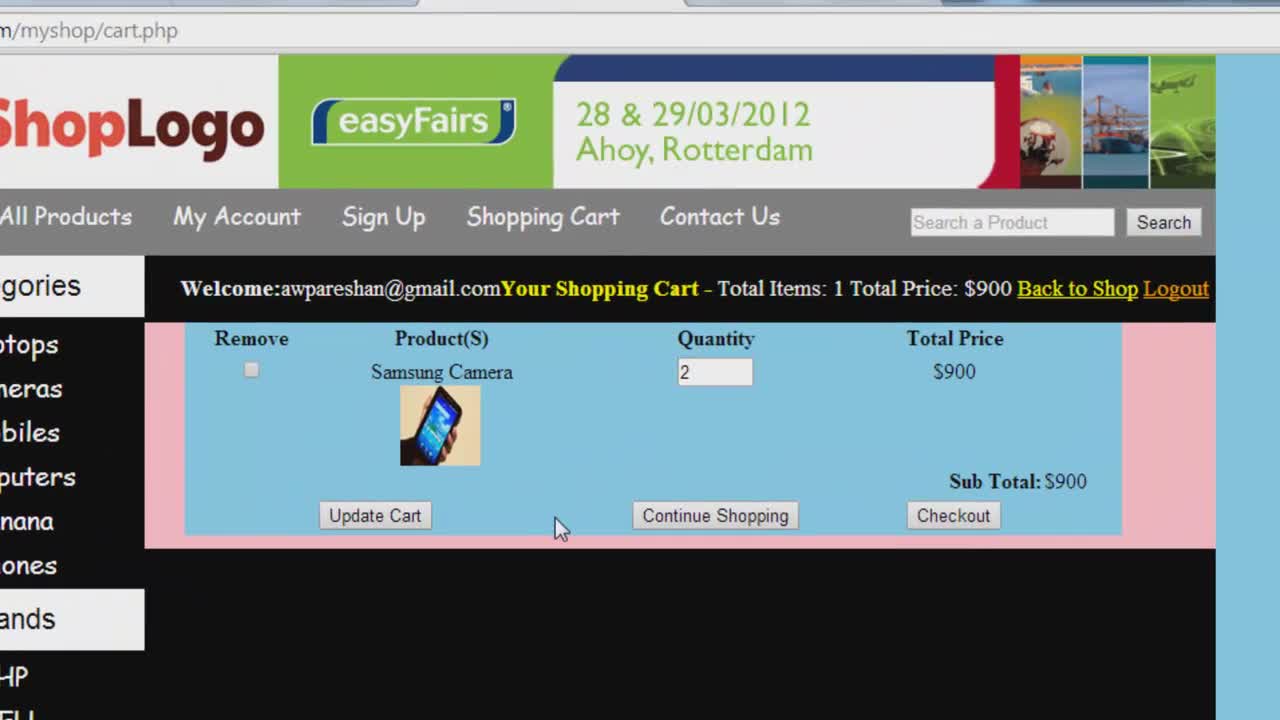 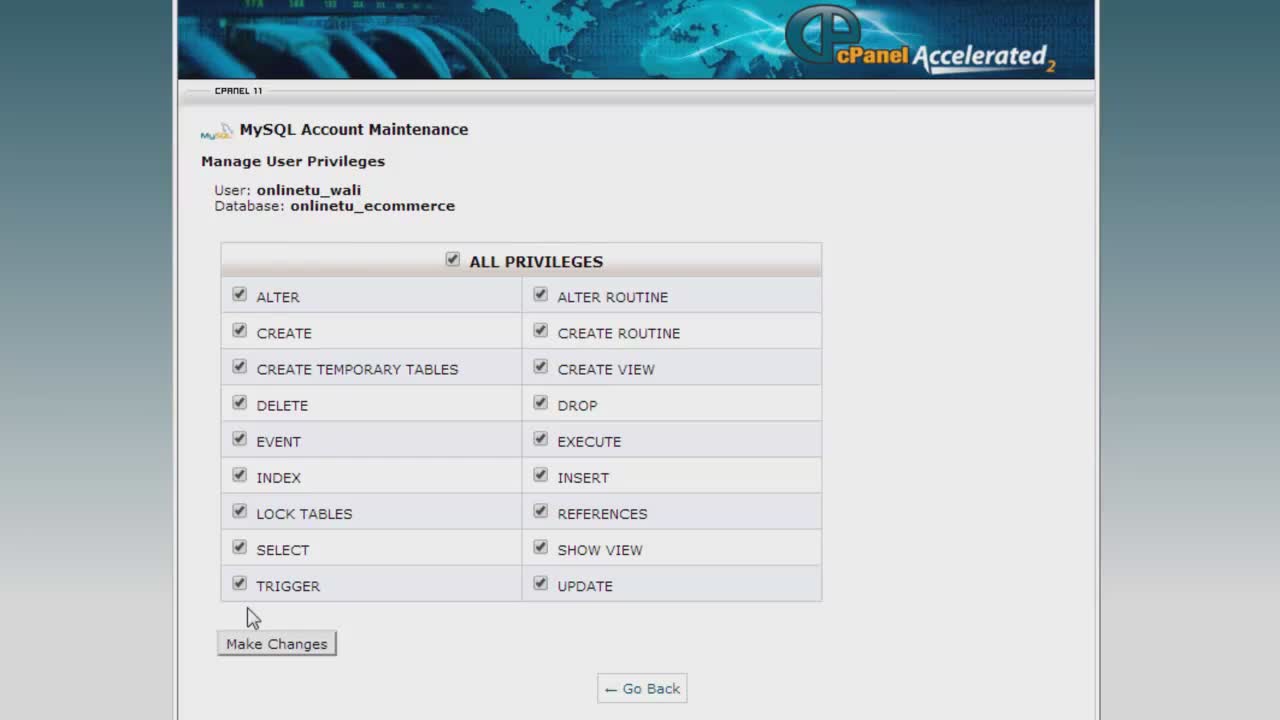 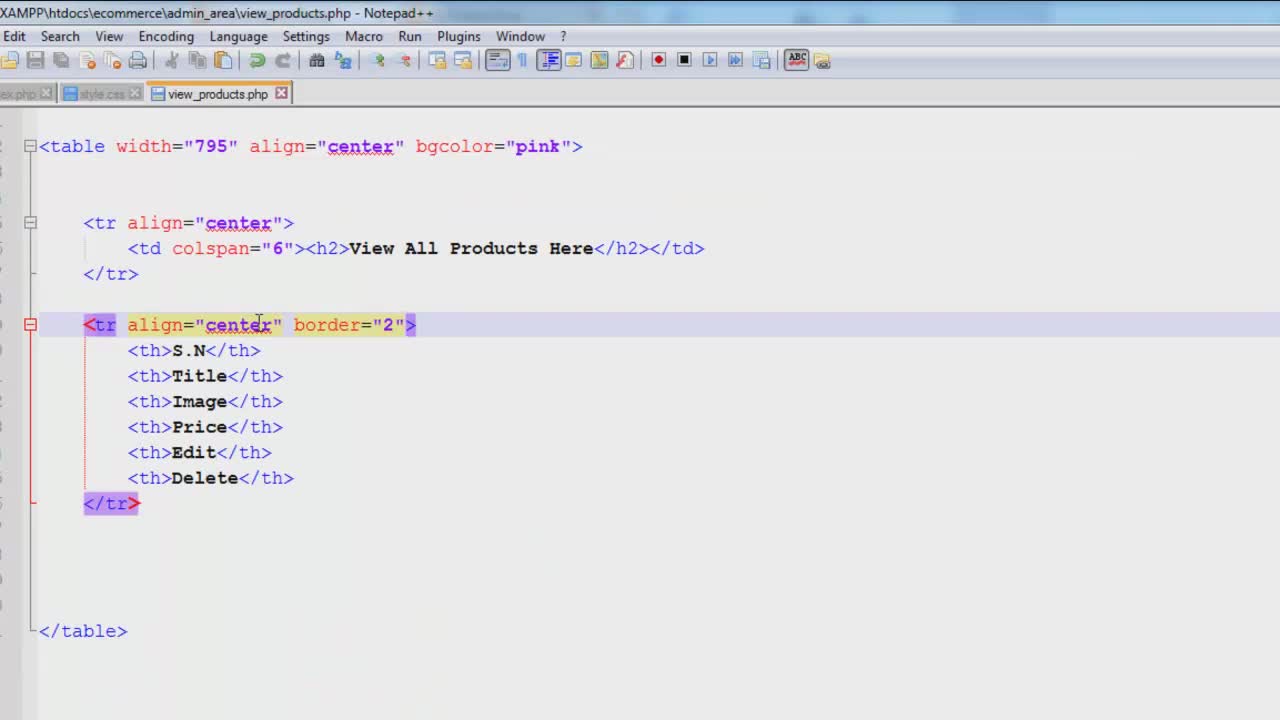  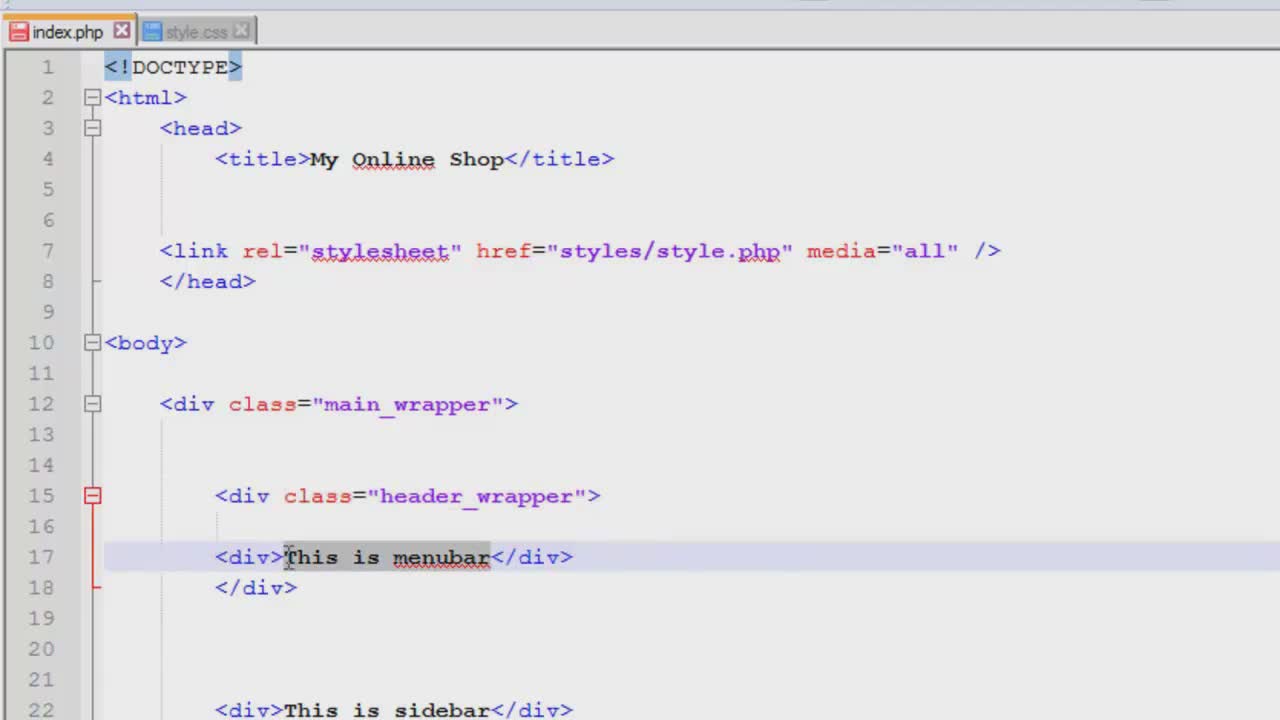 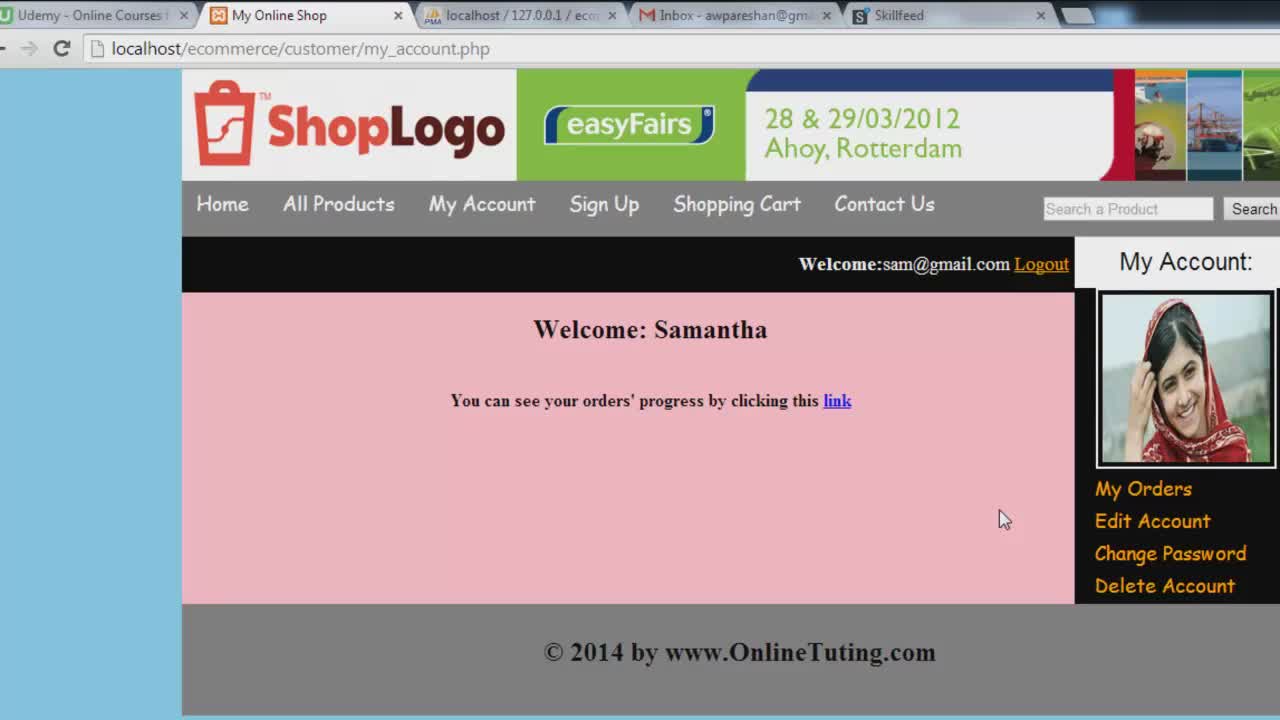 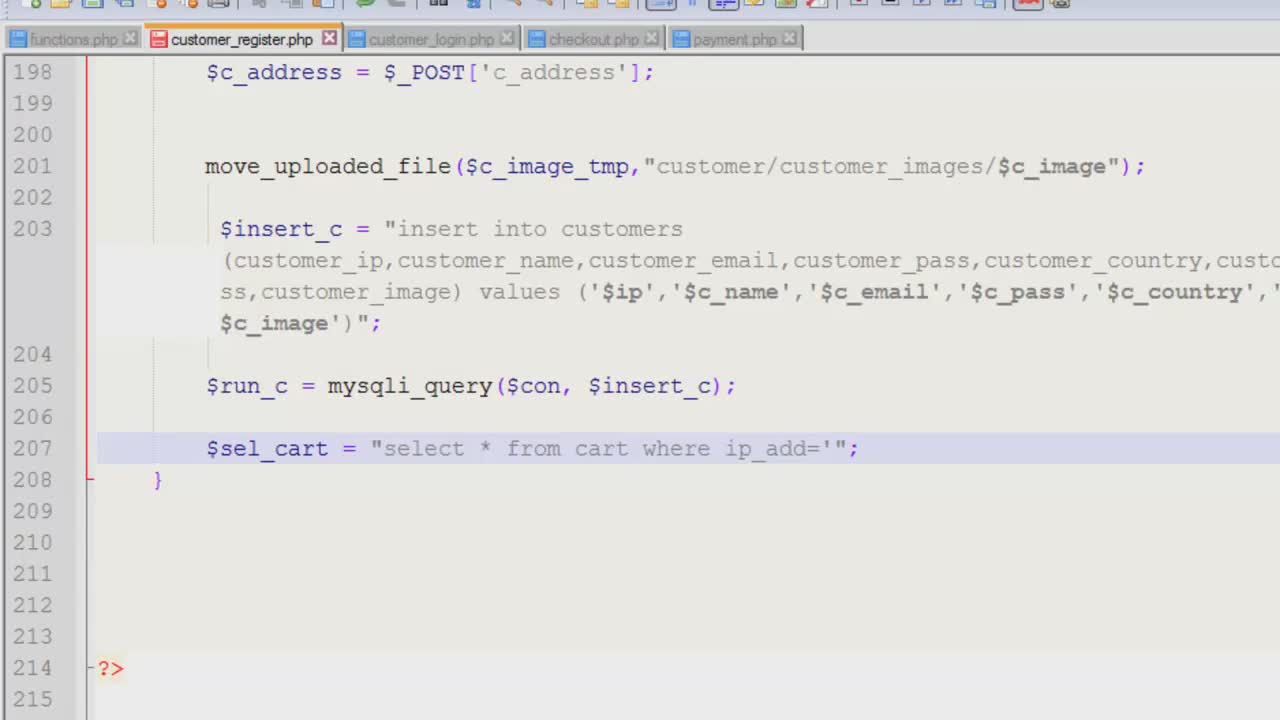 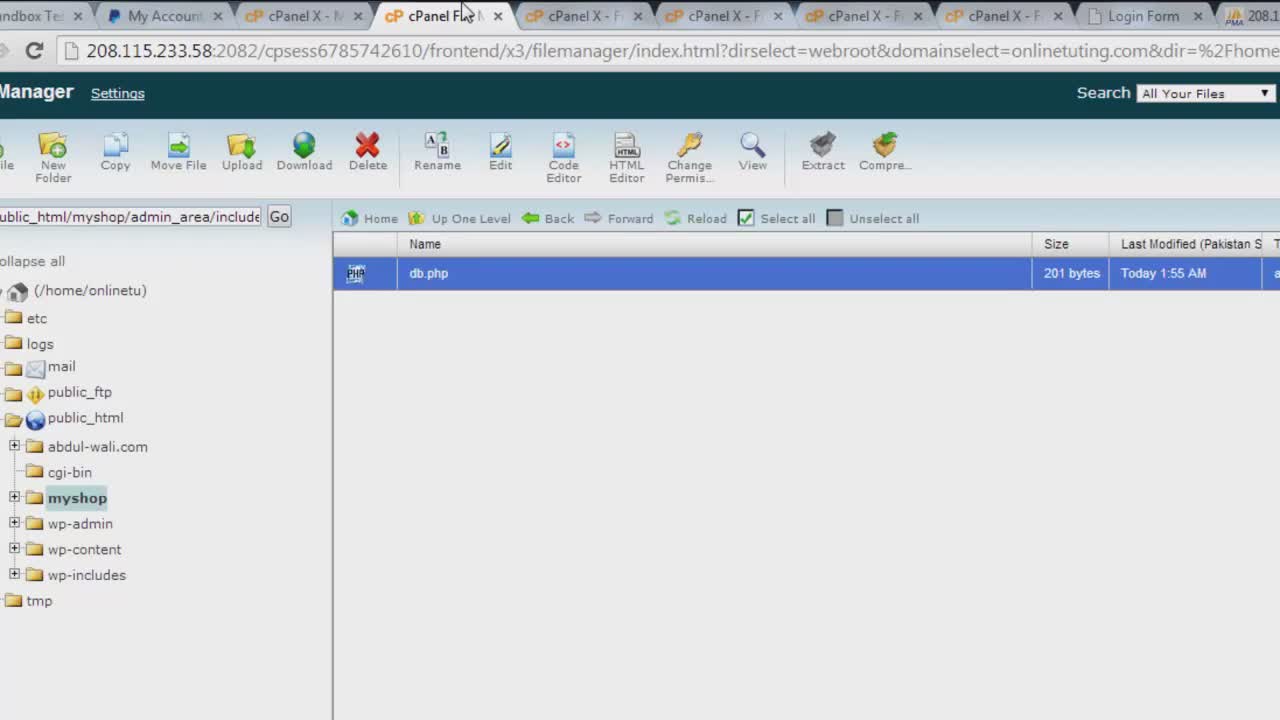 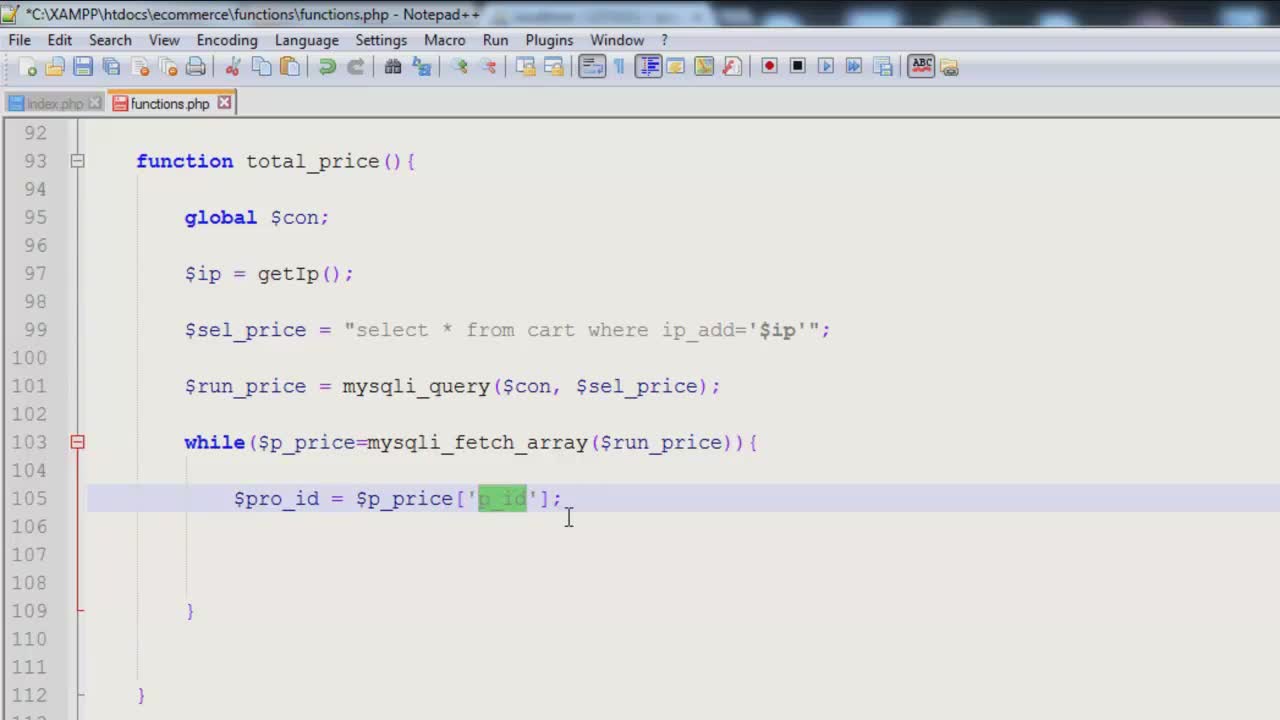 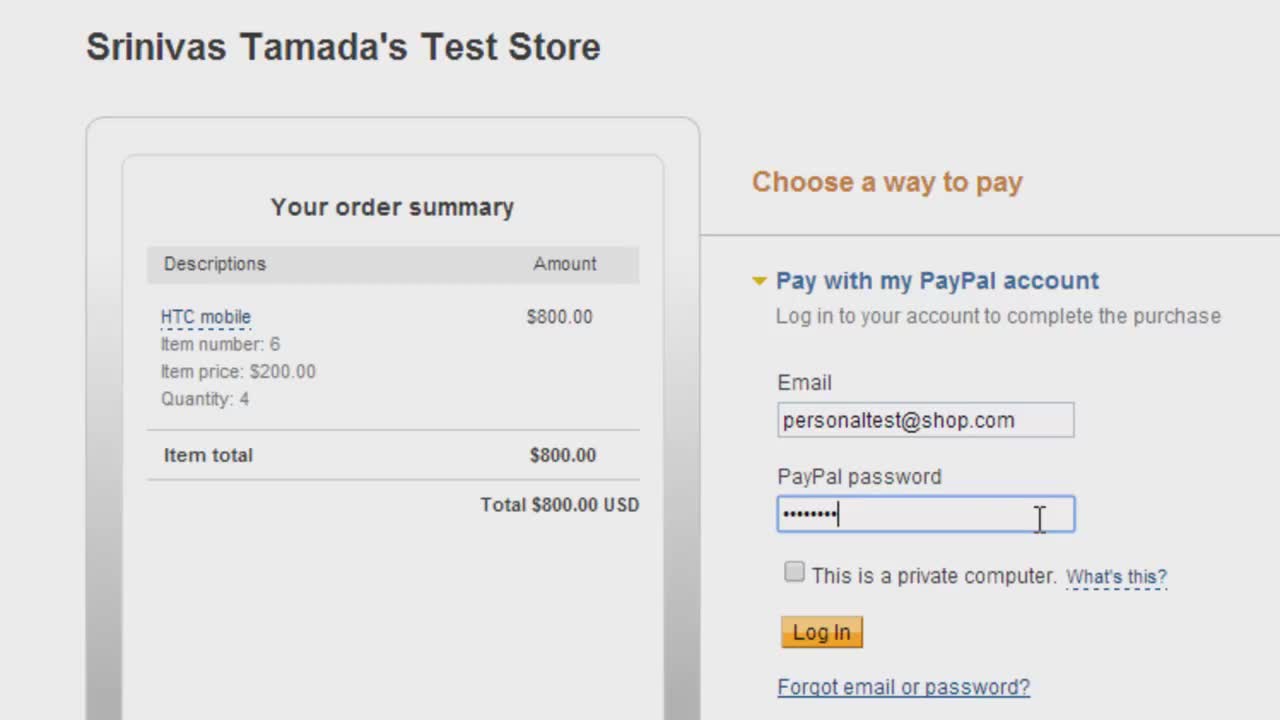 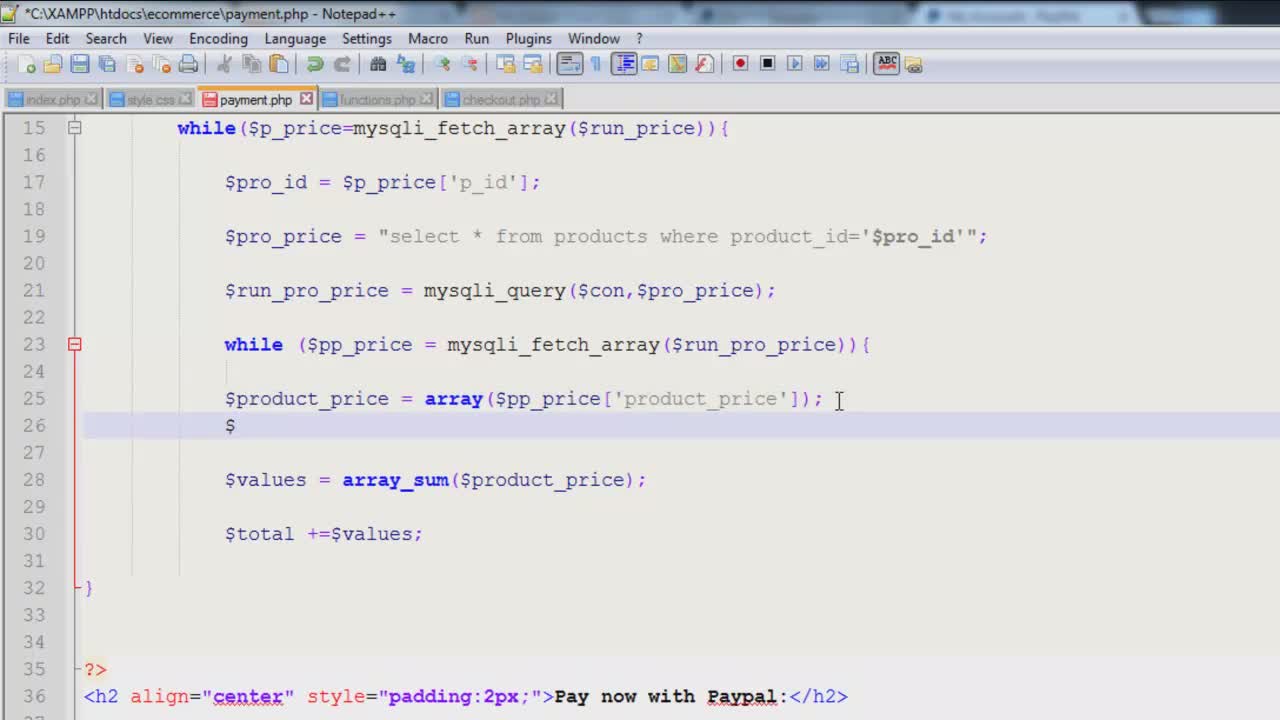  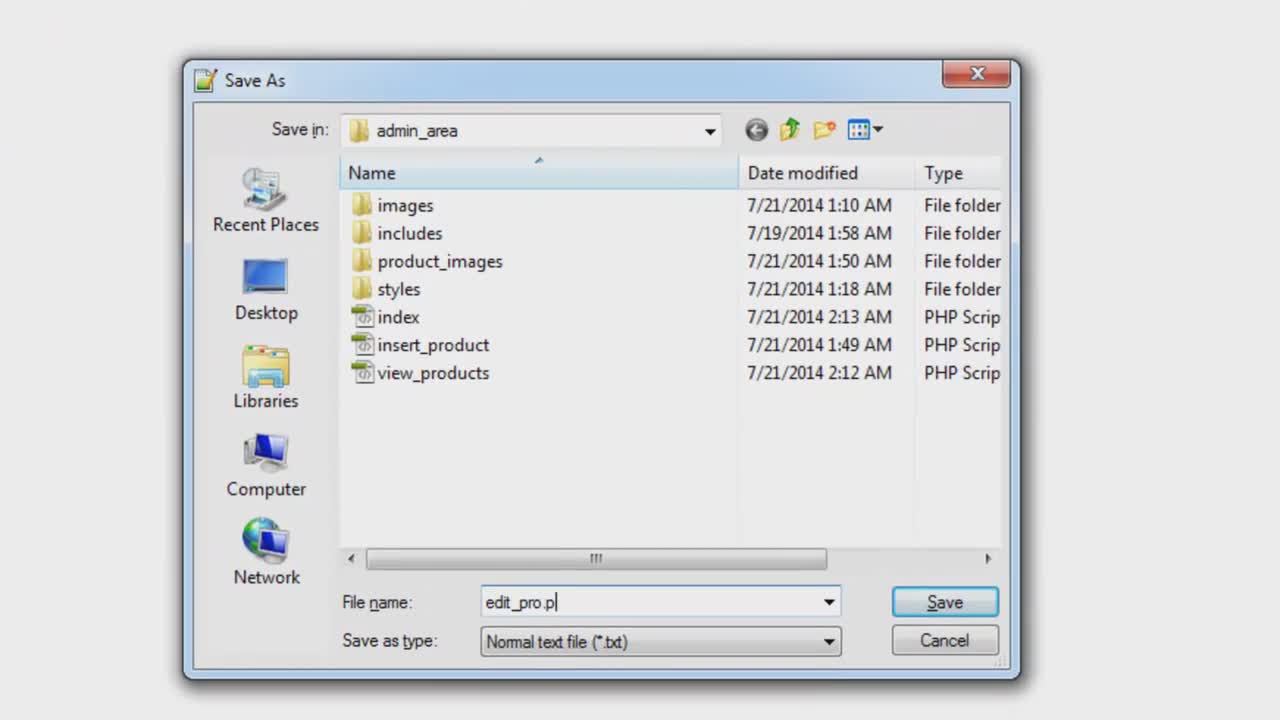 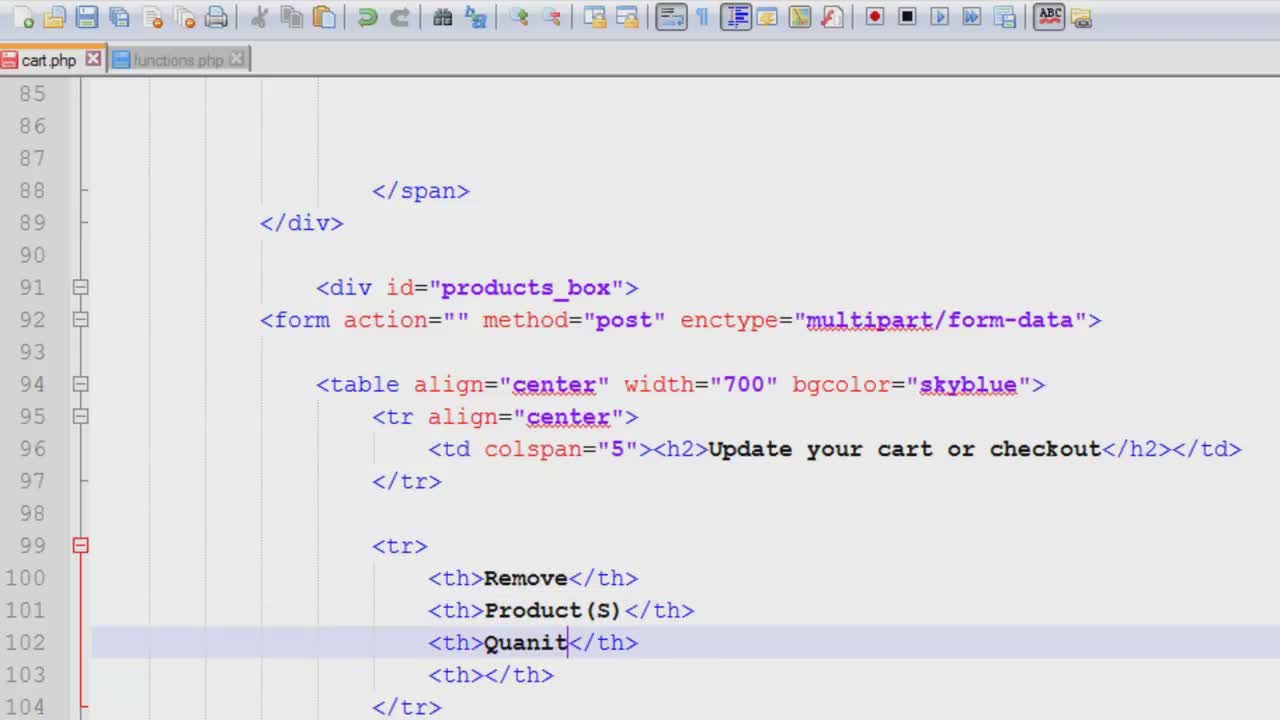 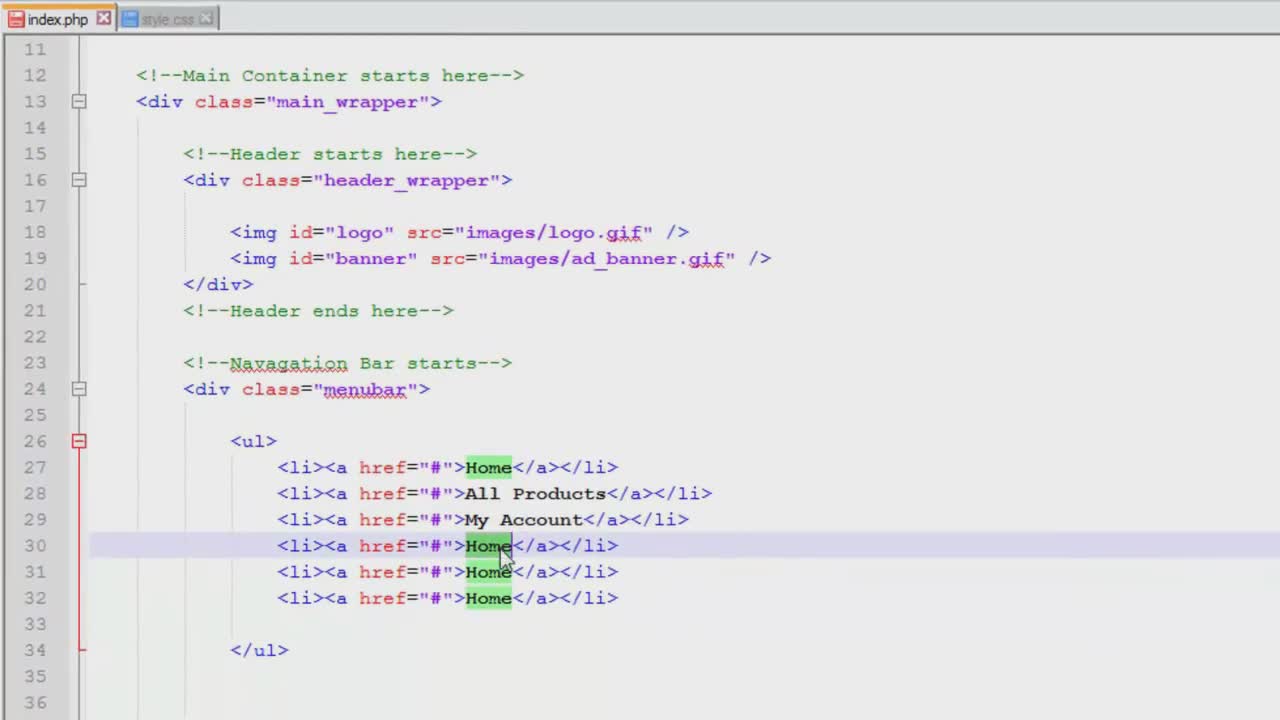 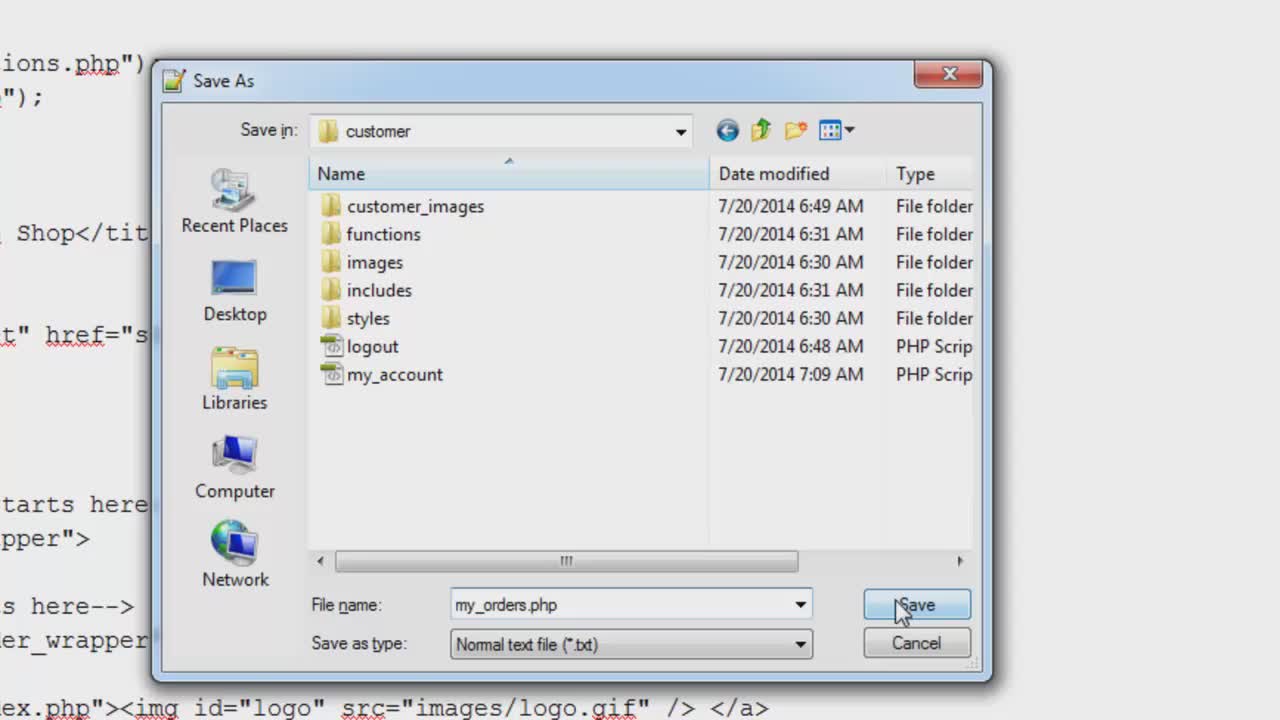 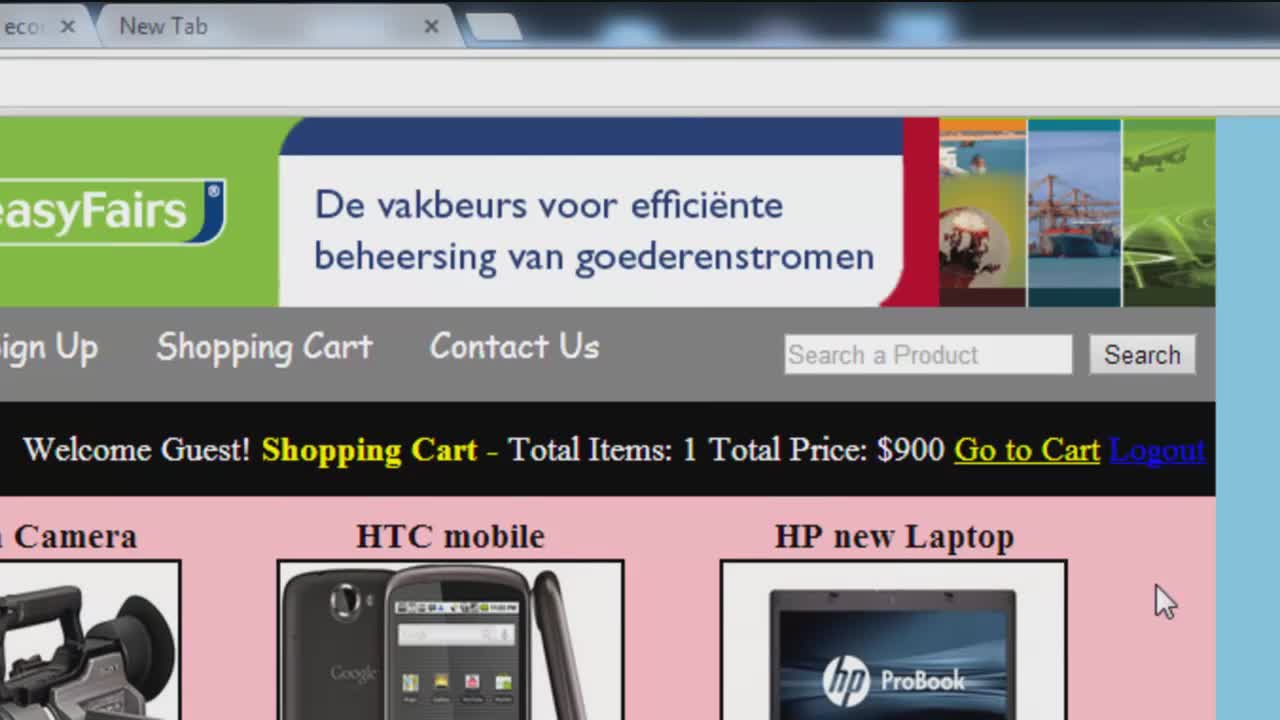 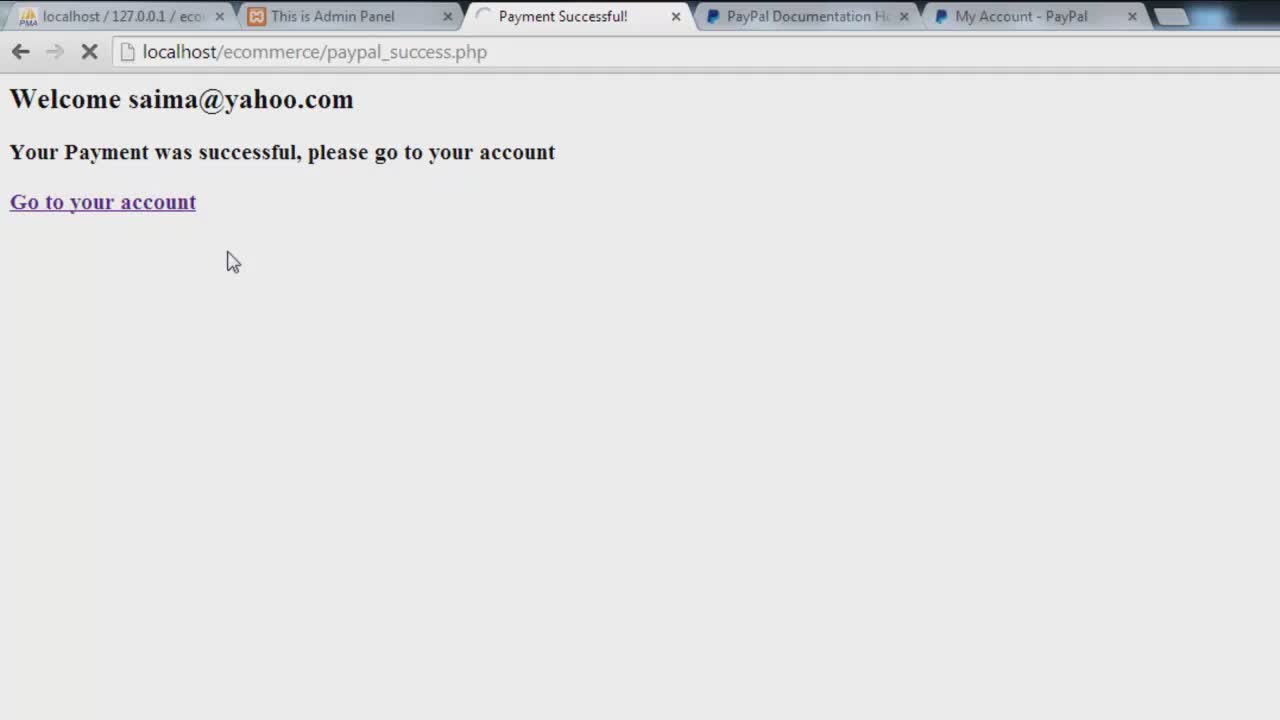 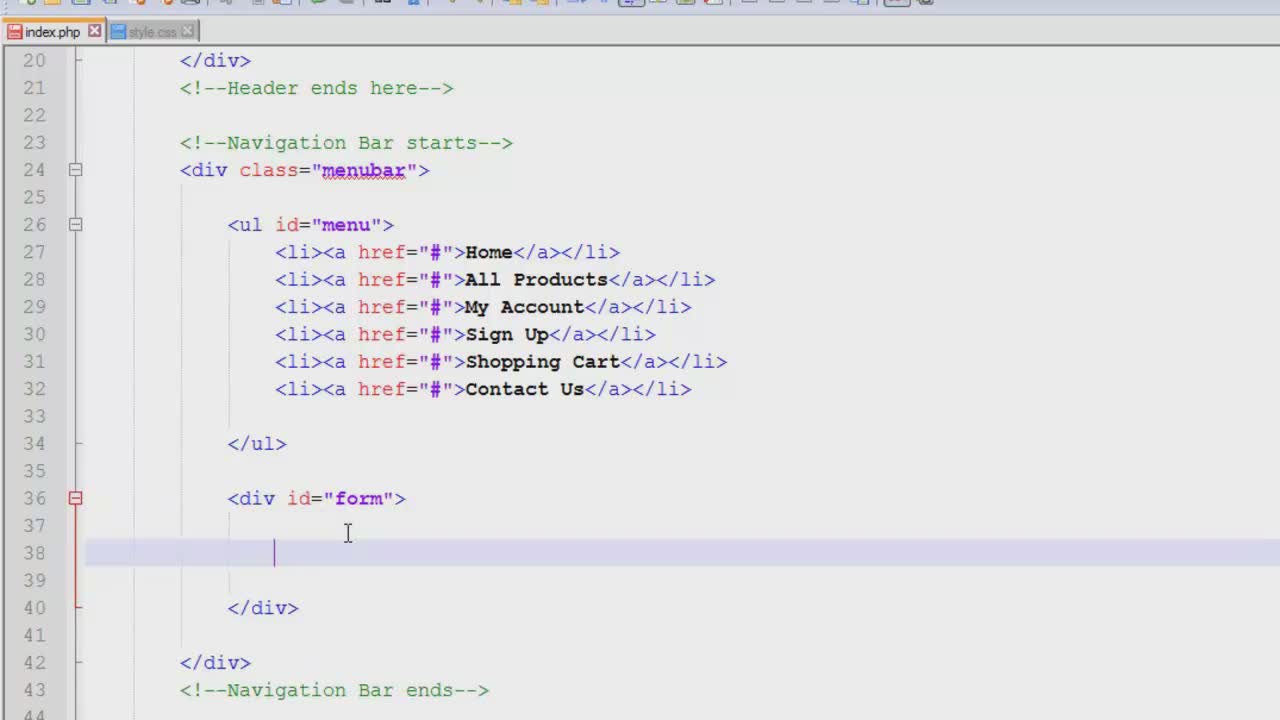 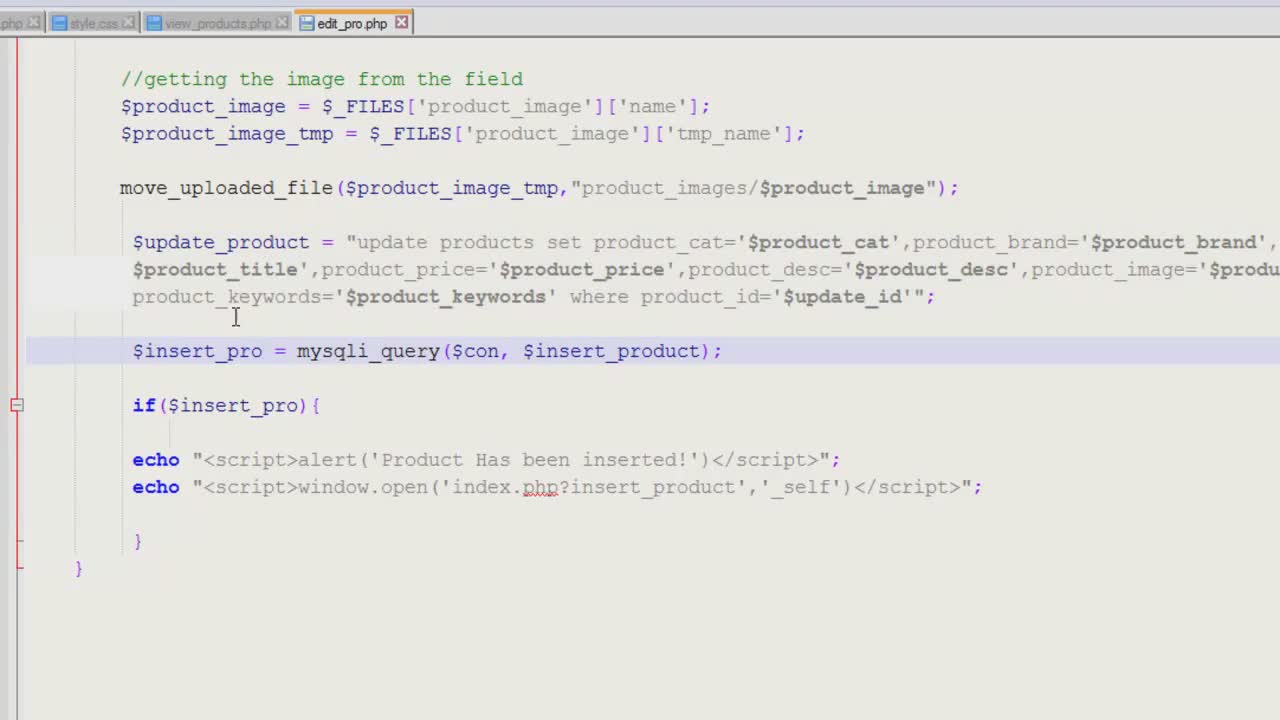 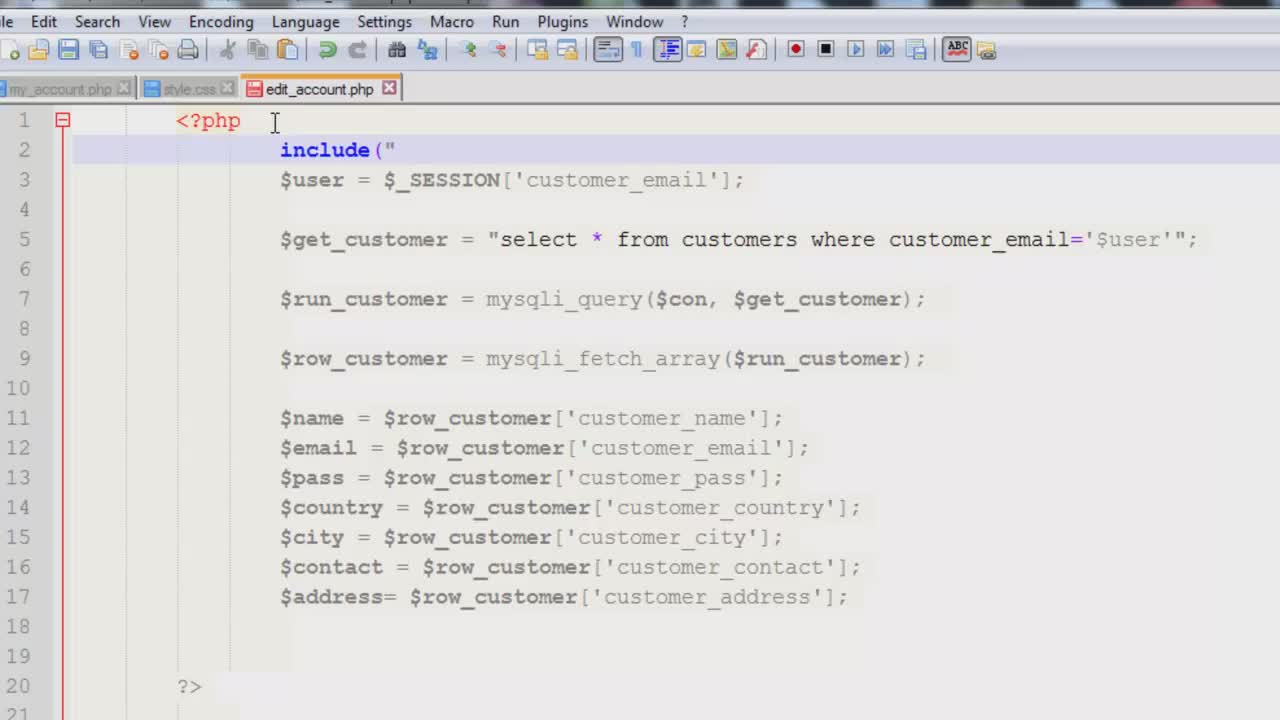 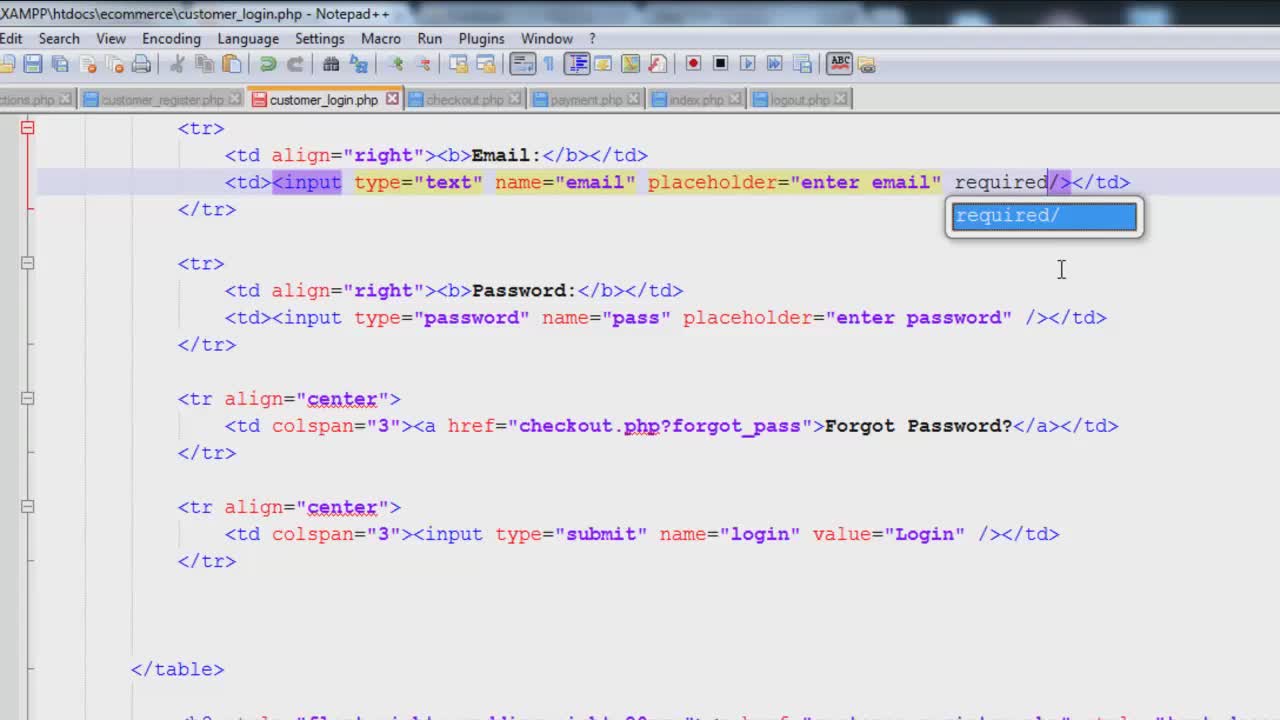  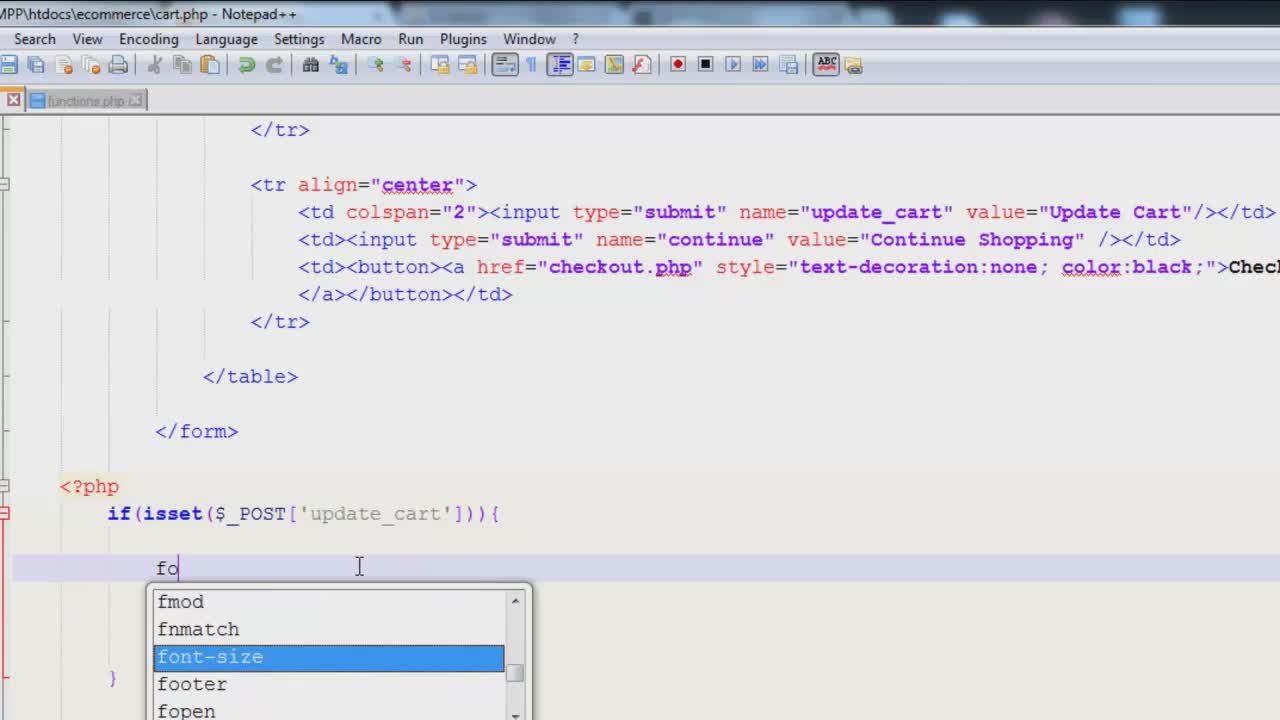 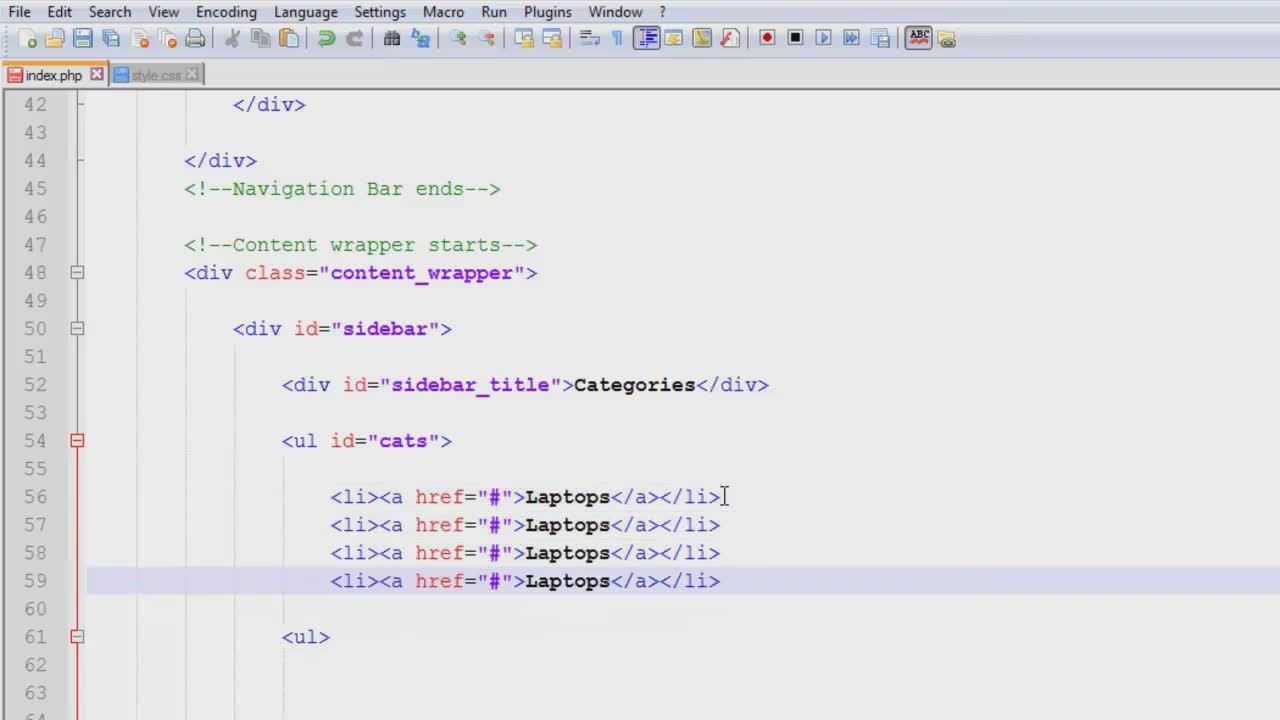 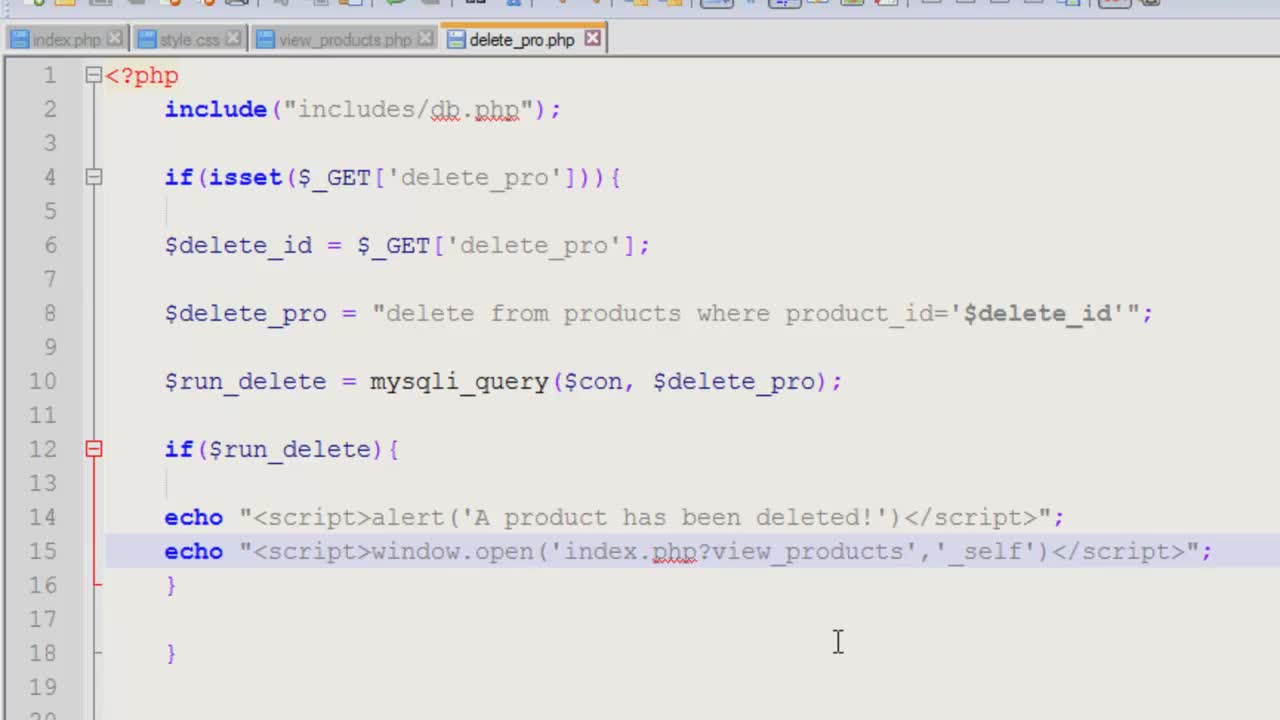 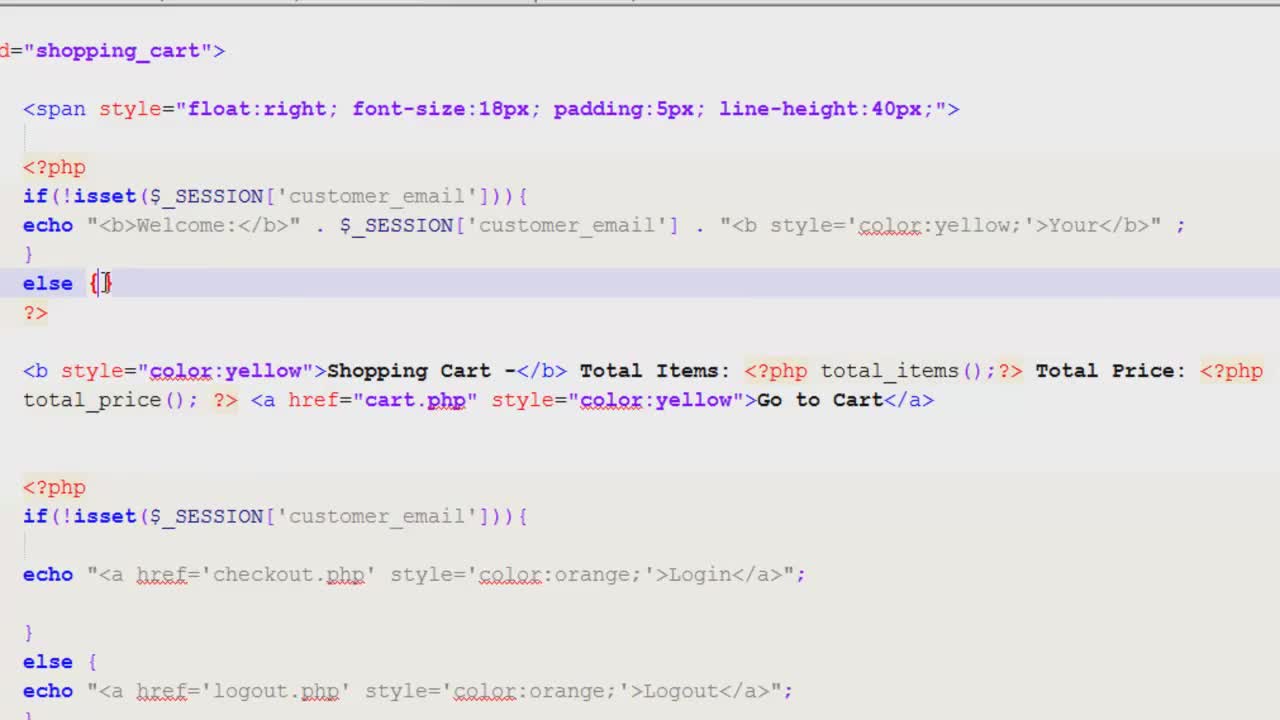 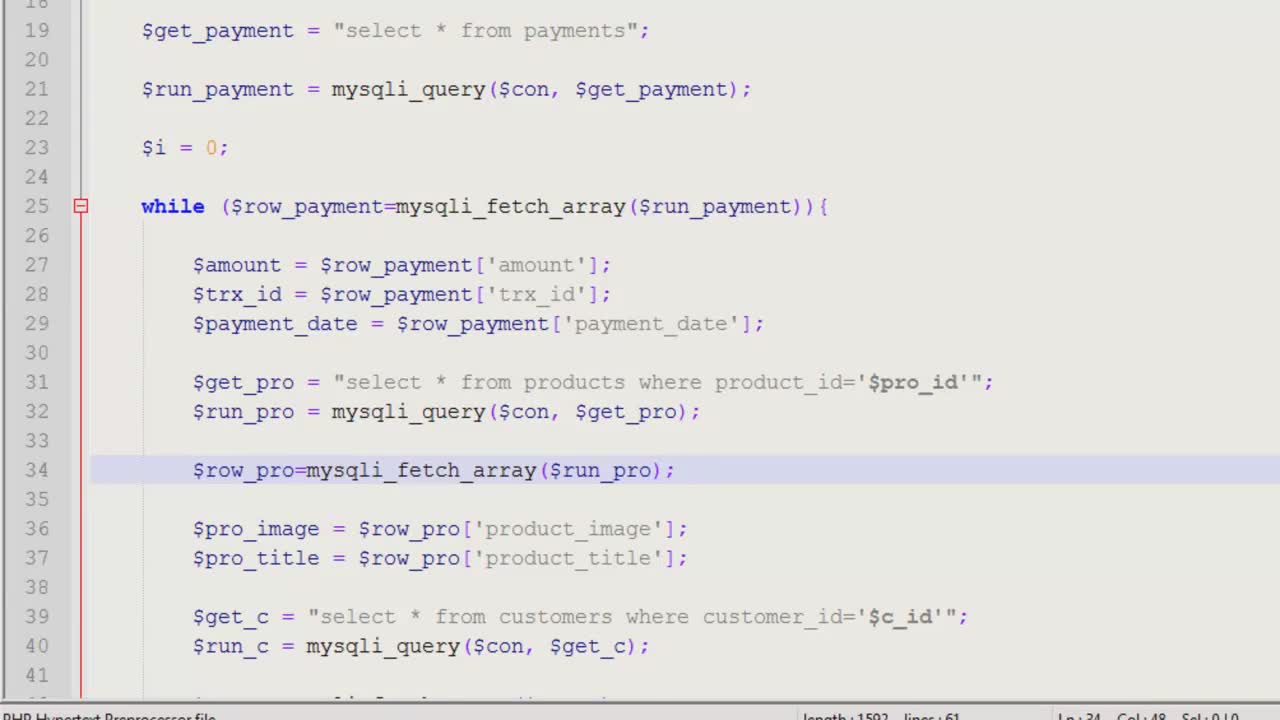 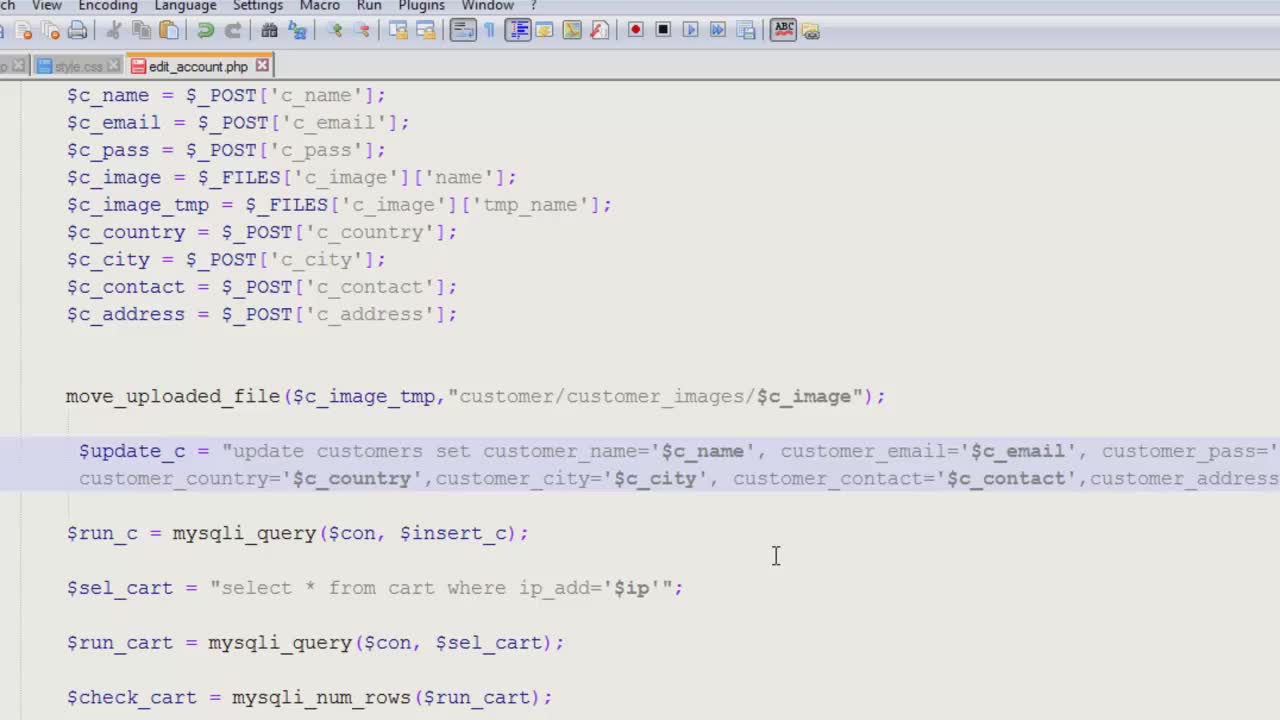 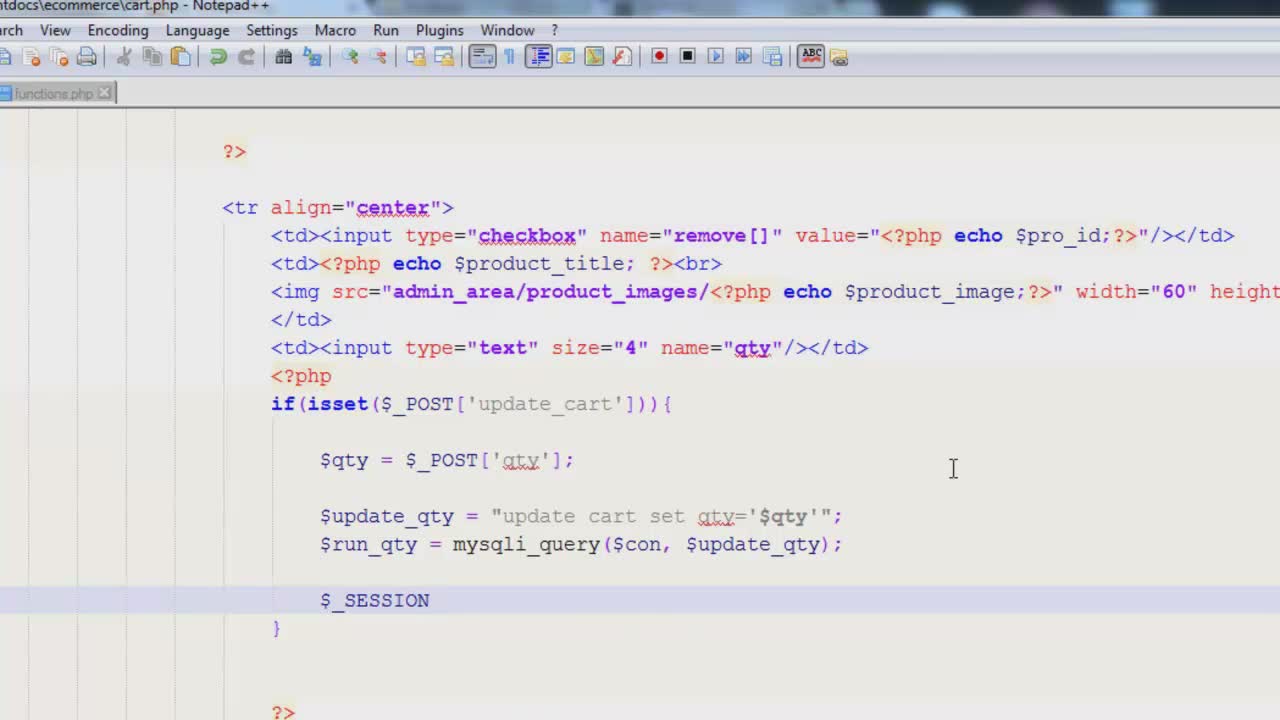 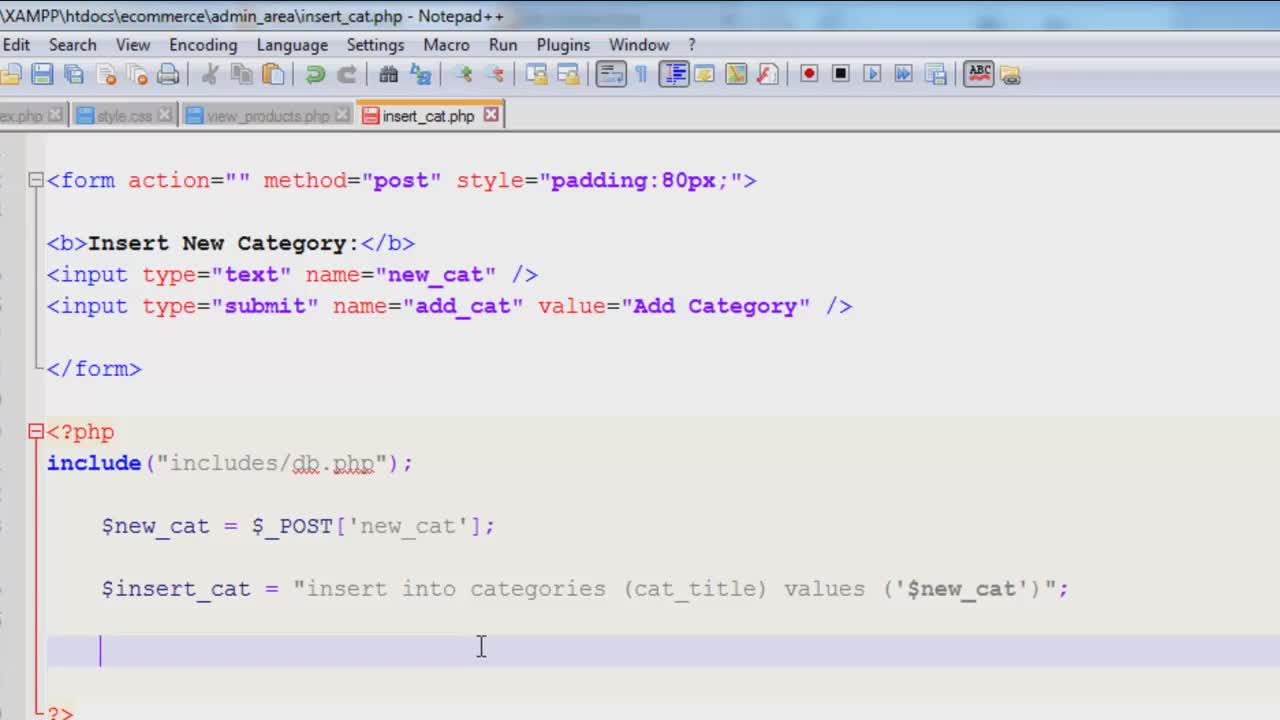 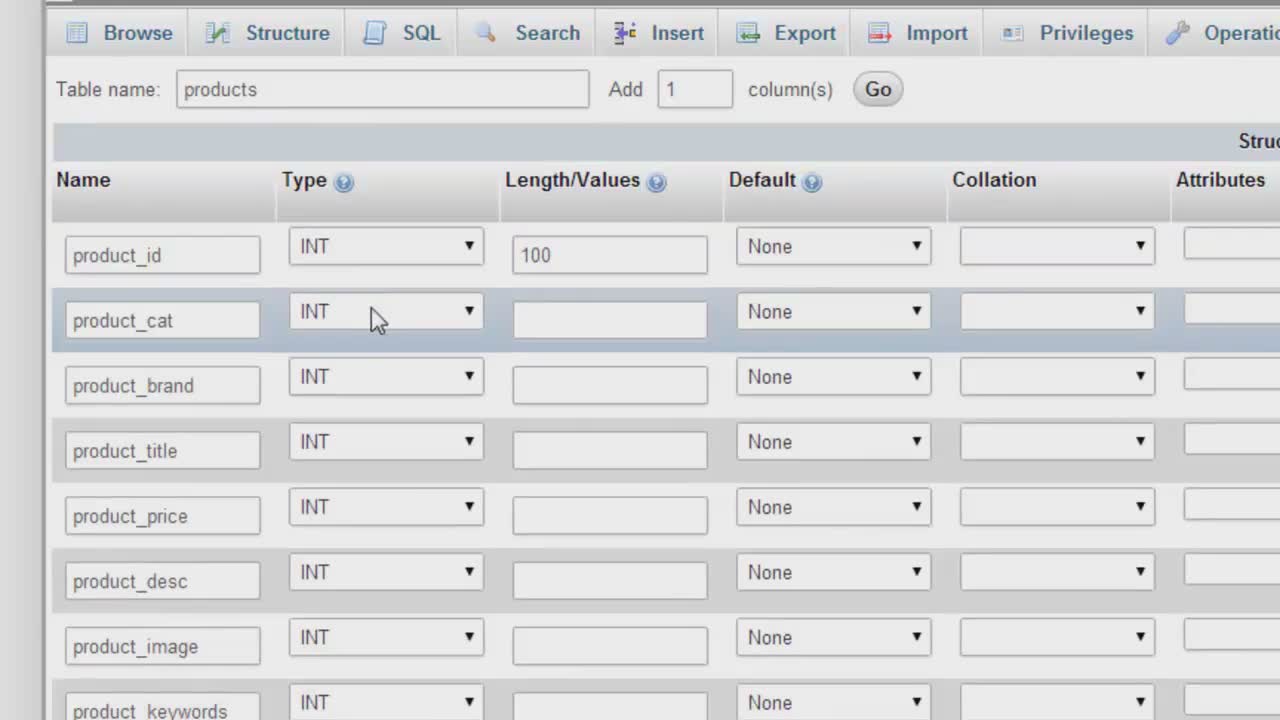 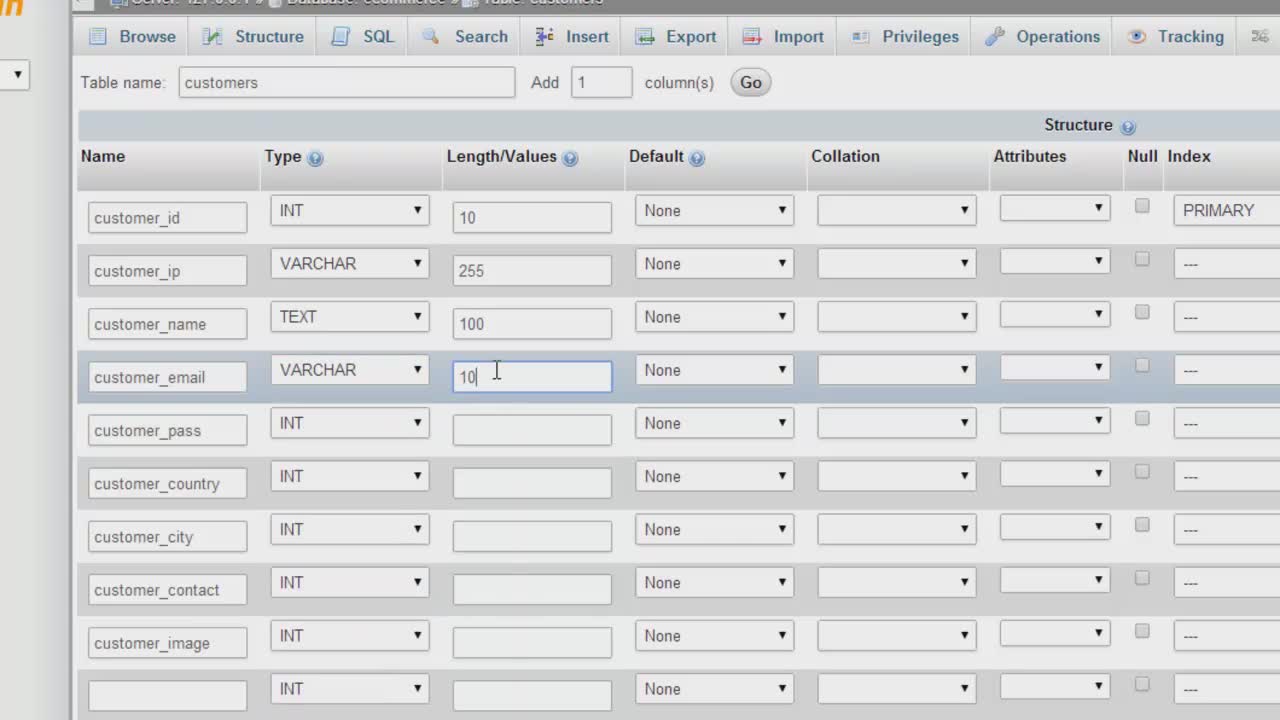 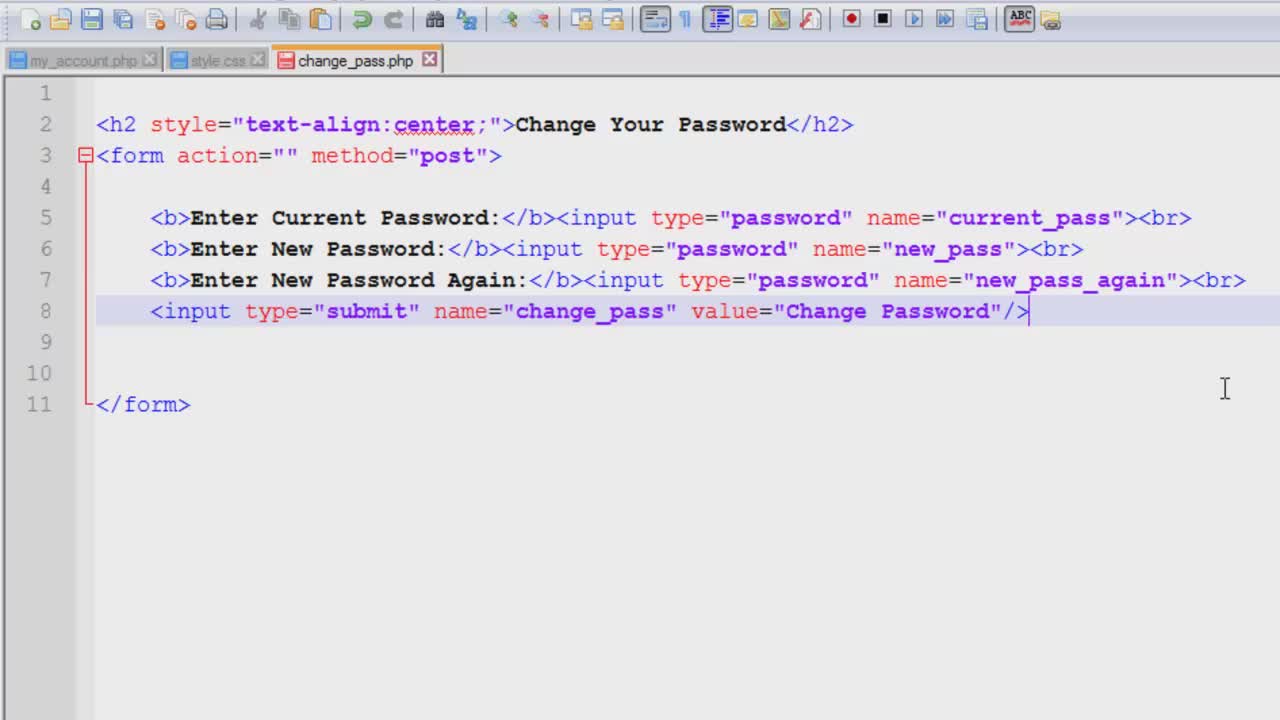  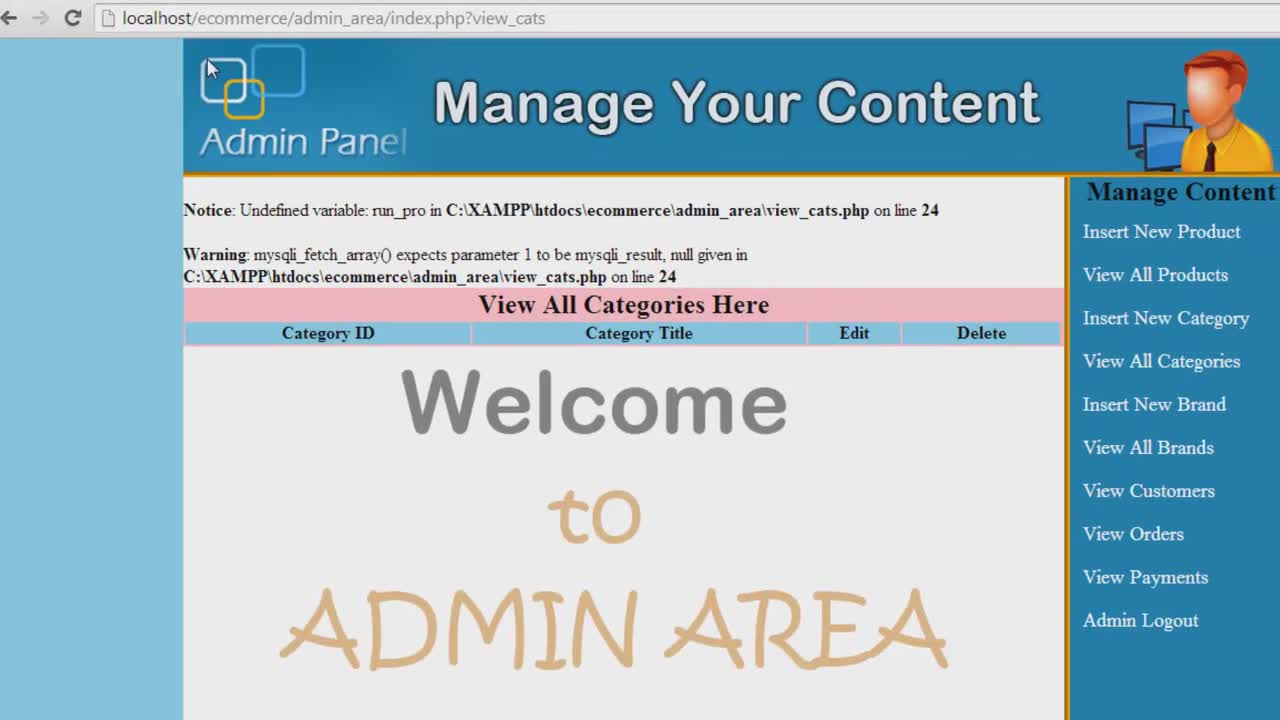 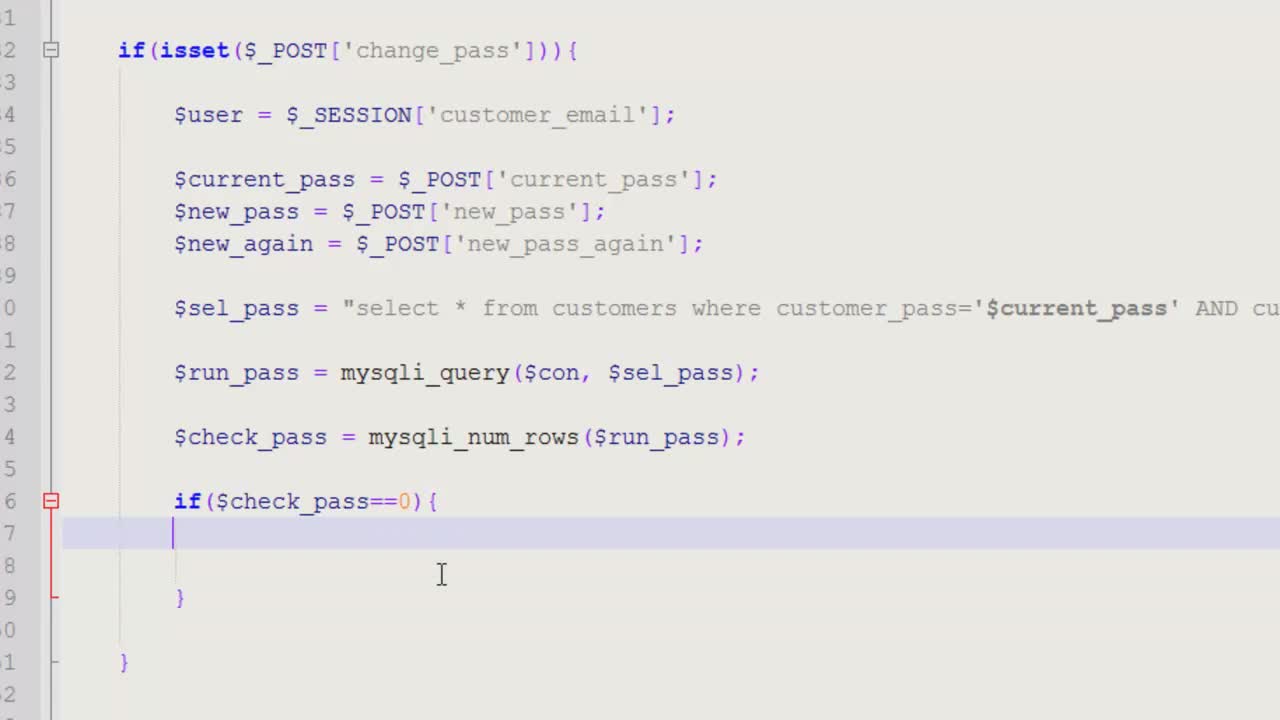 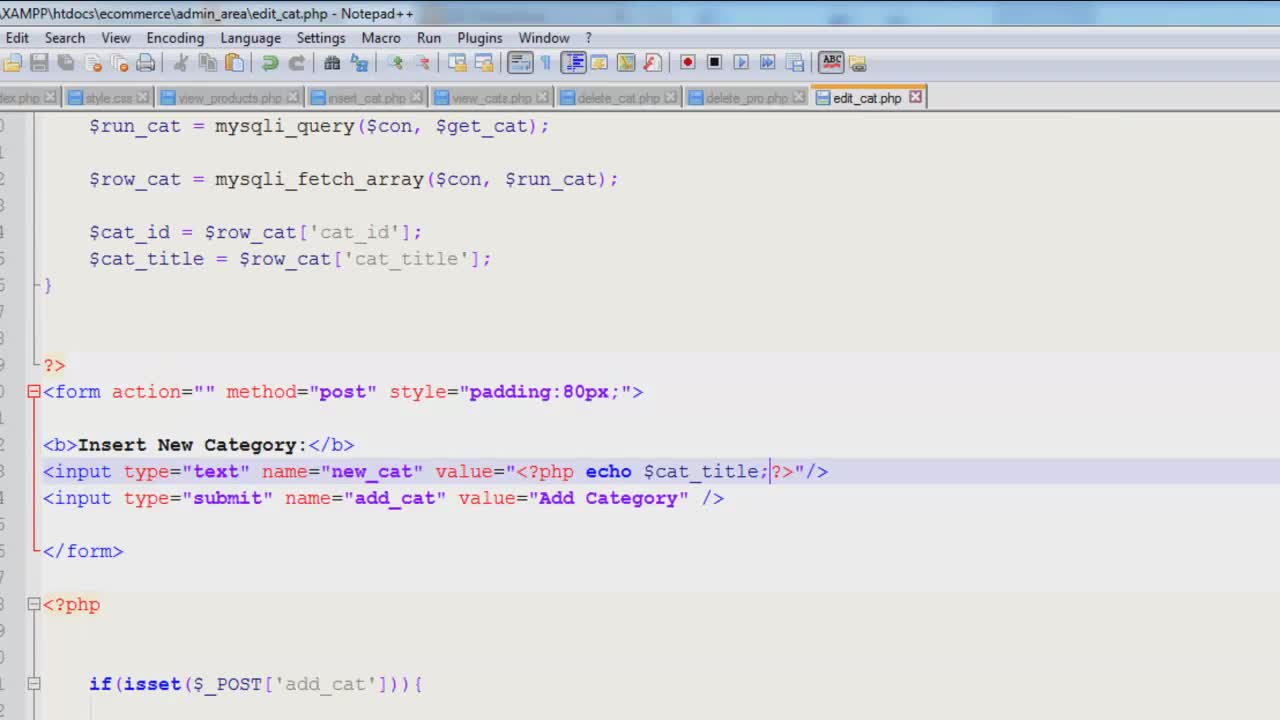  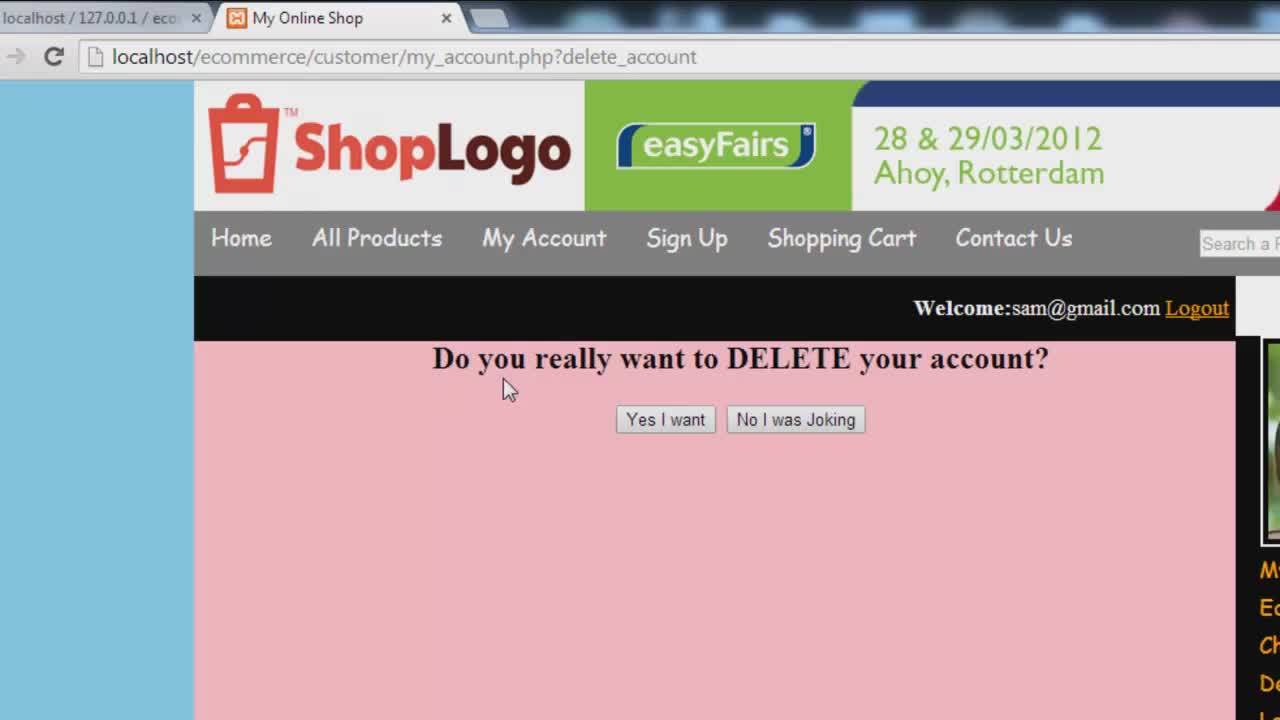 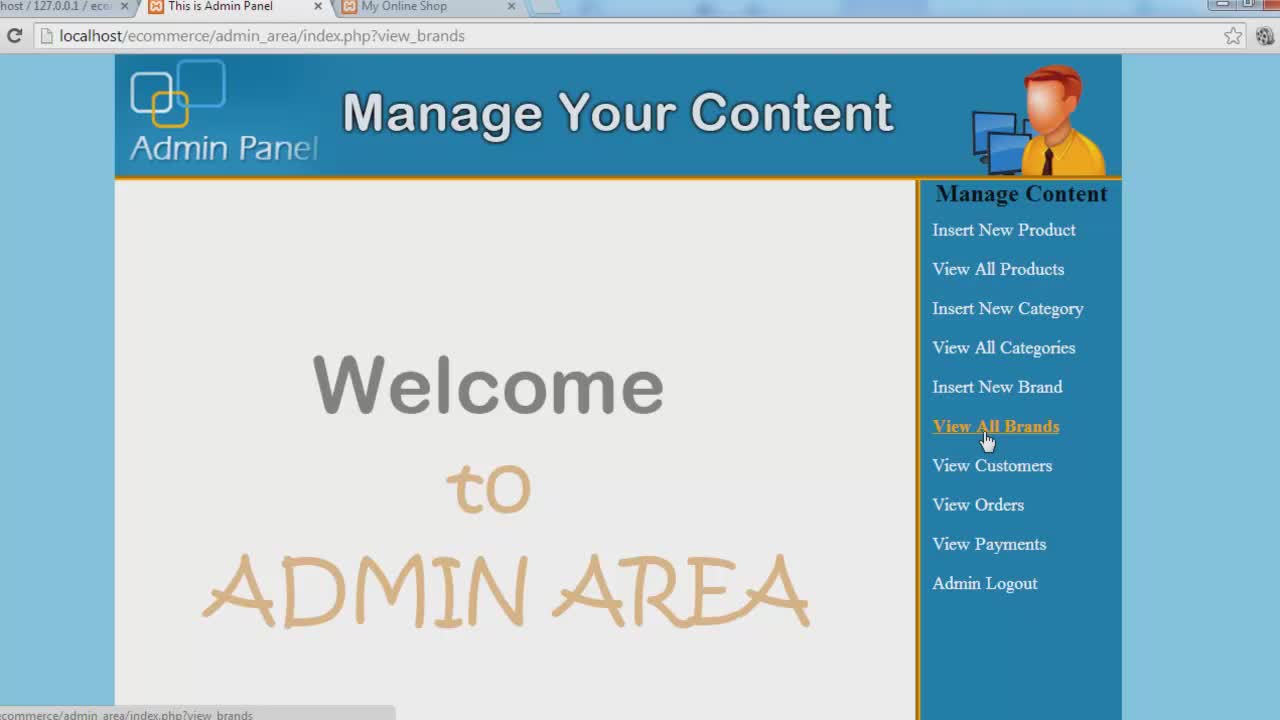 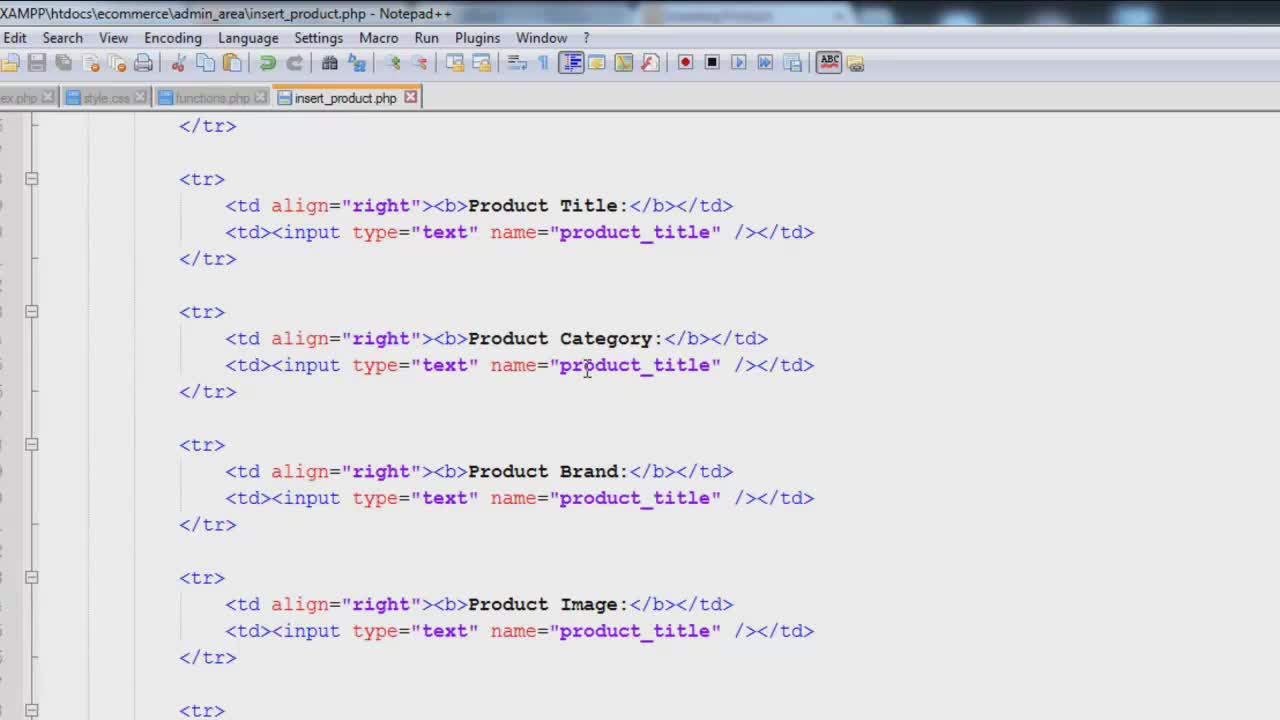 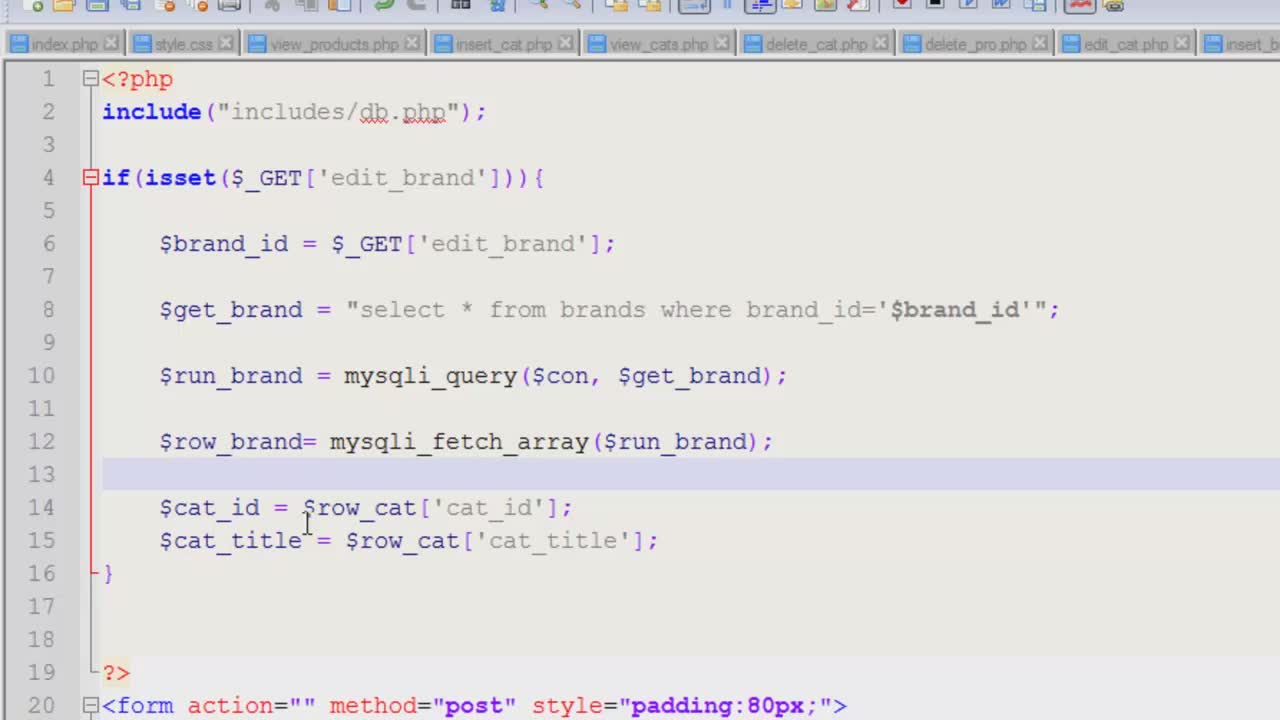 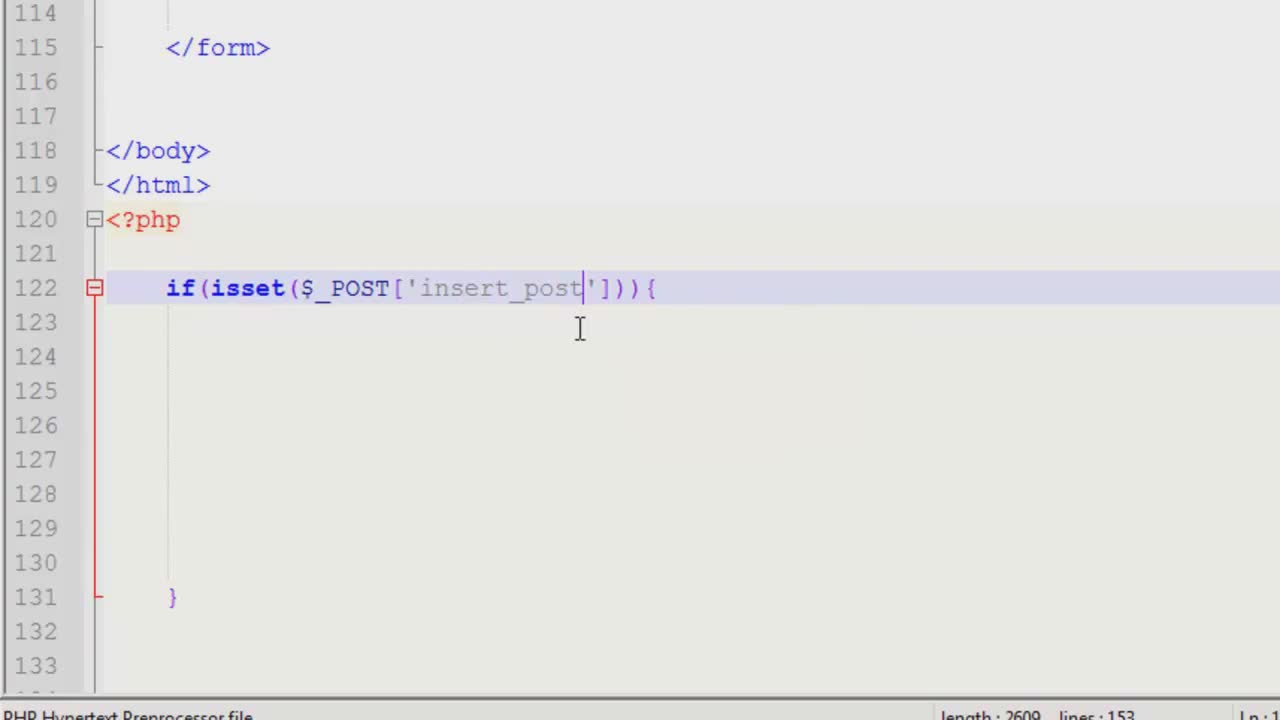 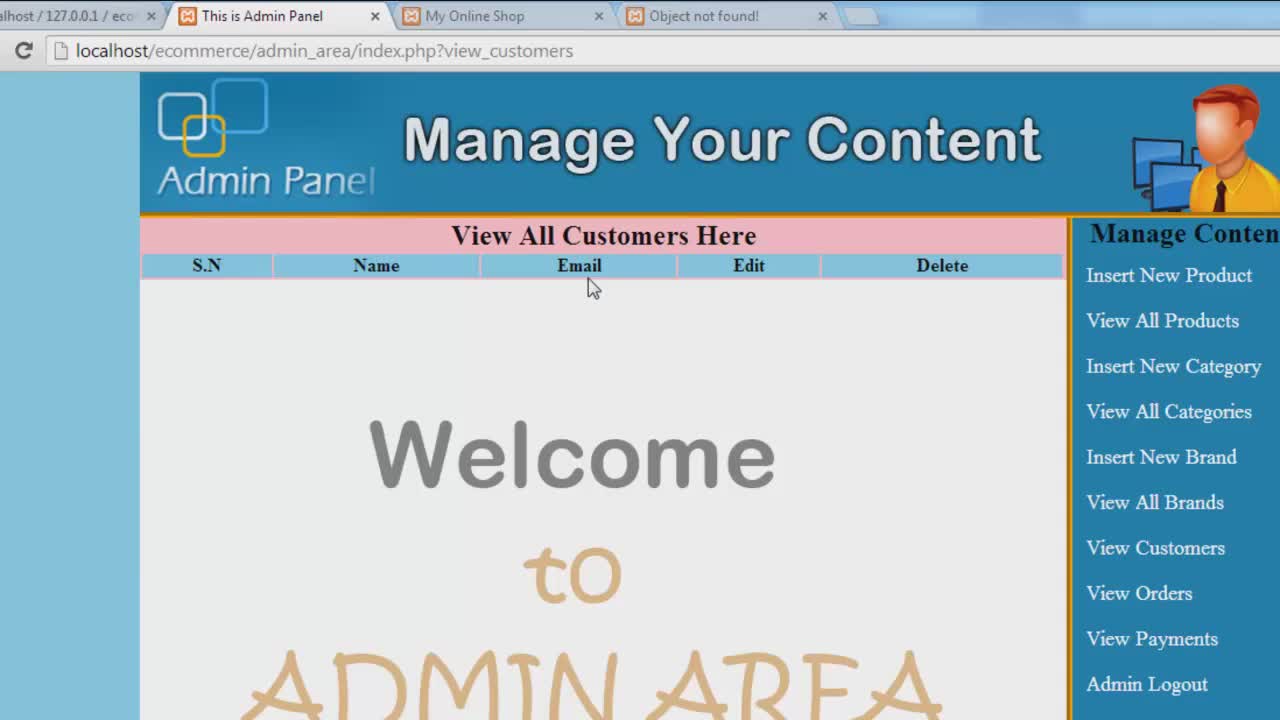 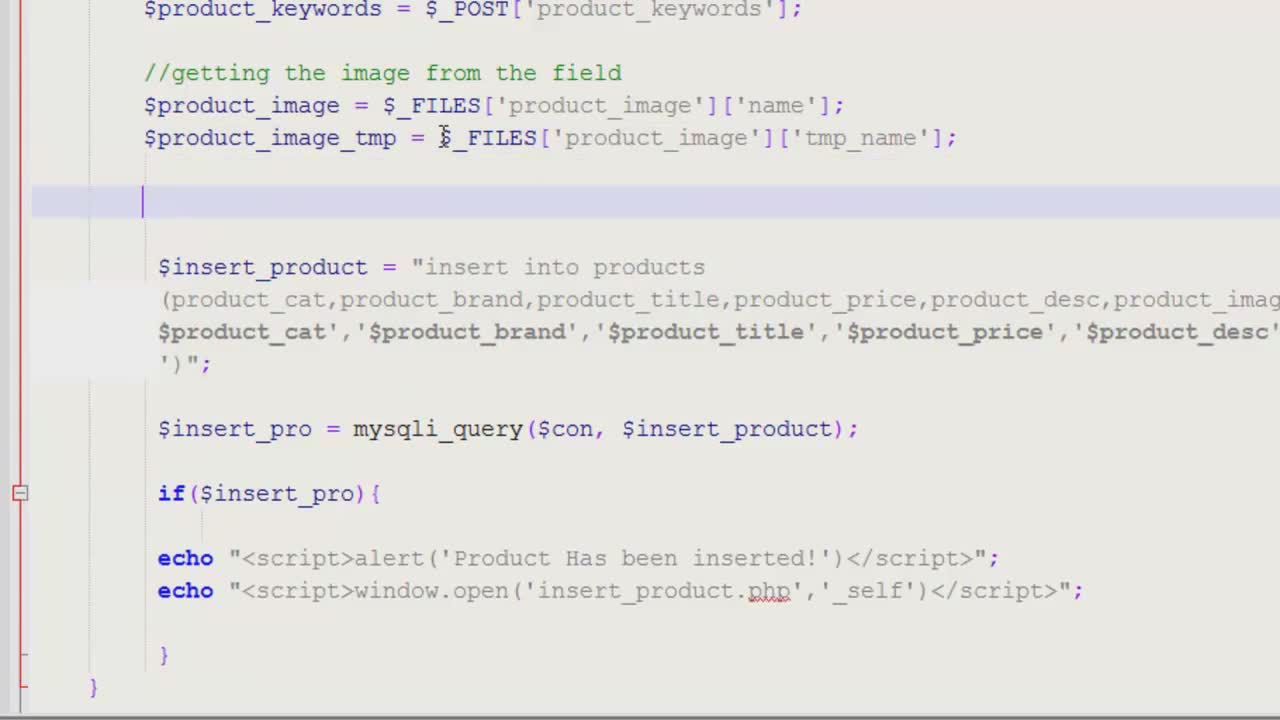 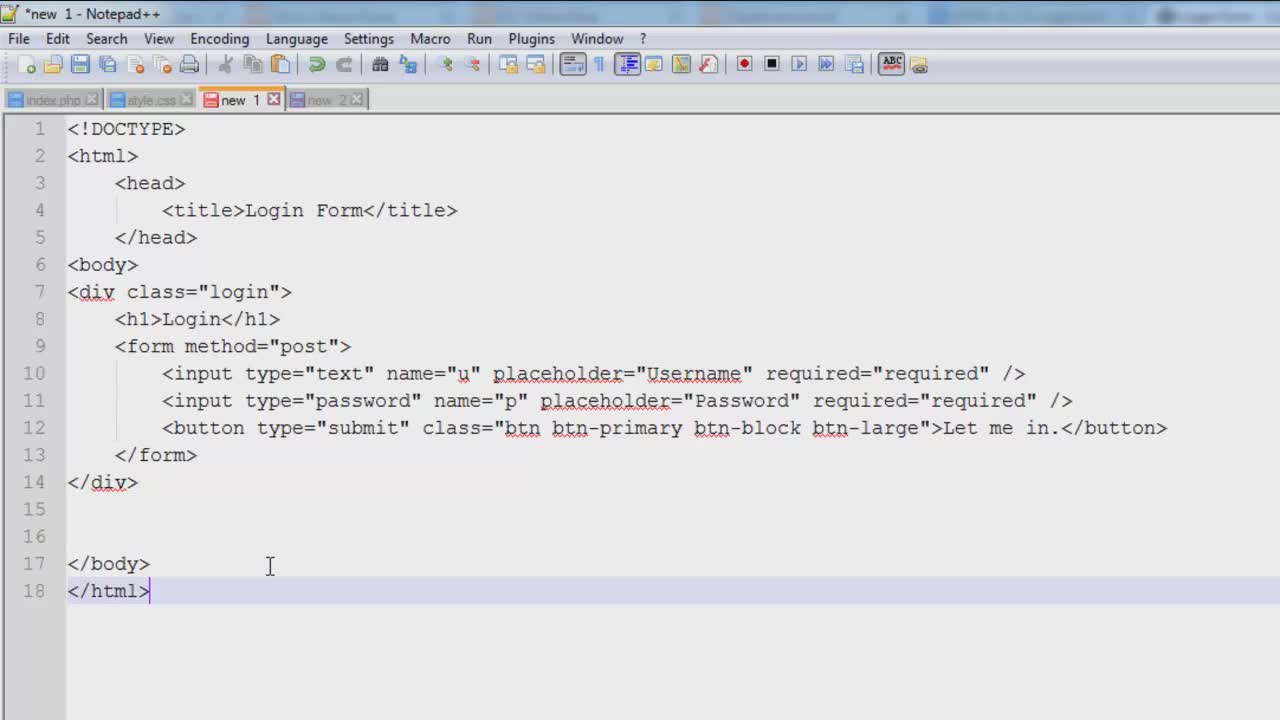 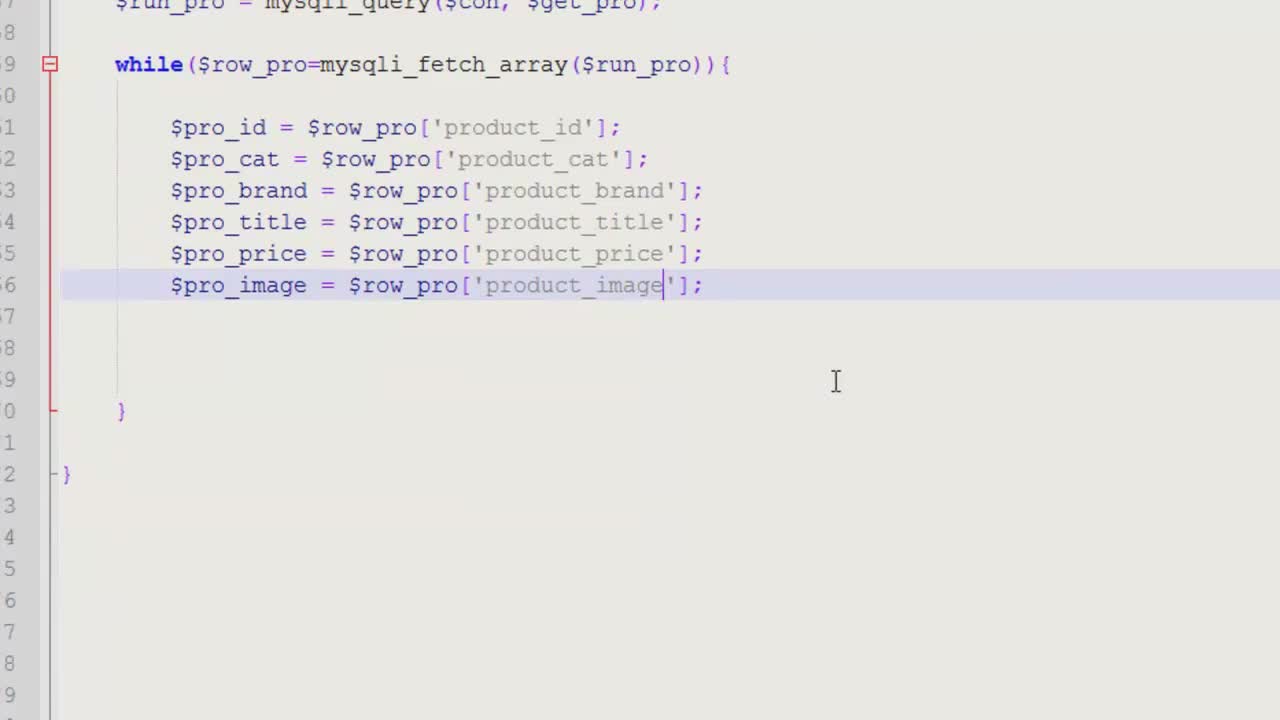 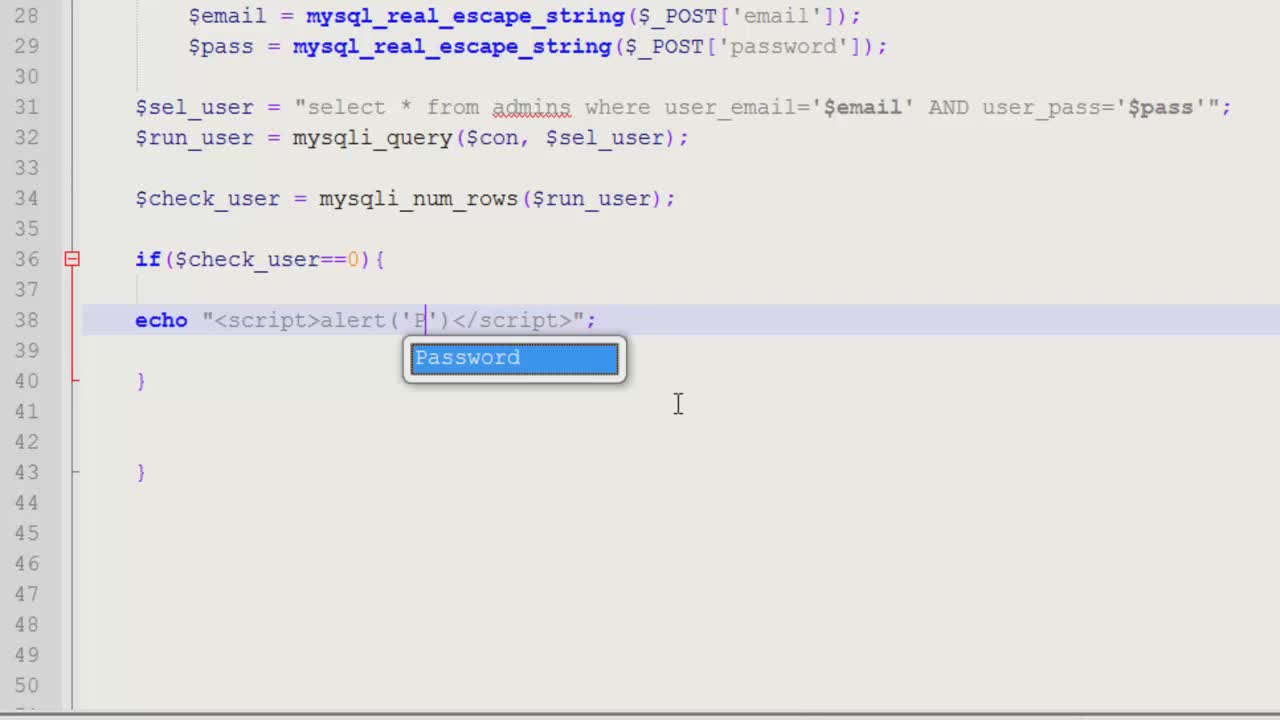 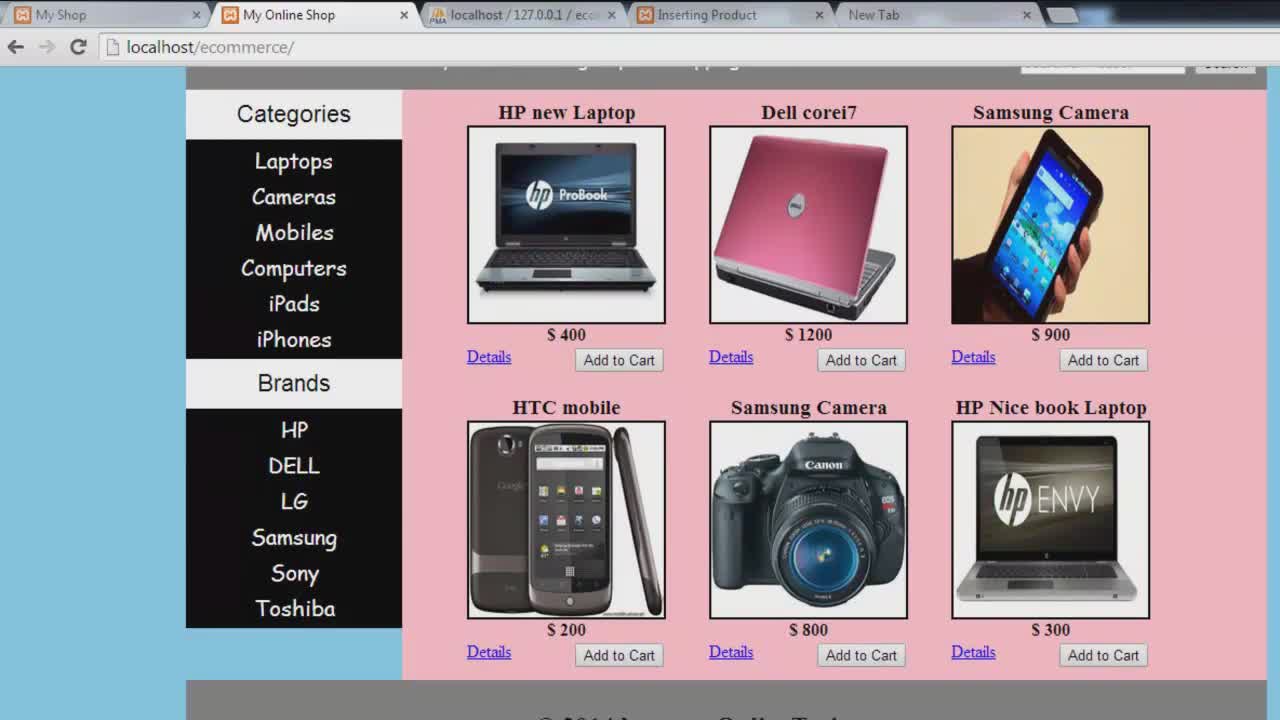 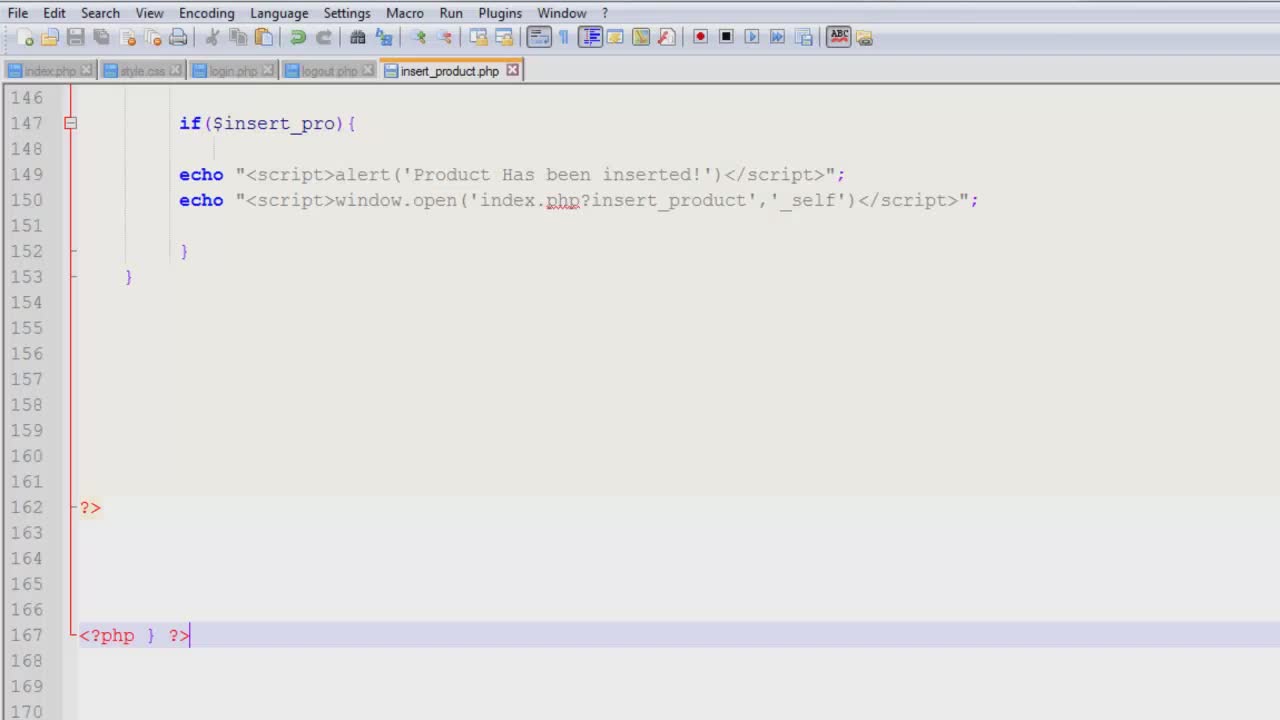 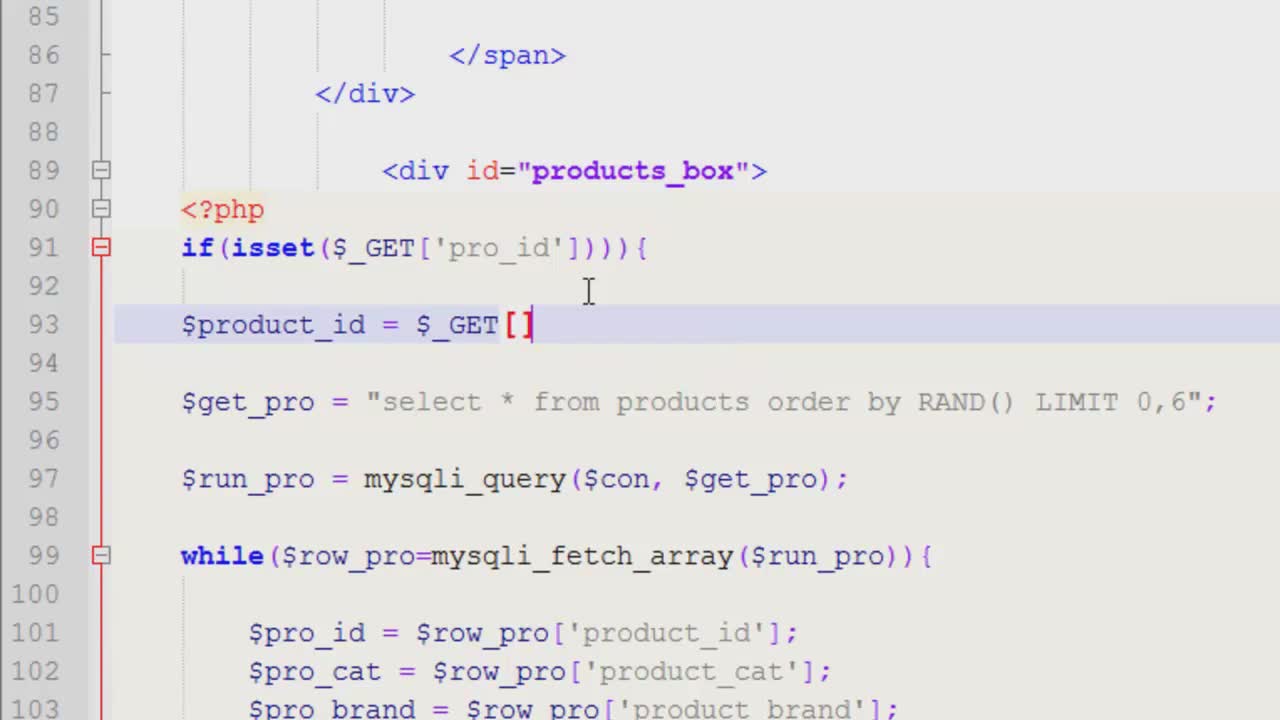 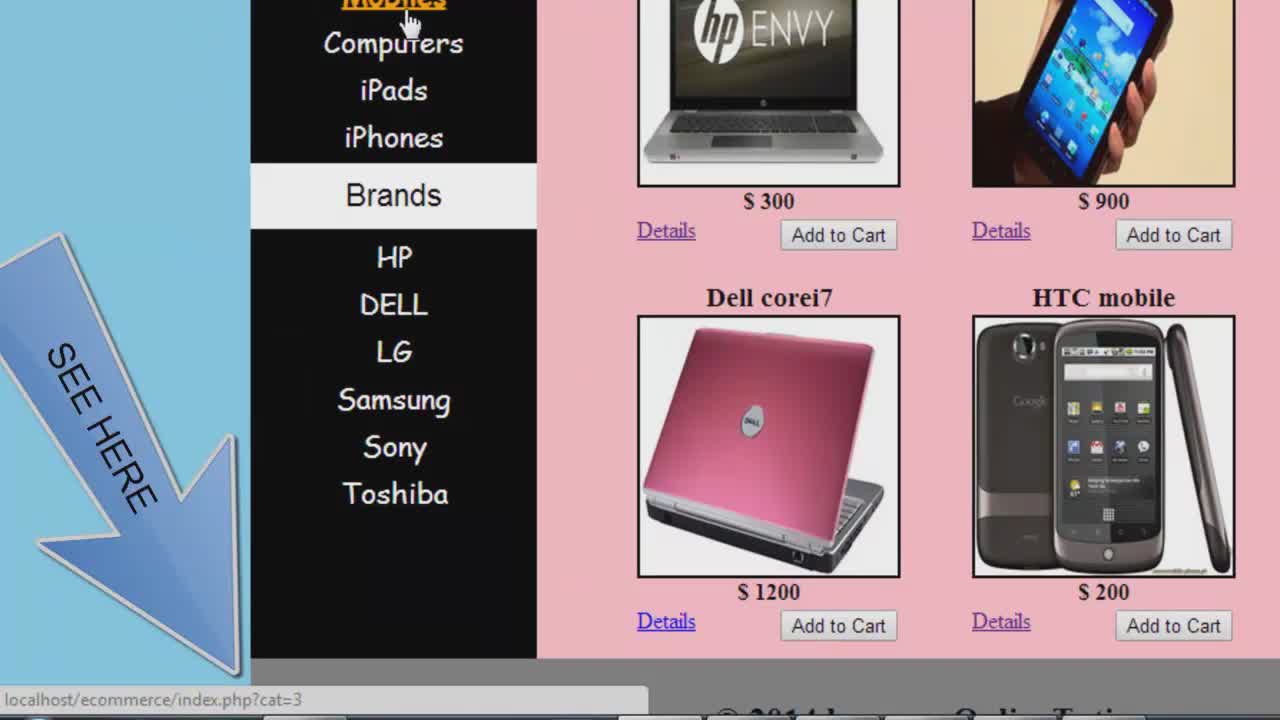 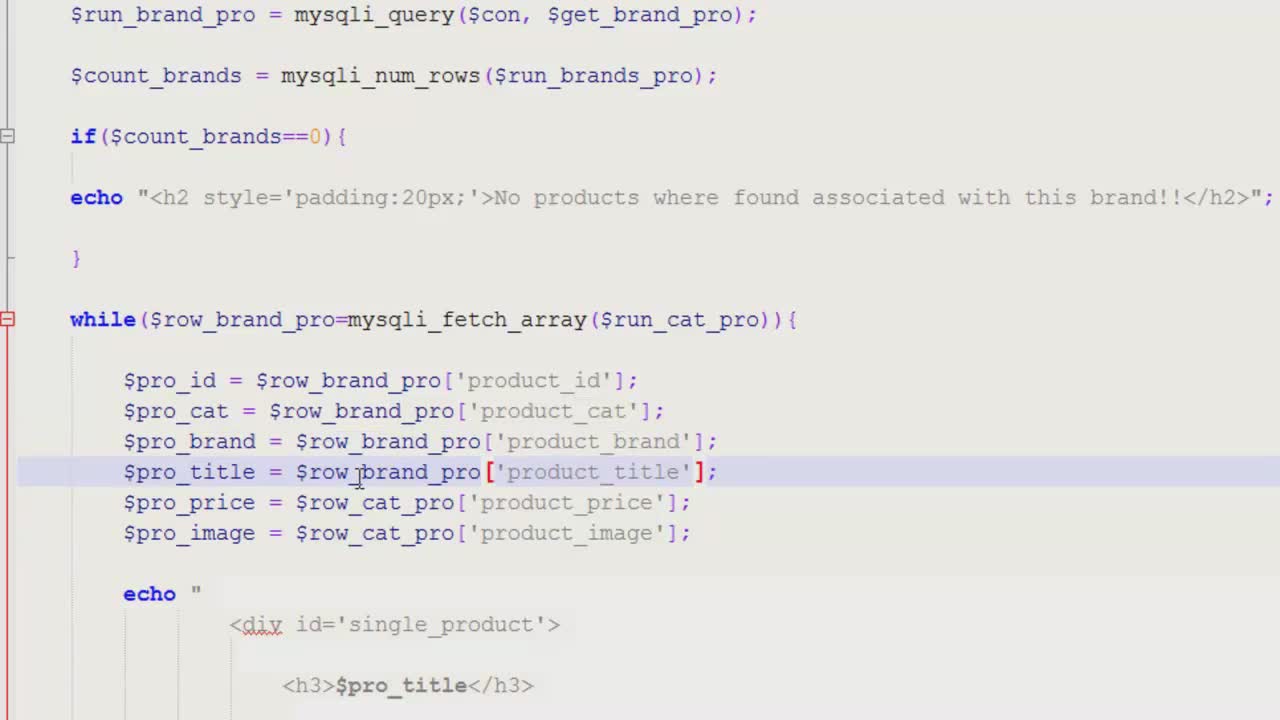   [/spoiler]
Related Torrents
|
|||||||||||||||||||||||||||||||||||||||||||||||||||||||||||||||||||||||||


Home - Browse Torrents
ExtraTorrent.st is in compliance with copyrights
2025 ExtraTorrent.st