|
|
Latest Articles

New Movies


Foreign


|

Torrent Description
Plexus v2.0.10 x64 + PATCH
Plexus 3 comes with a tree based Object Panel, that helps you organize multiple Plexus objects with in the layer. It improves workflow dramatically and the panel itself is dockable anywhere with in After Effects. It helps you keep track of your Geometry Objects, Effector Objects, Render Objects and Groups by allowing you to select only what you need so no more scrolling through a long Effects Control Window. Motion Blur 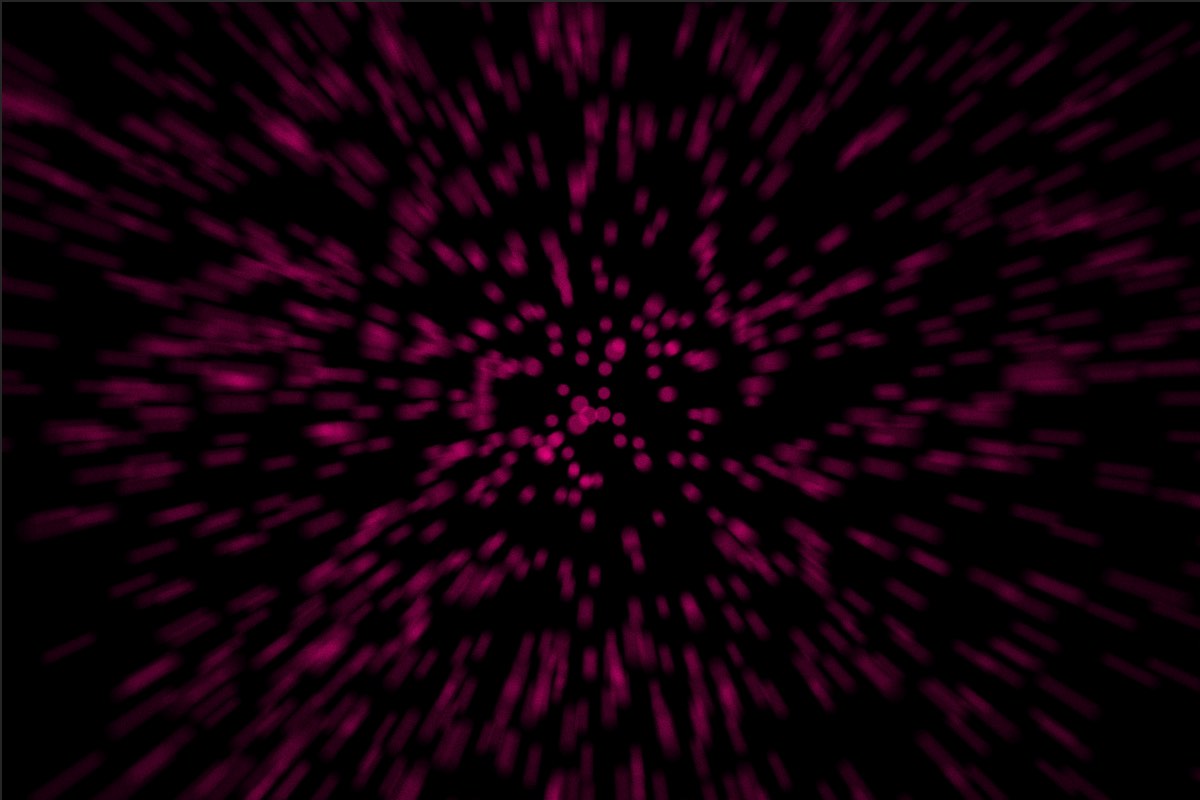 Finally. Now along with Depth of Field, you can add Motion Blur to create cinematic animations. You can use either comp settings or custom camera shutter values. Sound Effector 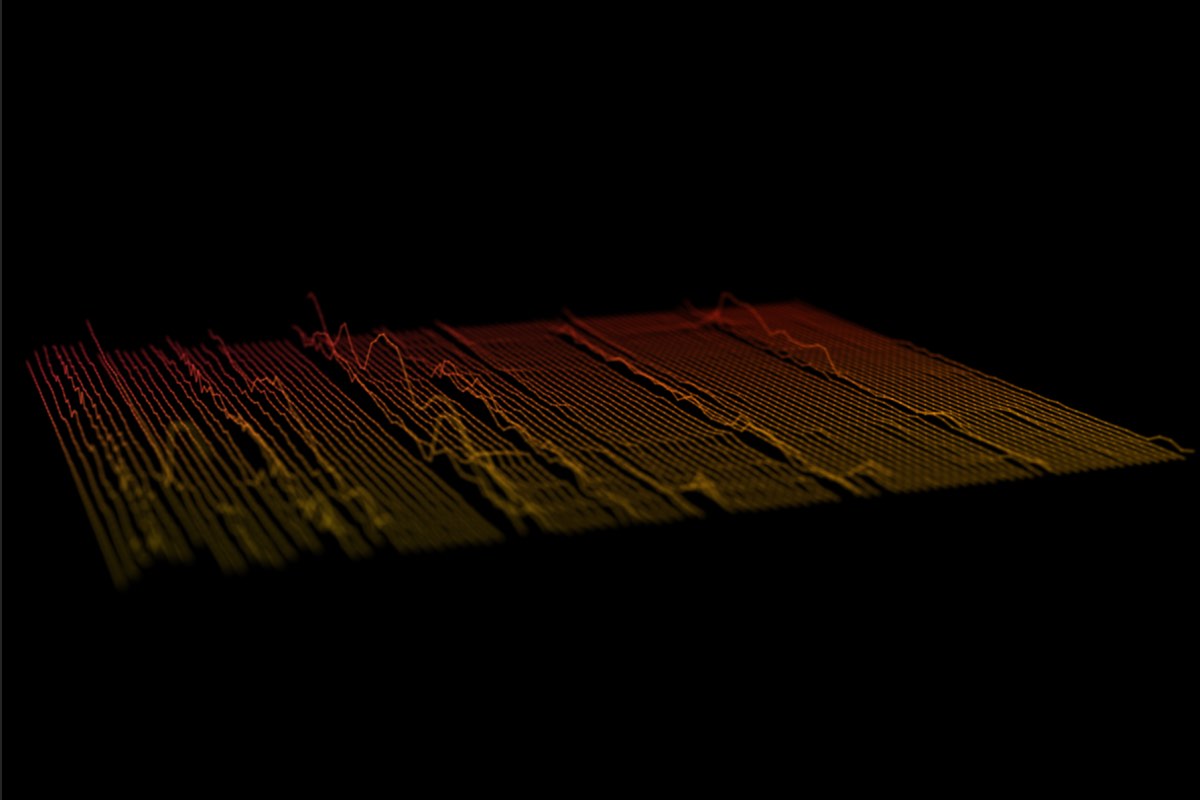 A new Sound Effector Object let’s you sample a waveform from a sound layer in AE and apply it to vertex position or scale or color. You can also Echo the sampled waveform so that the sound is sampled over time. Slicer Object The Slicer Object let’s you ‘slice’ through a mesh and create interesting visualizations. It works best with OBJ meshes and can be used very well along with the instance object. Seamless Beams 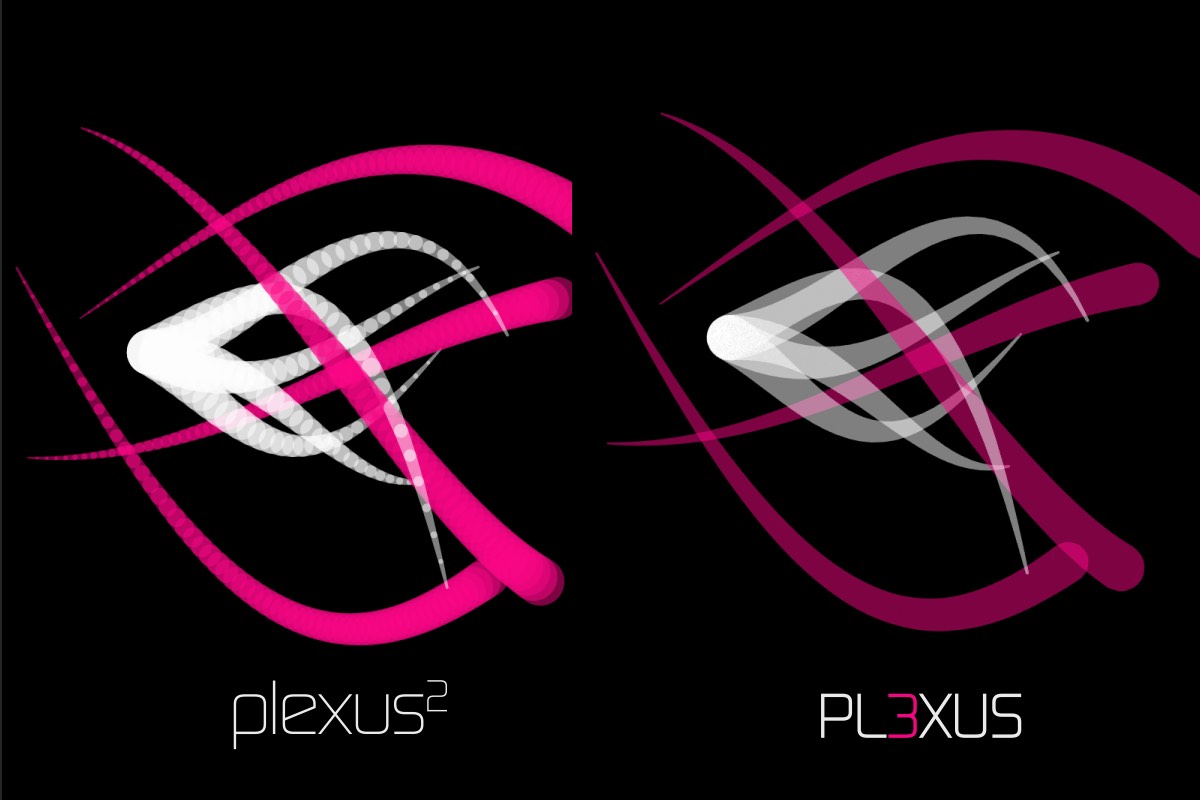 Render sweeping volumetric beams with seamless rendering. Beams no longer show any ‘overlapping joints’. Not only it improves rendering performance, but also renders much more accurate colors. Improved OBJ Import 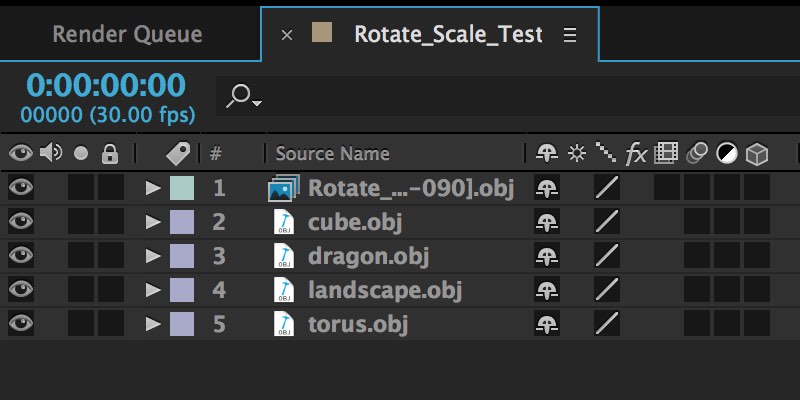 You can now import OBJ files and file sequences using AE’s default file importer, which helps you organize footage better and collect project files. OBJ Object now also imports normals and texture co-ordinates along with vertex positions and facets. Nested Compositions 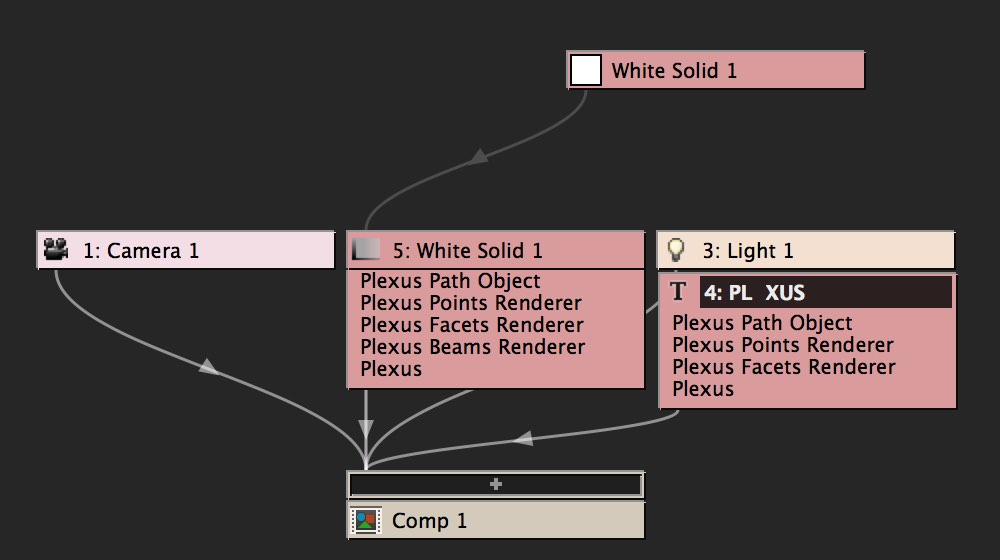 Collapse Transforms for a nested composition, and Plexus behaves like a native AE composition. It reacts to Camera and lights of the native composition. It allows you to pre-comp Plexus layers and still have the flexibility to animate Camera movements. Depth Map Culling 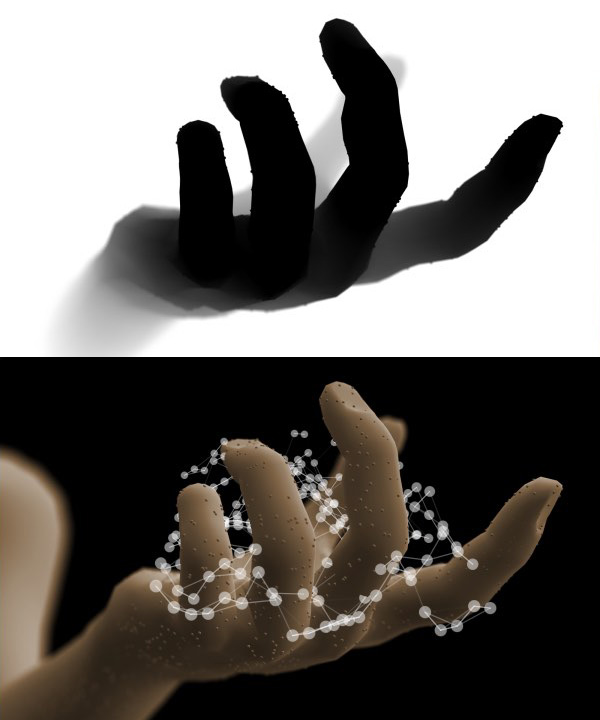 You can use a Depth Map exported by a 3D program or Buena Depth Cue to occlude pixels directly. It helps composite Plexus in 3D scenes with ease. Designed for After Effects’ New ArchitecturePlexus 3 was designed from the ground up to take advantage of AE’s new multi-threaded architecture introduced in 13.5. That means better support for Persistent Caching, better performance and the best part, automagically refresh Instances. You can have many nested instances and all the changes are automatically detected. Also, just in case you need to refresh cache, a new button that let’s you do that with a single click without affecting caches of other layers. Null Object Performance 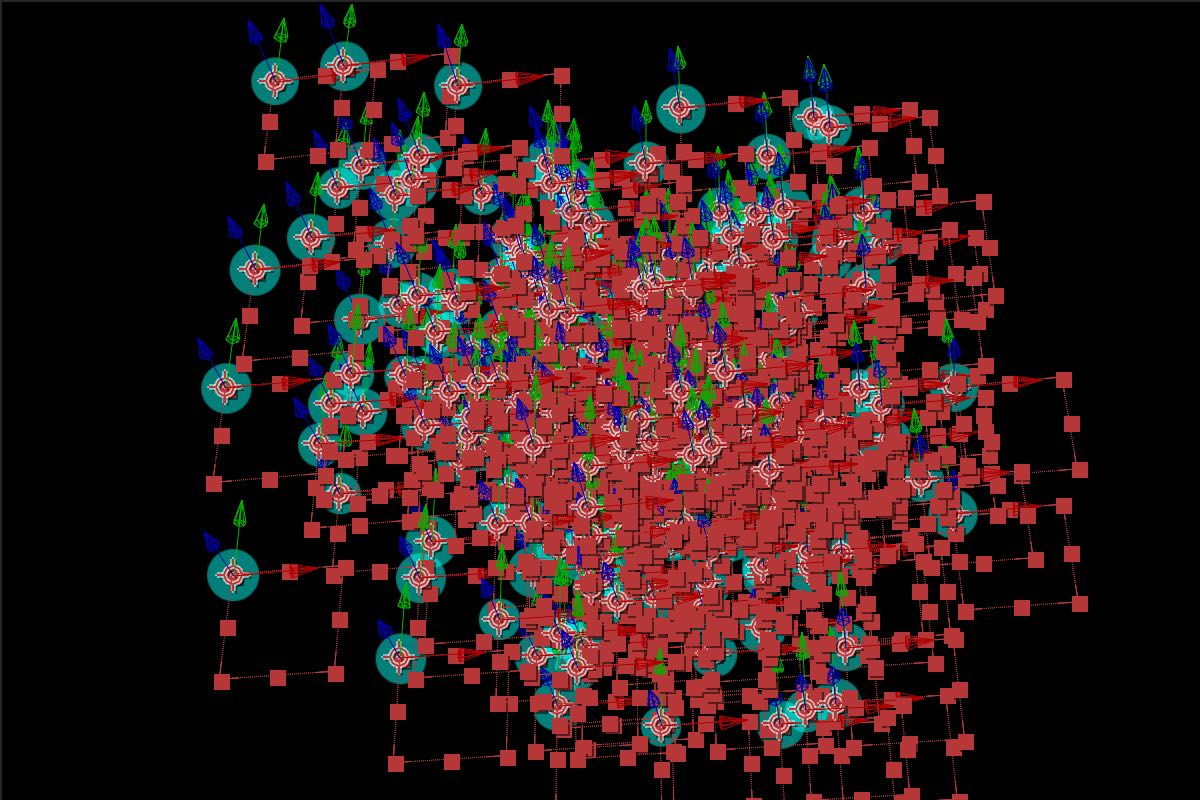 Null Objects have similar performance to point lights if you’re running the latest version of After Effects. No need to convert Nulls exported from 3D applications to point lights anymore. Path Object Improvements 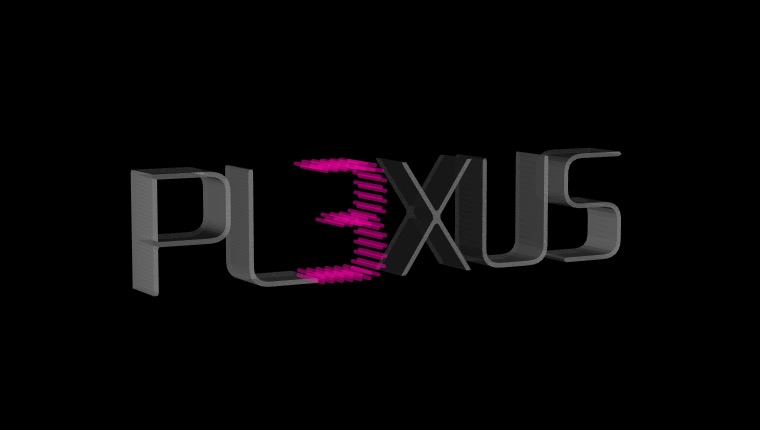 Path Object is improved with scaling controls for replication and tessellation for closed paths. Now there is yet another way to create 3D text in After Effects, but make it a little more interesting. Custom Visibility Settings 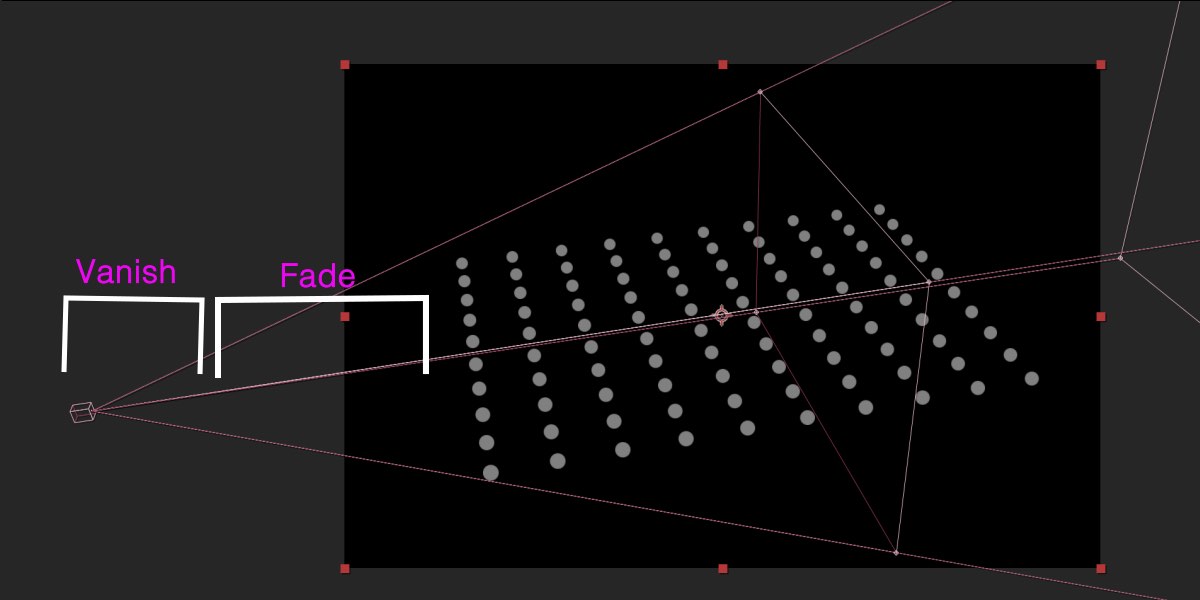 You can gradually fade or vanish points, lines or polys when they get close to the camera or far away from the camera. You can also custom hide polygons that face towards or away from the camera. Unified Rendering 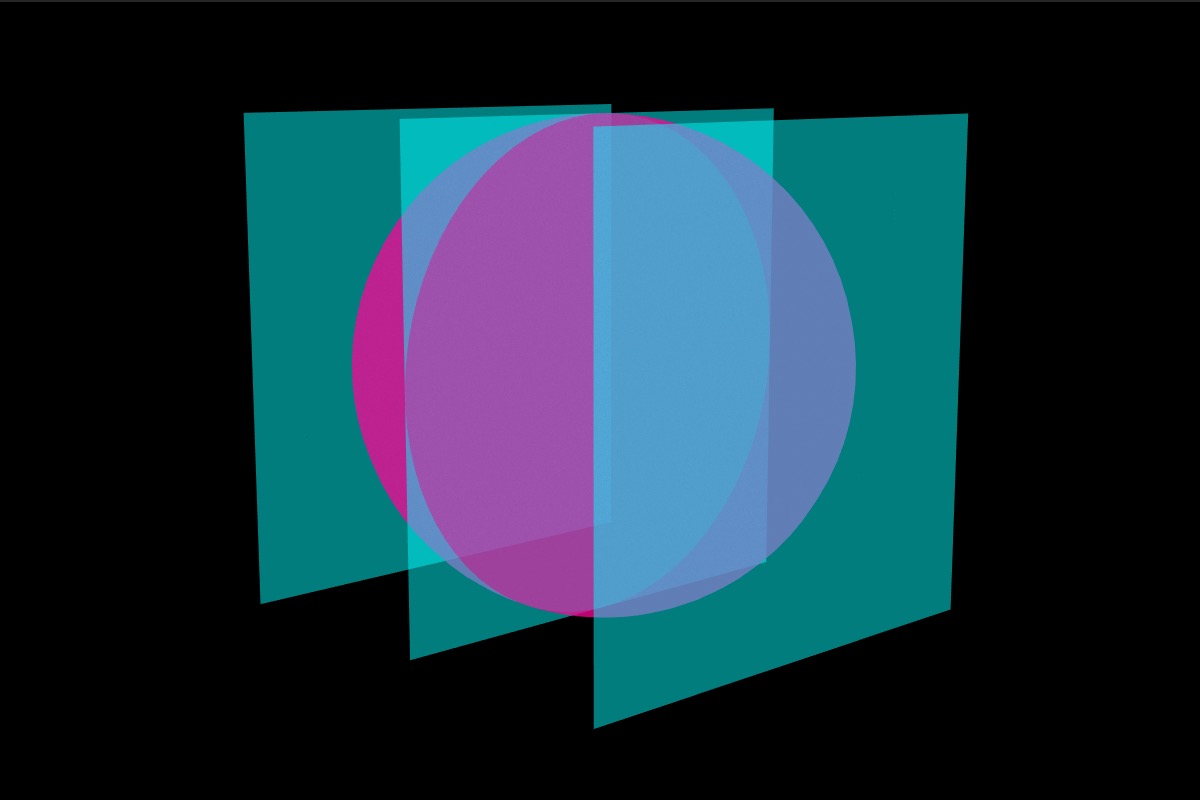 Unified rendering allows all objects to have a common 3D space. It allows points, lines & polys created by multiple objects to intersect with one another in z-space. Loop Noise 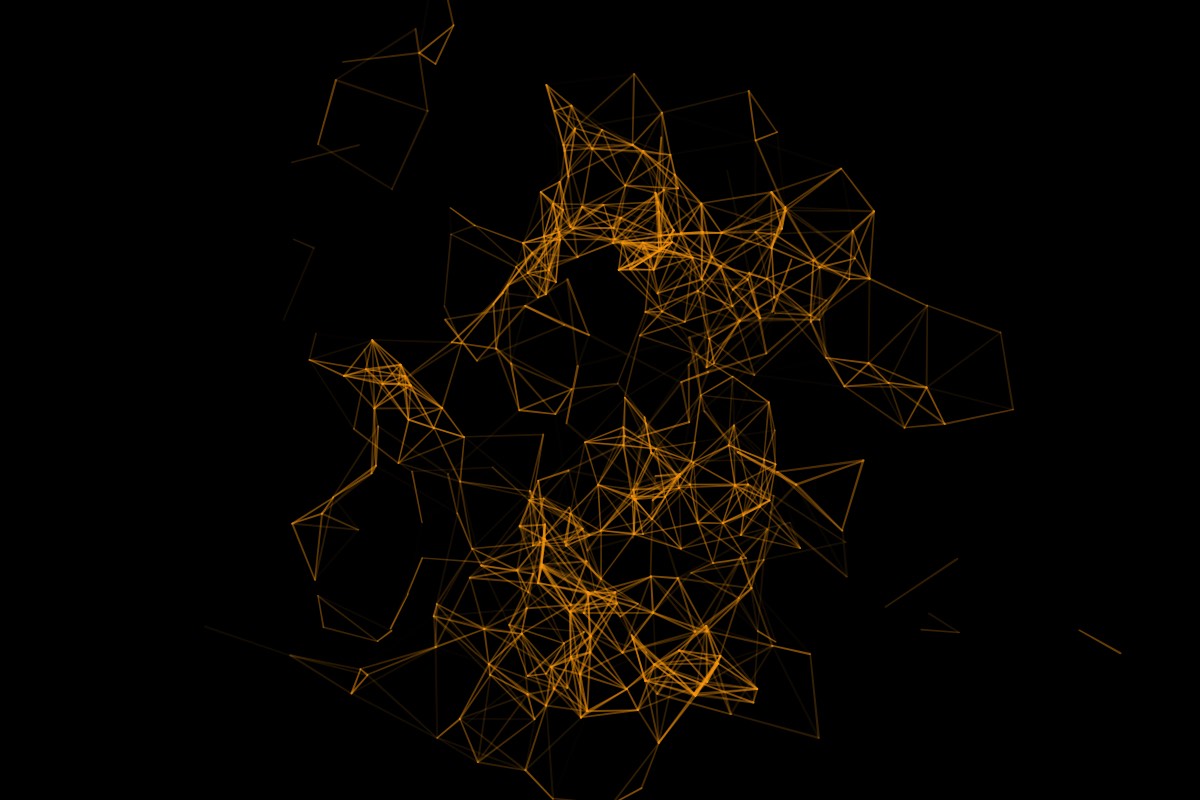 You can seamlessly loop noise values for animations. You can cycle through noise evolution and it works for position, scale & color values. Main FeaturesThese are some of the main features of Plexus. For a more detailed overview of all the features, make sure to check out the VIDEOS tab above and also the Documentation.  LinesCreate Lines and Other interactions and control their properties based on the position and distance between the particles.  TriangulationTriangulate and create new surfaces on the fly with in-built triangulation modes. You can also control the triangulation by various parameters like distance between the particles etc.  Modular WorkflowPlexus has a modular workflow which consists for various objects. You can have infinite number of objects and different combinations which gives you complete control and flexibility.  Text Layer IntegrationPlexus integrates seamlessly with the text layers in After Effects. It automatically creates particles based on the outlines of the text layers and you can create various text based transitions with ease.  SpritesRender custom sprites based on the particle data and also randomize them. You can also render multiple custom sprites per particle which is very helpful for Infographics.  Sound EffectorSample a waveform from a sound layer in AE and apply it to vertex position or scale or color. You can also Echo the sampled waveform so that the sound is sampled over time.  Noise/Field EffectorsUse Lights to create and control various force fields using Noise and Spherical Effectors. You can seamlessly loop noise values for animations. You can cycle through noise evolution and it works for position, scale & color values  3D SplinesFinally! Now you can create 3D Splines and stroke them with ease natively with in After Effects. Not only that, you can replicate them in 3D space.  SVG Sequence ExportExport entire Composition or the current Work area to an SVG Sequence. You can choose the right frame to print later or use them all in sequence to play an animated sequence.  Unified RenderingUnified rendering allows all objects to have a common 3D space. It allows points, lines & polys created by multiple objects to intersect with one another in z-space.  Color MapsUse Color Maps to affect the position, color or scale of points.  Facets & Facet EffectorsGenerate Facets between the particles and control their properties using Facet Effectors.  OBJ SequencesImport vertices and facets from OBJ files and OBJ file sequences created in your favorite 3D modeling application. Plexus ships with a OBJ Sequence Exporter for Cinema4D at no cost.  Graph UI ParametersGraph based parameters let you control various properties like color, opacity and thickness based on user drawn graphs. You can also choose preset graph flows if necessary.  ContainersYou can contain all the particles in a container which can be either spherical, cubical or a custom OBJ object. Containers help restrict the movement of the particles.  InstancesCreate multiple instances and also nest those instances into another instance object and create multiple instances of that object. Crazy right? Its recursion for the crazy minded.  Slicer ObjectThe Slicer Object let’s you ‘slice’ through a mesh and create interesting visualizations. It works best with OBJ meshes and can be used very well along with the instance object.  3D Seamless BeamsBeam lines from particles of one object to another or in between various particles of the same object. You can control various properties of the beams using graph based parameters.  Camera/Depth of FieldPlexus interacts natively with AE's Camera and produces HQ OpenGL accelerated Depth of Field effects.  Motion BlurCreate cinematic animations using Motion Blur. You can choose to use AE's comp settings or manually override shutter values to create really dramatic motion blur.  Visibility SettingsYou can gradually fade or vanish points, lines or polys when they get close to the camera or far away from the camera. You can also custom hide polygons that face towards or away from the camera.  Depth Map CullingYou can use a Depth Map exported by a 3D program or Buena Depth Cue to occlude pixels directly. It helps composite Plexus in 3D scenes with ease.
|


 fr
frHome - Browse Torrents
ExtraTorrent.st is in compliance with copyrights
2025 ExtraTorrent.st